Online Booking and Calendar
Clients book 24/7 from your website, Instagram or Google profile. Salonist adds a room calendar, a waitlist and package booking for spas. Boulevard has a strong booking flow with precision scheduling.
Boulevard prices per location. Essentials is $143 a month for up to five providers, Premier is $234 and Prestige is $328, with forms and QuickBooks sold on top.
Salonist covers the same daily work for $59 to $179 a month with unlimited staff, every location included and no add on fees for forms or reporting.
Boulevard Essentials two locations, before add ons
Boulevard prices are per location from its pricing page. Salonist covers every location on one plan.
| Feature | Salonist | Boulevard |
|---|
Boulevard publishes clear prices, which makes this easy to compare. Read them per location, because that is how they are charged.
Plans are priced per location, with add ons on top.
| Plan or fee | Amount |
|---|---|
| Essentials, up to 5 providers | $143 per location a month |
| Premier, unlimited providers | $234 per location a month |
| Prestige, forms included | $328 per location a month |
| Enterprise | Custom quote |
| Forms add on | From $65 per location a month |
| QuickBooks sync | $45 per location a month |
| ePrescribe | $45 per prescriber |
| Text messages | Charged by volume |
| Email blasts | About 1 cent each after the free tier |
Card processing rates are not published on the pricing page. Ask for them in writing before you sign.
One flat plan price with unlimited staff. Printed on the pricing page, no quote needed.
| Plan or fee | Amount |
|---|---|
| Free marketplace listing | $0 |
| Essential | $59 a month |
| Advance | $109 a month |
| Expert | $179 a month |
| Extra staff | $0, unlimited |
| Extra location | Included on paid plans |
| Free trial | 7 days, no card |
| New marketplace client | 15% of the first visit, once |
Every paid plan includes unlimited staff, every location and free data import. See the full Salonist pricing page.
Boulevard totals use its published plan and add on prices. Card processing is not counted on either side.
Start Free TrialBoulevard is a polished product built for premium salons and med spas. Salonist covers the same daily work at a lower plan price.
Clients book 24/7 from your website, Instagram or Google profile. Salonist adds a room calendar, a waitlist and package booking for spas. Boulevard has a strong booking flow with precision scheduling.
Ring up services and products on one ticket, take tips and print or email the receipt at the till, and sell online through the built in store. Boulevard runs a capable till for services and retail.
Commission splits, tips, timesheets and login permissions all sit in one staff screen, with no charge for extra people. Boulevard handles commissions, and its entry plan caps at five providers.
Inventory management covers barcodes, purchase orders, warehouse stock and low stock alerts, so retail stops leaking margin. Boulevard tracks stock well.
Run SMS, email and WhatsApp campaigns from the same place as your calendar including birthday offers and rebooking reminders. Boulevard bundles texts and emails, then charges by volume.
Memberships, reward points and gift cards work at the till and online, which keeps regulars coming back. Boulevard covers memberships and packages.
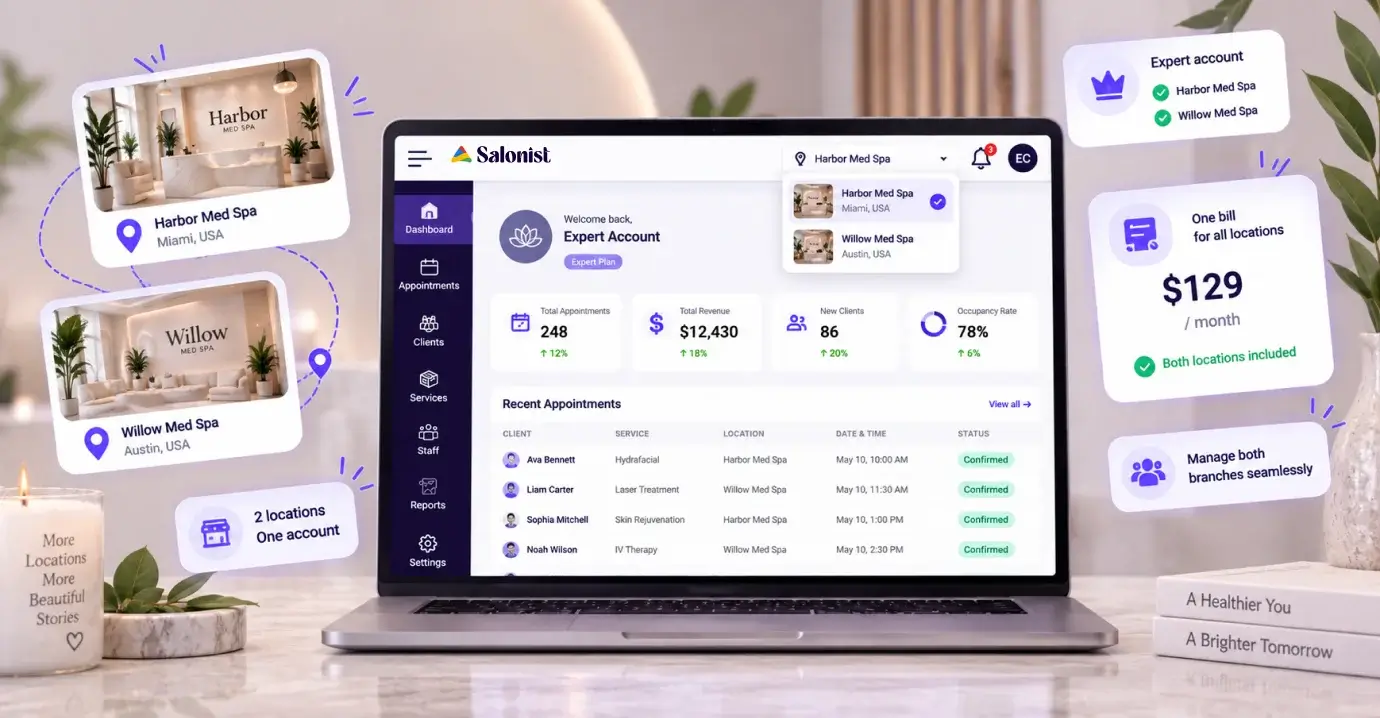
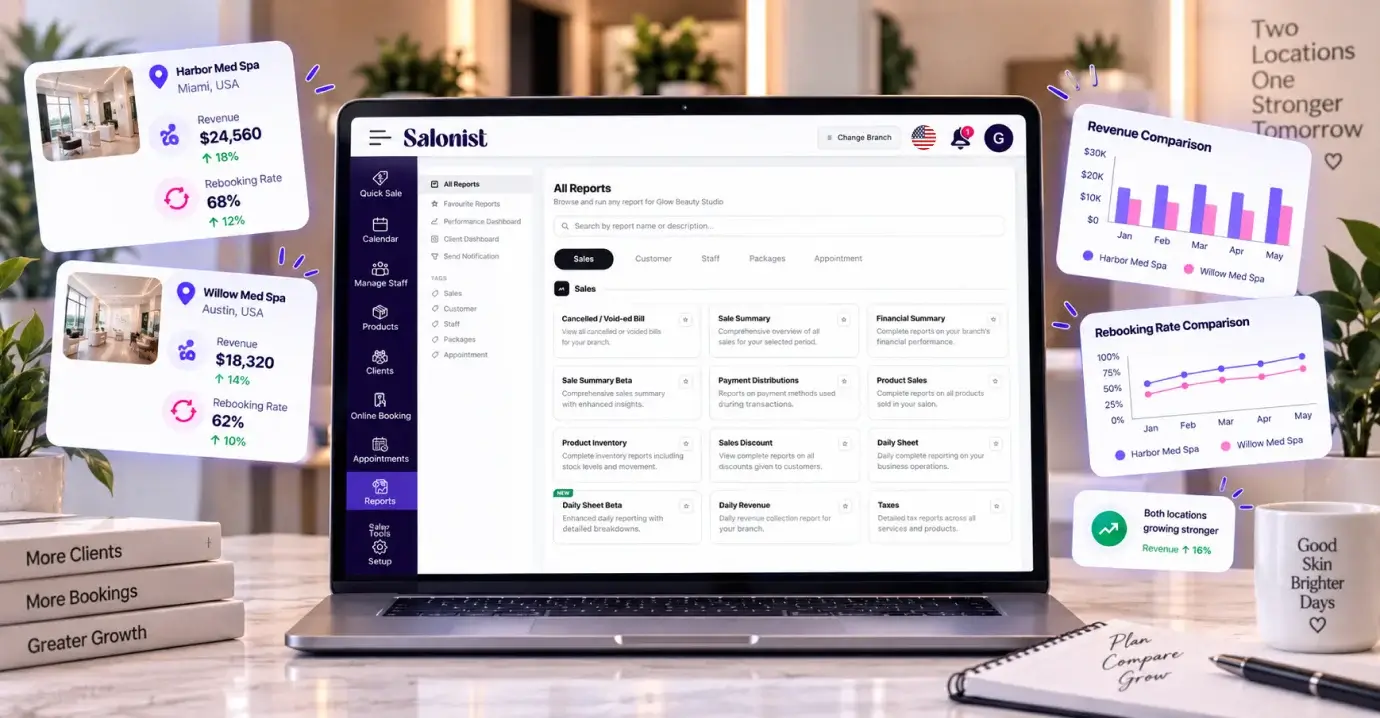
Salonist is a multi location system. Run every branch from one account, switch between them in a click and compare them in one report, with every location included on paid plans. Boulevard charges the full plan price for each extra location.
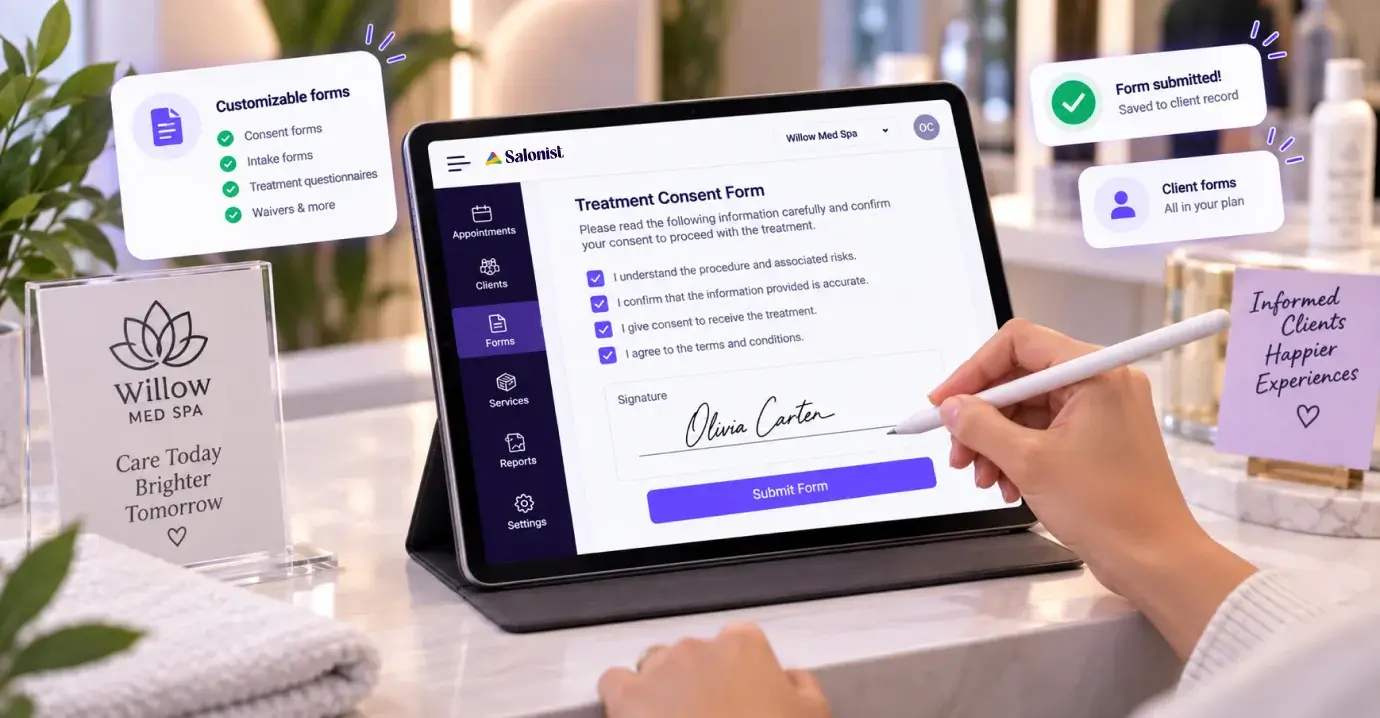
Consent forms, before and after photos and client documents sit with the visit history on the client record. Boulevard sells forms as an add on from $65 a month per location.
Salonist runs in 60+ countries with 13 languages, right to left Arabic and local payment gateways. WhatsApp campaigns sit on the Advance plan, so reminders and offers reach clients on the app they actually open.

Prices taken from the Boulevard pricing page, including its limited time discounts.
See Salonist for med spas, aesthetics clinics, spas, massage therapy.
Looking at more than one tool? See Salonist vs Mangomint, plus Salonist vs Zenoti and Salonist vs Mindbody on the compare hub.
Book a 20 minute demo and we will walk through your own numbers.
A product expert walks through Salonist with you in 20 minutes.
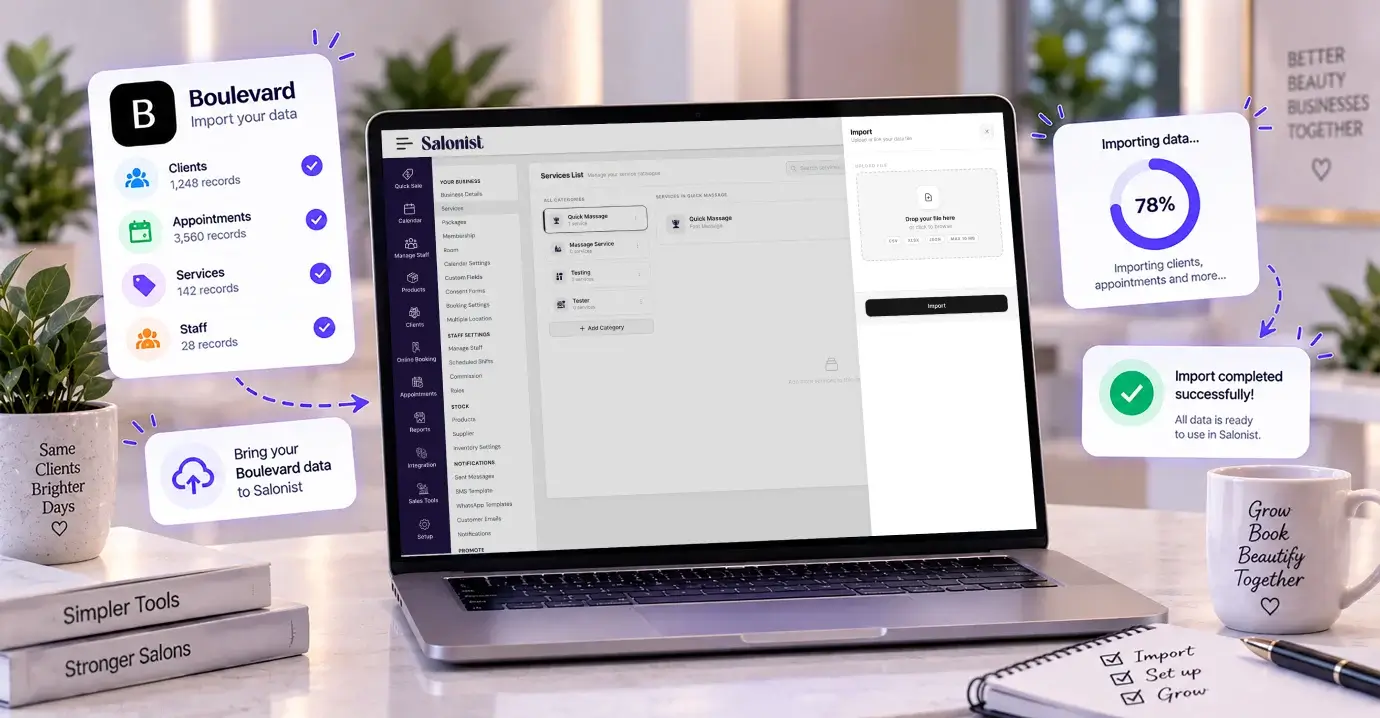
We import your clients, services and appointment history for free.
Every staff member is included, so nobody is left off the calendar.
Share your booking link and start taking appointments the same week.
Still deciding? These are the questions salon owners ask us most.
The same daily tools, one flat price and every location included.













統合
現在40以上の連携が稼働中 — 多くのサロンソフトが対応しない決済手段も含みます:Tap、Tabby、Tamara、Ziina、Network Payments、UPayments。
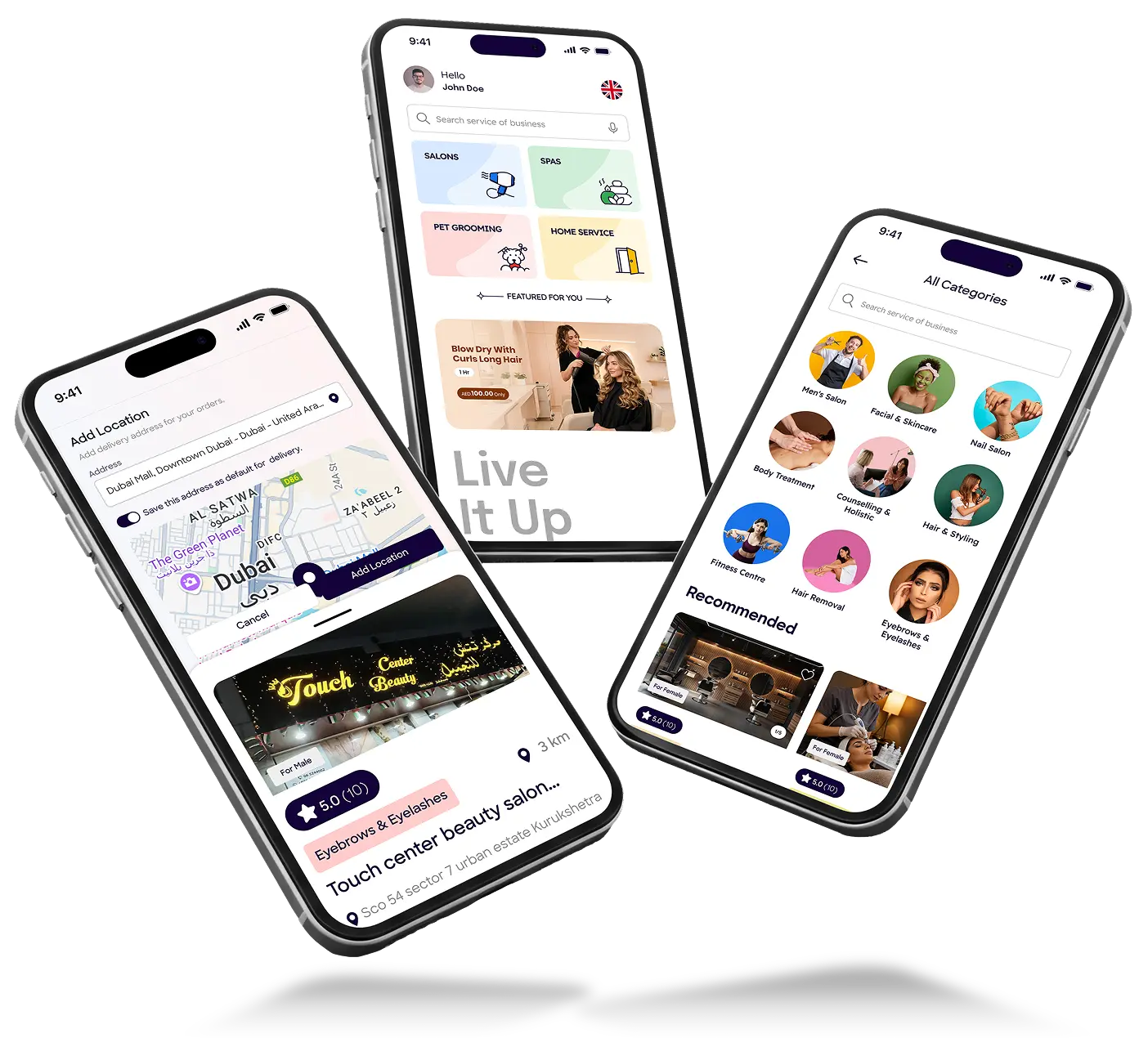
お客様向け予約アプリ
再予約・キャンセル・リマインダーはアプリ内で完結し、施術中の電話対応が減ります。Expertではサロン名とアイコンで提供されます。



スキャンしてお客様の画面を確認
 English
 العربيةArabic
 FrançaisFrench
 EspañolSpanish
 PortuguêsPortuguese
 中文Chinese
 日本語Japanese
 ไทยThai
 Bahasa Indonesia
 NorskNorwegian
 DanskDanish
 MagyarHungarian