E-Invoicing for Salons in Saudi Arabia: ZATCA Wave 25 Guide
If you run a salon in Saudi Arabia, one date matters right now: 1 February 2027. That's when businesses selected for ZATCA's Wave 25 have to connect their invoicing to ZATCA. The wave was announced on 24 July 2026, and it's the widest one yet. The limit is now SAR 187,500 in taxable sales in any one year from 2022 to 2025. ZATCA says it tells each business at least six months ahead, so if you're on the list, a notice should have reached you or will soon. If nothing has arrived and your sales passed the limit, confirm your status with ZATCA or your accountant.
Salons are awkward for this kind of rule. Cash, cards, and wallets come in all day, and each sale needs a proper invoice. By hand, that's a lot of small chances to slip.
So what do you actually need to do? Let's go through it.
What Is E-Invoicing in Saudi Arabia?
Not sure how any of this works? Here is the simplified explanation and when this applies to you.
The Process of E-Invoicing for a Salon
Manually, a person creates the invoice, delivers it, and keeps a record of it. In the case of an e-invoice, the whole process of creating, delivering, and keeping a record of it is done by a computer program. Since Phase 2, it also sends the invoice to ZATCA, and that's the new part.
In a salon, one sale goes like this:
- The front desk closes the bill.
- The software makes the invoice, adds the QR code, and signs it.
- The client gets a copy straight away.
- Within 24 hours, the software sends it to ZATCA's Fatoora platform and saves a record.
Most of your sales are to everyday clients, so they count as simplified invoices. Those get reported within 24 hours. If you bill a company, ZATCA wants to check the invoice first, and that happens in real time.
Who Needs to Follow Saudi E-Invoicing Rules?
Phase 1 covers every VAT-registered business, and anyone required to register. It has been in effect since 4 December 2021. Phase 2 comes in waves, and the size of your sales decides your wave. Wave 24 was for sales above SAR 375,000, and it closed on 30 June 2026. Wave 25 halves that to SAR 187,500.
Two things to check. Are you VAT-registered? And what were your taxable sales for each year from 2022 to 2025? One year over the limit is enough, even if you've sold less since. And if ZATCA has sent you a notice, go by the date in that notice.
What Are ZATCA's E-Invoicing Requirements for Salons?
Two phases, and you need to get through both. First comes making the invoice. Then comes sending it to ZATCA.
Phase 1: E-Invoice Generation
Phase 1 is easy to explain. Invoices must come from an electronic system, so paper pads and Word files are out, and you keep a copy of every invoice in electronic form. Nothing goes to ZATCA yet, and ZATCA doesn't approve anything.
Phase 2: Integration With ZATCA
Phase 2 began on 1 January 2023, and it's been reaching more businesses with each wave. Your invoicing system now connects directly to ZATCA's Fatoora platform, and every invoice is a signed digital file with its own ID number and a QR code.
You're not expected to build that yourself. Most small businesses buy software that already does it, which is why the software matters more than the look of your invoice. As for fines, reports put them at SAR 5,000 to SAR 50,000, rising with the type of breach and with repeats, so it's worth taking seriously.
What Information Should a Salon E-Invoice Include?
Good software fills in most of this by itself. But it only works with what you give it, so get the details right.
- Seller details: legal name, address, and VAT number
- Customer details, needed when you bill a VAT-registered business and optional on simplified invoices
- Invoice number, plus date and time
- Services and products, one clear line each
- Amounts: price, discounts, 15% VAT, and the total
- A QR code with the fields ZATCA sets out: seller name, VAT number, time, total, and VAT amount, plus the invoice hash, digital signature, and key details that Phase 2 adds
Why E-Invoicing Matters for Salon Owners in Saudi Arabia
It's a tax rule, sure. But it also touches your fines, your checkout speed, and how clearly you see your sales.
Stay Compliant With Saudi Tax Regulations
Fines depend on the type of breach and on repeats, and a salon makes invoices all day. So a wrong setting doesn't just cause one problem. It repeats on every sale until somebody spots it. Start right, and your records are clean if ZATCA or your accountant asks. VAT time gets less stressful too.
Make Salon Billing Faster and More Accurate
Anyone who has typed a bill by hand knows how it goes. The VAT figure is overlooked, there is an oversight on the discount, and the total does not tally. The software computes the VAT of 15% and creates the invoice, and all that your staff does is to verify the transaction and method of payment.
Get Better Visibility Into Salon Revenue
When every sale is a digital record, you can see services, products, VAT, and payments in one place. How much VAT do you owe this month? Which services make the most money? You'll know without sorting through receipts. If you want ideas on what to watch, these salon KPIs to check every week are a good start.
How Can Salons Prepare for E-Invoicing in Saudi Arabia?
Good news: you don't need a big plan. Four steps, taken in order, will get you most of the way.
Check Your VAT and ZATCA Requirements
Begin with this step, as all other steps depend on it. Make sure that you have a VAT registration and find your sales figures for the years 2022 through 2025. Write down the date on it. If you are unsure which wave you fall into, consult your accountant. This must be done before considering any software, since the date indicates the time available.
Choose E-Invoicing Software That Supports Saudi Compliance
Look for three things:
- Invoicing that meets ZATCA's rules for your wave
- Automatic tax maths and invoice creation
- A good fit with how your salon already runs, from bookings to payments
And get ZATCA claims in writing. A sales call isn't proof.
Train Staff on the New Billing Process
Software only helps if your team uses it properly, and each job touches billing differently.
- Front desk: closing bills, giving discounts, and handling refunds
- Managers: checking the day's sales and spotting mistakes early
- Finance or accounts: matching VAT and records each month
Do one short practice run before you go live. It will save you fixing things later.
Keep Digital Records Organized
ZATCA has already set this expectation regarding keeping copies of all invoices. You need to have one policy stating that all invoices will be stored in one searchable system that is backed up, and you can produce a copy in no time at all whenever an accountant or ZATCA demands it.
Salon E-Invoicing Saudi: What Should Owners Look for in Salon Software?
Comparing tools for salon e-invoicing in Saudi Arabia? Here's a checklist, and the QR code is only the start.
- ZATCA-compliant invoicing for your wave, confirmed in writing
- Automatic VAT calculation
- Digital invoices made at checkout
- Client and sales records you can search
- Payment tracking for cash, cards and wallets
- Reports on sales, VAT and services
- Links to appointments, POS and other salon tools
- Safe, reliable data storage
A tool that only prints invoices leaves you doing everything else by hand. Ask every vendor for an actual invoice rather than a presentation.
Salonist Makes It Easier for Salons to Use E-Invoices
Software is only as good as how it fits your day. Here's where a salon platform like Salonist fits in.
Manage Salon Billing & Invoicing Through a Single System
Everything related to appointments, services, customers, billing, and sales is managed through Salonist POS. Since the invoice is generated based on actual services provided, there won’t be any need to enter any numbers manually.
Simplify VAT and Invoice Management
With reduced manual invoicing, consistency in issuing invoices increases. The software also includes accounting integrations such as Qoyod and QuickBooks to facilitate accounting when your accountant uses a different system. You need to inquire about the method used to process ZATCA for your wave before joining.
More Control for Salon Owners Over Their Transactions
Reports and records go hand-in-hand with the sales on which they are based, so you can review your transactions and monitor the health of the business without hunting down receipts. More than one location? Salonist supports multiple locations too.
Support a More Digital Salon Customer Experience
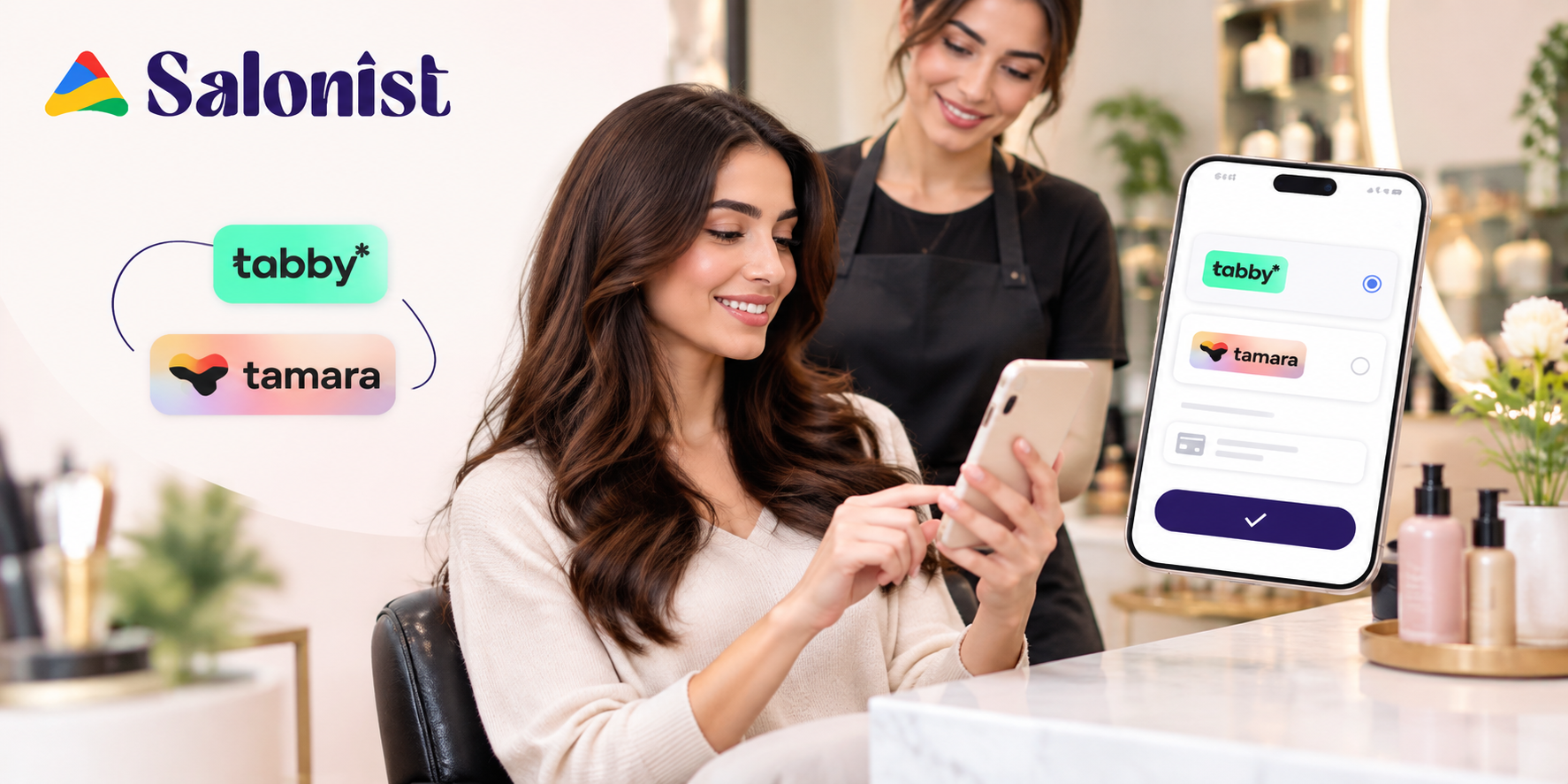
Digital billing means less paper for you and your clients, and checkout is quicker. Salonist works in Arabic across the calendar, POS, and receipts, and its payment integrations include Tabby, Tamara, and Network Payments.
Common E-Invoicing Mistakes Saudi Salons Should Avoid
A lot of invoicing trouble begins with small setup choices. Here are five to sort out early, well before your deadline.
Using Invoicing Software That Does Not Meet ZATCA Requirements
A neat PDF isn't a Phase 2 invoice. If your tool can't sign invoices and connect to Fatoora, you'll be switching tools sooner than you'd like.
Entering Incorrect VAT or Customer Information
An incorrectly entered VAT registration number will appear on every invoice using it. Ensure you get your information right once and for all. Fixing it later means going back through every record it touched.
Relying on Manual Invoices Too Long
Handwritten invoices don't meet Phase 1, never mind Phase 2. Each extra week of them means more records to clean up.
Failing to Keep Proper Electronic Records
Invoices scattered across phones and chat apps are hard to find when someone asks for one. Choose one searchable place and keep everything there.
Ignoring Future ZATCA Updates
The rules keep moving. Wave 25 only came out in July 2026, and ZATCA keeps updating its technical specifications. Put one person in charge of following ZATCA's announcements.
E-Invoicing vs Traditional Invoicing for Salons
Put the two side by side, and the difference shows. Here's how they compare on what owners notice daily.
| Traditional invoicing | E-invoicing |
|---|---|
| Manual process | Automated process |
| More paperwork | Digital records |
| Higher risk of errors | Better accuracy |
| Difficult to track | Easier reporting |
| Slower billing | Faster checkout |
| Limited visibility | Better transaction visibility |
A Simple E-Invoicing Checklist for Saudi Salon Owners
Work down this list in order, from the first check to ongoing monitoring. Pass it to your manager and your accountant too.
- Check your VAT registration status.
- Find out which ZATCA rules apply to you.
- Choose compatible invoicing software.
- Set up your business and VAT details.
- Set up invoice creation.
- Make sure every required detail is on the invoice.
- Train your team.
- Test the whole process.
- Keep digital records.
- Watch for rule changes.
Frequently Asked Questions About Salon E-Invoicing in Saudi Arabia
What is the ZATCA Wave 25 deadline for salons?
Businesses selected for Wave 25 must connect their invoicing to ZATCA's Fatoora platform by 1 February 2027. ZATCA announced the wave on 24 July 2026. It says it notifies each business at least six months ahead.
Which salons are in Wave 25?
Any salon whose VAT-subject sales passed SAR 187,500 in at least one year from 2022 to 2025. One year over the limit is enough, even if your sales fell afterwards.
What if I haven't received a notice from ZATCA?
Check your status with ZATCA or your accountant. If your sales passed the limit in any of those years, assume you are in scope until confirmed otherwise. If you do have a notice, go by the date in it.
Do I have to send every salon invoice to ZATCA?
Yes, once you are in Phase 2. Most salon sales are simplified invoices to everyday clients, and these are reported within 24 hours. Invoices to VAT-registered businesses are checked by ZATCA in real time.
What is the difference between Phase 1 and Phase 2?
Phase 1 has applied since 4 December 2021. Invoices must come from an electronic system, and you keep electronic copies. Nothing is sent to ZATCA. Phase 2 began on 1 January 2023 and arrives in waves. Your system connects to Fatoora, and every invoice is a signed digital file with its own ID number and a QR code.
Can I still use paper, Word, or PDF invoices?
No. Phase 1 already rules out paper pads and Word files. A plain PDF is not a Phase 2 invoice either, because the invoice must be signed and sent to ZATCA by your software.
What are the fines for not following the rules?
Reports put fines at SAR 5,000 to SAR 50,000, rising with the type of breach and with repeats. Check the current penalty rules with ZATCA or your accountant.
What should I look for in e-invoicing software for a salon?
Look for ZATCA-compliant invoicing for your wave, confirmed in writing. You also want automatic 15% VAT, digital invoices at checkout, searchable records, and a good fit with your bookings and payments. Ask every vendor to show you an actual invoice.
Conclusion: Streamlining the E-Invoicing Process for Your Salon
The use of e-invoicing is not only about complying with taxation rules. When implemented properly, it brings together all the processes and results in accurate numbers.
Start with the status check. It costs nothing, and it tells you how long you've got. Then judge any software on two questions. Does it meet the Saudi rules? Does it fit how your salon runs every day? If not, you've simply moved your paperwork.
Salonist is a tool that can help bring all of these things under one roof. Ready to get your billing sorted before your ZATCA date? Start a free Salonist trial and run a week of real bookings through it.