Best Free Online Booking System

Make your online booking easy with Salonist, a customizable booking system where your clients can easily schedule meetings or classes as per their convenience from anywhere.

Trusted Growth Software for Beauty & Wellness


Toni & Guy salon - Salonist client
Bugwal Salon - Salonist client
Ramona Beauty Centre - Salonist client
Meraki - Salonist client
Stile Hair - Salonist client
Looks
Dreamy Nail - Salonist client
Abila Beauty Salon - Salonist client
Jades
The Facialist Studio - Salonist client
Spa Lounge - Salonist client
Julia Beauty - Salonist client
Online Booking Settings

Online Booking Settings

Make your online booking system fit your needs.
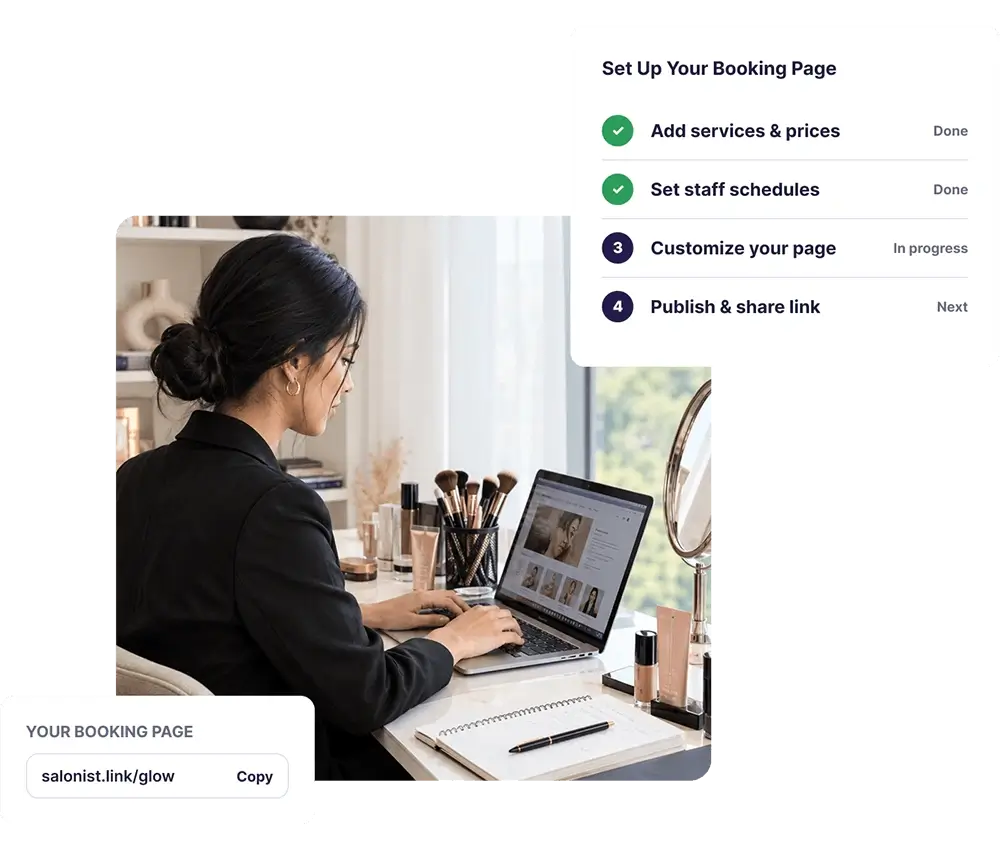
  • Set up your staff availability to get booked.
  • Accept, reschedule, or deny all requested bookings flexibly.
  • Set lead times to control when customers can book services online.
  • Add your cancellation policy for clear communication.
Create Your Salon Online Booking Page Instantly

Create Your Salon Online Booking Page Instantly

  • Set up your free booking page in minutes with easy step-by-step options.
  • Add your services, prices, and staff schedules for clients to choose from.
  • Let customers book appointments online 24/7 without calls or messages.
Customize and Control Your Online Booking Site

Customize and Control Your Online Booking Site

  • Personalize your booking page with your salon logo, colors, and policies.
  • Approve or decline bookings manually to stay in full control.
  • Restrict specific clients or update your availability anytime.
 Grow Your Client Base with a Free Online Scheduling Tool

Grow Your Client Base with a Free Online Scheduling Tool

  • Accept online bookings through your free booking site.
  • Send automatic reminders to reduce no-shows and missed appointments.
  • Connect your booking page with Facebook, Instagram, and Google “Book Now” buttons to get more clients.
Book Through Social Media Handles

Book Through Social Media Handles

  • Use Salonist to let clients book directly from Facebook and Instagram.
  • Create a unique booking link and connect it to your social media pages.
  • Make it simple for customers to schedule appointments right from your social profiles.
Website Widget Wix, Wordpress and Shopify

Website Widget Wix, Wordpress and Shopify

  • Embed Salonist booking widgets on your free online booking website in just a few clicks.
  • Let customers book appointments directly from your salon’s website.
  • Allow staff to create personalized widgets for their own booking needs.
Manage your Booking with Salonist App

Manage your Booking with Salonist App

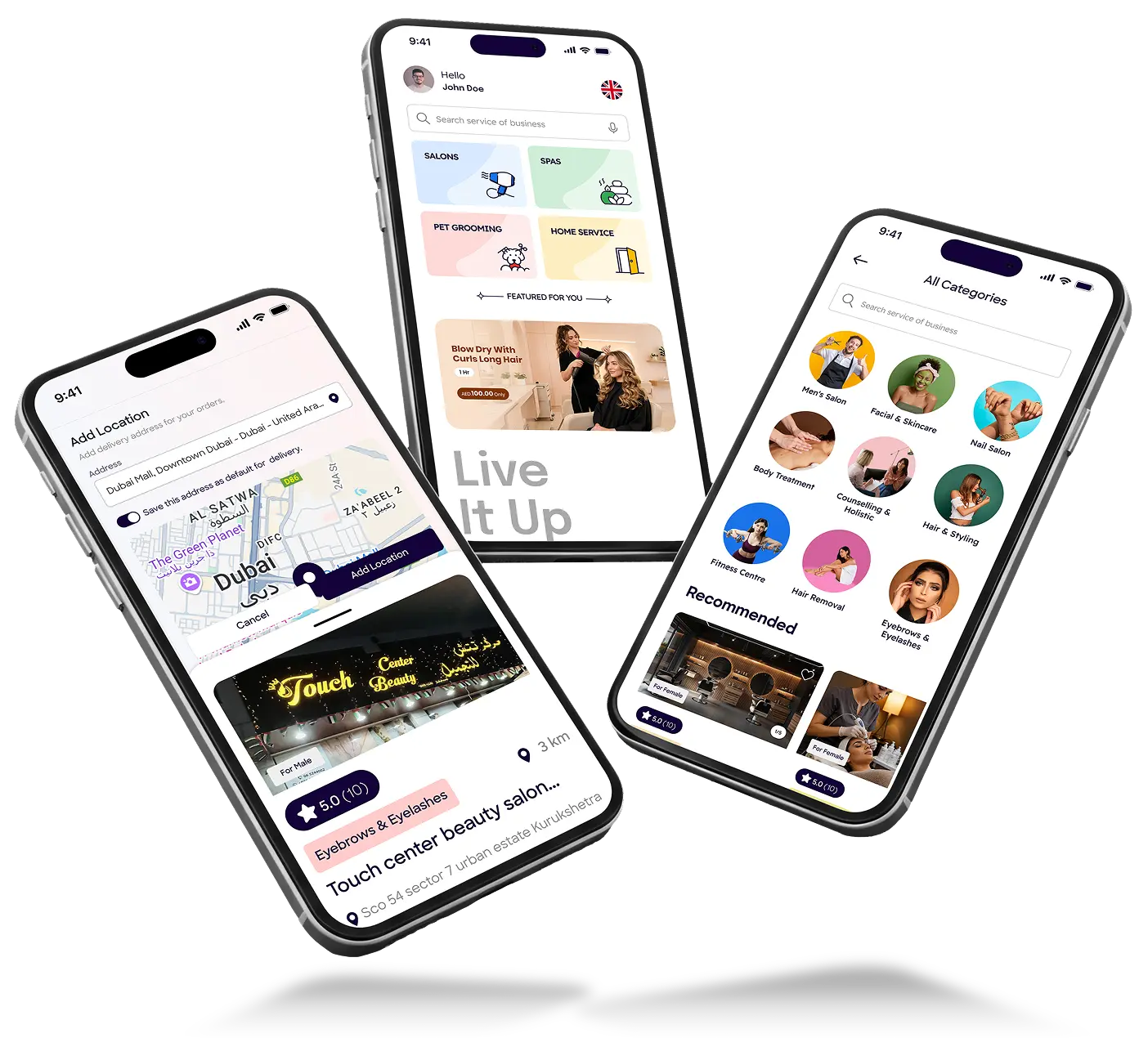
  • Book and manage appointments easily using the free Salonist mobile app.
  • Schedule services, memberships, and packages on Android or iOS devices.
  • Add bookings directly to your calendar for better organization and reminders

Frequently Asked Questions

Need clarity? Our FAQ section covers everything you need to make an informed decision.

Can I customize my free online booking page?

Yes, you can fully customize your Salonist online booking page with your brand colors, logo, service images, business description, and policies to match your salon’s identity.

How can I manage cancellations and rescheduling?

Salonist lets clients cancel or reschedule appointments easily through automated reminder links, so you don’t have to handle every change manually.

Is there an option to manually approve or decline bookings?

Yes, you can choose to manually approve or decline bookings from your Salonist dashboard, giving you full control over your schedule.

Can I restrict certain clients from booking schedules?

Yes, Salonist allows you to block or restrict specific clients from using your online booking page whenever needed.

How can I attract clients from social media to my free booking page?

You can connect your Salonist online booking site with Facebook, Instagram, and Google “Book Now” buttons to drive more bookings from your social profiles.
CUSTOMER STORIES

Loved by thousands of salons and spas

CS concord salon
mukta beuty salon
slenco
Clay Montgomery
g salon
glow box
sacri beauty
rawnaq
Annie nunag
virgo
atbb
Vintage

Integrations

Keep the tools you already pay for.

More than 40 integrations, live today — including the payment rails most salon software skips: Tap, Tabby, Tamara, Ziina, Network Payments and UPayments.

See all 40+ integrations
Stripe Payments PayPal Payments Razorpay Payments Stripe Reader Terminal Clover Terminal Pine Labs Terminal Tap Payment Gulf Ziina Gulf Network Payments Gulf UPayments KNET Tabby Pay later Tamara Pay later Authorize.Net Payments QuickBooks Accounts Qoyod Accounts EFRIS e-Invoicing
WhatsApp Messaging WhatsApp Web Messaging Twilio WhatsApp Messaging Interakt WhatsApp AiSensy WhatsApp Zoko WhatsApp Botat WhatsApp PayPerWA WhatsApp Aspai WPBox WhatsApp SMS API SMS Mailchimp Email GetResponse Email SMTP Email WordPress Website WooCommerce Store Shopify Store Wix Website Weebly Website Reserve with Google Booking Google Calendar Calendar Google Analytics Analytics Meta & TikTok Pixel Ads

Free trial

Try it on a real week of bookings.

Seven days with your own clients, your own services and your own team in it. If it doesn’t fit the way your salon runs, walk away and take your data with you.

  • No card required. Nothing is charged when the trial ends.
  • Unlimited staff on every plan, including the free one.
  • We move your data in. Clients, services and history from your old system.
  • Cancel by email. No notice period, no retention call.

Client booking app

Your clients book from their phone, not your front desk.

Rebooking, cancellations and reminders happen in the app, so your team stops fielding calls mid-blow-dry. On Expert, it ships under your own salon’s name and icon.
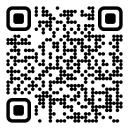

QR code to download the Salonist app
Get it on Google Play Download on the App Store

Scan to see what your clients see

Salonist client booking app on a phone
Your team works in their own language Salonist runs in 12 languages, switchable per user.
English العربيةArabic FrançaisFrench EspañolSpanish PortuguêsPortuguese 中文Chinese 日本語Japanese ไทยThai Bahasa Indonesia NorskNorwegian DanskDanish MagyarHungarian
Right-to-left ready — Arabic runs properly across the calendar, POS and receipts.