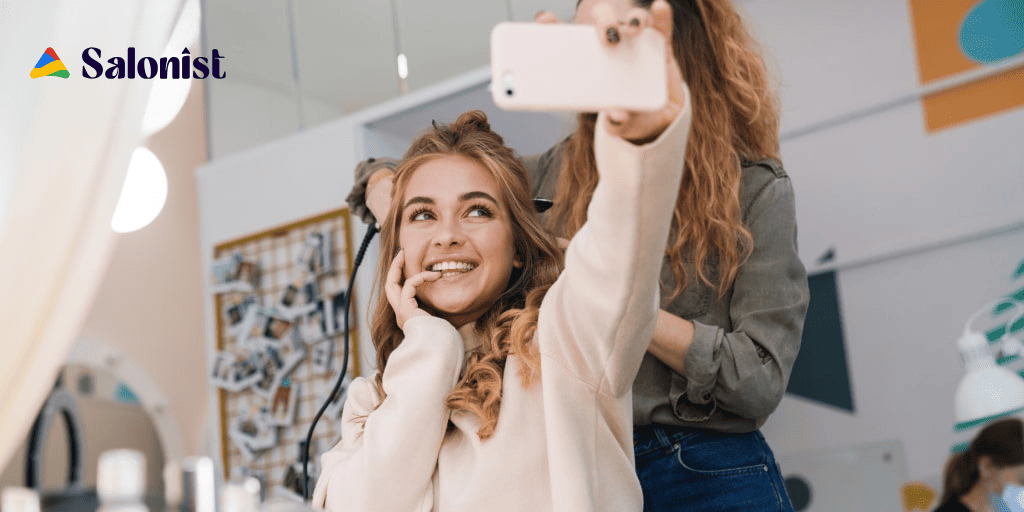
A good salon selfie station needs four things. A clean backdrop and flattering light at face height. A phone stand or mounted tablet. Then a short sign telling clients exactly what to do.
Your client already takes a photo after every blow dry. Right now they take it in a bathroom mirror with bad light.
A selfie station moves that photo somewhere flattering and branded. The result reaches their followers instead of nobody.
Here are 13 setups sorted by budget. Several cost under $200.
Why a Selfie Station Works for Salons?
This is the cheapest marketing in your salon. Your clients do the posting for you.
- It creates content you did not have to make. Every post shows real results on real people.
- It reaches people ads cannot. A friend recommendation beats any paid placement.
- It proves your work. Nail art and colour corrections photograph better than any price list.
- It gives the visit a moment. People remember experiences and rebook faster.
What Every Good Selfie Station Needs?
Skip these and the fanciest backdrop still gets ignored.
- Light at face height. A ring light or soft panel level with the face. Overhead light casts shadows under the eyes.
- A clean backdrop. No stock shelves and no staff walking through the frame.
- A phone stand or mounted tablet. Nobody wants to ask a stylist to take the photo.
- A short prompt sign. Tell people your handle and hashtag. Without a prompt most people do nothing.
- Enough floor space. Two metres of clear space in front so the shot is not cramped.
Low Cost Setups You Can Build This Week
1. Floral Wall
Silk flowers on a mesh panel photograph as well as real ones. They also last all year.
Pick two colours that match your branding rather than a rainbow mix.
2. Large Vintage Frame
An ornate empty frame gives clients something to pose behind. It adds character with almost no cost.
3. Life Size Instagram Frame
A cut out frame with your handle printed along the bottom. Every photo carries your name into the feed.
4. Branded Backdrop
A repeat pattern of your logo works like a red carpet step and repeat. Keep the logo small and spaced out.
5. Photo Prompt Sign
A small sign asking clients to tag you and leave one word about their visit. It doubles as a review prompt.
6. Fun Accessories
A basket of hats and sunglasses gets people relaxed. Swap them out each season so regulars try again.
Tech Setups Worth the Investment
7. Magic Mirror Booth
A full length touchscreen mirror that photographs and prints on the spot. Clients add templates and your logo themselves.
This is the most expensive option here. It suits high traffic salons and spa groups.
8. Digital Props
Virtual accessories layered on in real time. No physical props to clean or replace.
9. Green Screen
Swap the background for anything you like. Useful when your reception has no clean wall to spare.
10. Infinity Mirror
Mirrors and LED strips create a tunnel effect. It photographs unlike anything else and gets shared for that reason.
11. Boomerang and Short Video
A looping three second clip beats a still photo for reach. Hair reveals and nail flat lays suit it perfectly.
Statement Setups That Get Noticed
12. Hanging Swing Seat
A securely mounted swing with greenery around it. Have it fitted professionally and check the weight rating.
13. VIP Selfie Experience
Give members first access plus a styled shot with assistance. Attach it to a membership plan so it drives recurring revenue.
What a Selfie Station Costs?
| Setup | Rough cost | Best for |
|---|---|---|
| DIY corner with backdrop and ring light | $100 – $400 | Any salon starting out |
| Floral or branded wall | $200 – $600 | Salons with a spare wall |
| Rented selfie station for an event | $400 – $900 | Launches and open days |
| Owned tablet or halo kiosk | $1500 – $4000 | High traffic salons and spa groups |
Start at the bottom of that table. Prove people use it before you buy hardware.
Get Photo Consent First
This is the step most salons skip and it matters.
Taking a photo is fine. Reposting a client on your business account is different.
- Ask before you repost anything a client did not tag you in
- Get written consent if you plan to use images in ads or on your website
- Never post anyone under 18 without a parent agreeing in writing
- Keep consent on file so you can prove it later
A short digital consent form at check in handles this in seconds. Store the answer against the client record.
How to Measure If It Works
Track four numbers each month:
- Tagged posts and stories mentioning your handle
- New followers in the month after launch
- Bookings that came from Instagram or your link in bio
- Reviews left in the same period
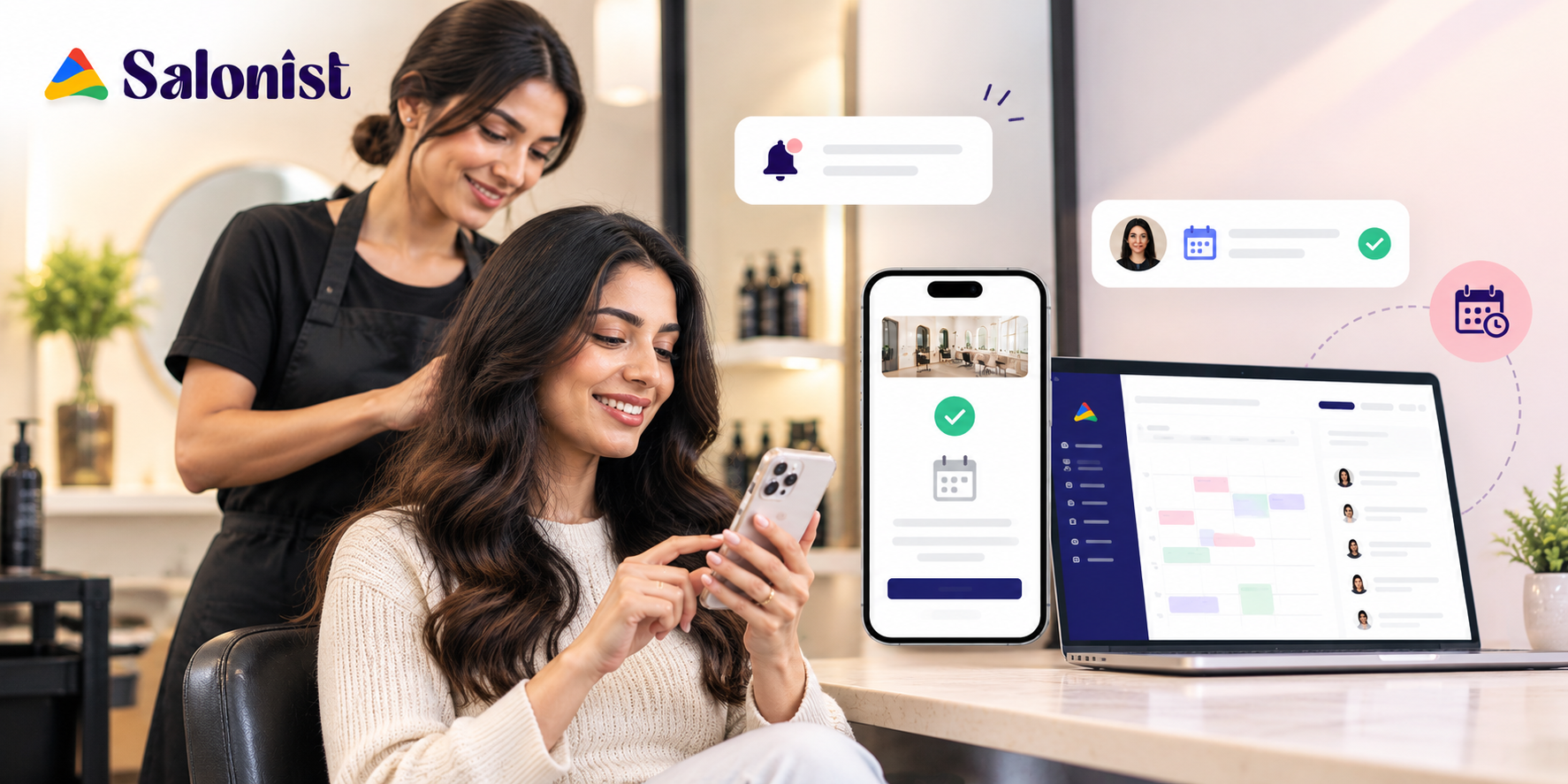
Route social traffic through online booking so you can see which posts actually convert.
Mistakes to Avoid
- No sign. Without a prompt most clients walk past it.
- Overhead lighting only. Ceiling spots make everyone look tired.
- Putting it in the walkway. Nobody poses where staff are squeezing past.
- A cluttered background. Retail shelves and towel piles ruin the shot.
- Never refreshing it. Regulars stop using the same backdrop after a month.
- Reposting without asking. One upset client undoes the goodwill fast.
Frequently Asked Questions
How much does a salon selfie station cost?
A DIY corner runs $100 to $400. A tablet or halo kiosk runs $1500 to $4000. Start small.
Where should I put a selfie station in my salon?
Near reception but out of the walkway. Clients use it while waiting to pay rather than mid service.
Do I need a printer?
No. Most clients want the photo on their phone. Printing suits events rather than daily use.
How do I get clients to actually use it?
Ask them at checkout and point at the sign. Staff prompting matters more than the setup itself.
Should I offer a discount for tagging the salon?
A small reward works well. Tie it to your loyalty points rather than cutting service prices.
Do I need permission to repost client photos?
Yes if you are using them on your own channels or in ads. Get it in writing and keep it on file.
Final Thoughts
A selfie station is not about the booth. It is about light and a clean wall and a sign that tells people what to do.
Build the cheap version first. Watch whether staff remember to mention it.
Then pair it with automated marketing so the tagged posts turn into review requests and repeat bookings.