A full appointment book should feel like good news. But for many salon owners, it means a front desk juggling phone calls, a stylist double-booked at 11:00, a client who forgot their colour appointment, and a gap at 3:00 that nobody noticed until it was too late.
The problem is rarely the number of bookings. It’s the system behind them. Good salon appointment management means every booking is captured in one place, every stylist knows their day, every client is reminded, and every empty slot gets a second chance to be filled.
In this guide, you’ll learn where appointment stress really comes from, the habits that fix it, and how to set up a booking process that runs smoothly even on your busiest Saturday.
What is salon appointment management?
Salon appointment management is the process of booking, confirming, scheduling, rescheduling and tracking client appointments across your team and services. It covers everything from the moment a client asks for a slot to the moment they check out and rebook.
Done well, it does three jobs at once:
- Protects your revenue by keeping chairs and rooms filled and reducing missed appointments.
- Protects your team’s time by removing manual admin, overlapping bookings and last-minute confusion.
- Protects the client experience by making booking easy and making every visit feel prepared.
Why managing salon appointments feels so stressful
Before fixing the process, it helps to name the exact pressure points. In most salons, the daily stress comes from a handful of repeat problems:
- Bookings arrive from too many places. Calls, walk-ins, Instagram DMs and WhatsApp messages all land in different spots, so nothing feels like the single source of truth.
- Double bookings and overlaps. Two people update the book at once, or a long colour service is booked into a slot that only fits a blow-dry.
- No-shows and late cancellations. Clients forget, and the slot is lost because no one had time to call the waitlist.
- Staff availability is unclear. Breaks, days off and training sessions aren’t blocked, so clients get booked into time that doesn’t really exist.
- Client details are scattered. Allergies, colour formulas and preferences sit in a notebook or someone’s memory.
- The front desk is always interrupted. Every booking needs a phone call, so the person at reception can’t give full attention to clients in front of them.
Each of these has a practical fix. Here’s how to tackle them one by one.
9 ways to manage salon appointments without the daily stress
1. Keep one central appointment book
The fastest way to end double bookings is to have one calendar that everyone uses, whether a booking comes from the phone, the front desk or online. Paper diaries and shared spreadsheets break down the moment two people edit them at the same time.
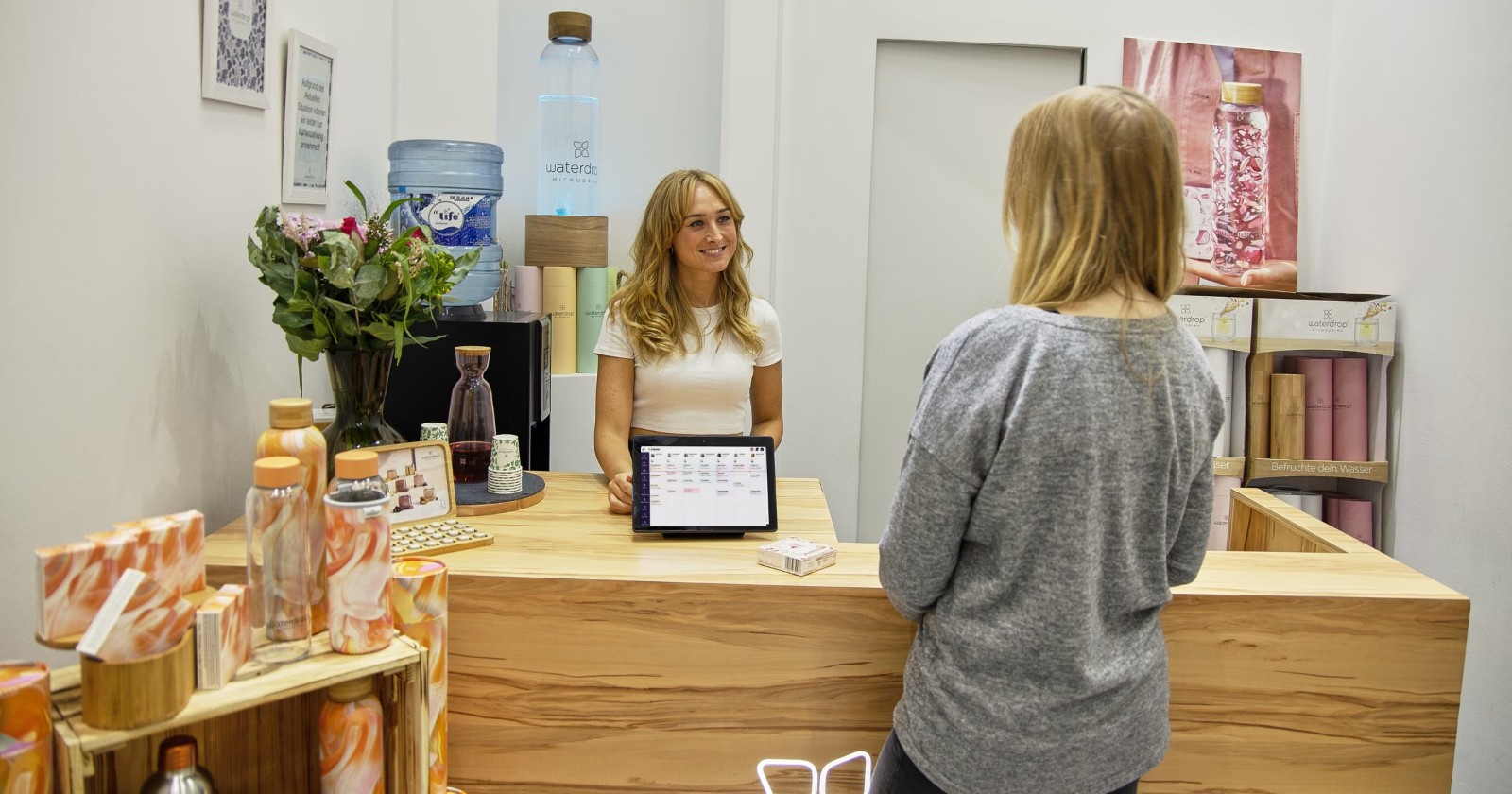
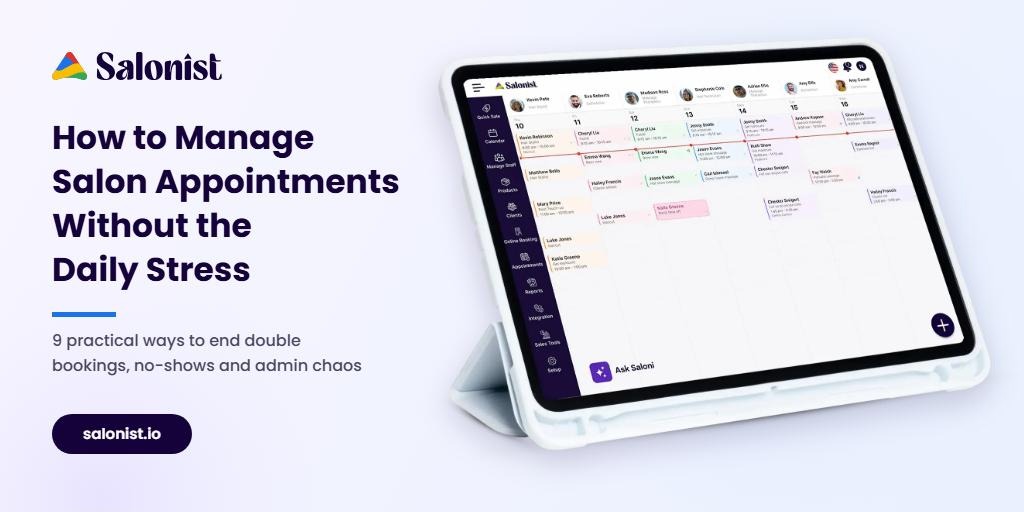
A digital appointment calendar updates in real time, so when a slot is taken, it disappears for everyone. Salonist’s appointment management tools let your team view the whole day by staff member, drag and drop bookings to new times, and see changes instantly.
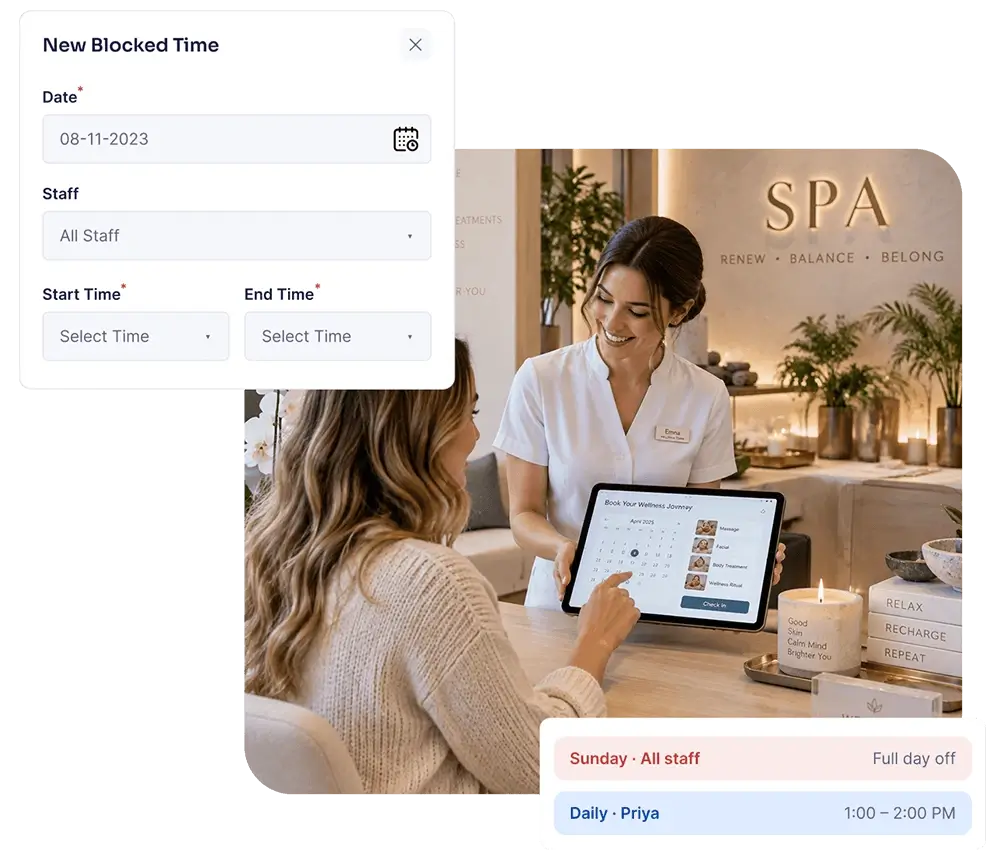
2. Block staff time before clients can book it
A surprising amount of chaos comes from booking clients into time that was never really available: a stylist’s lunch break, a training session, a half day or a public holiday.
Make it a weekly habit to block this time in advance. Set recurring blocks for regular breaks and add one-off blocks for days off as soon as you know about them.
3. Set realistic service durations and buffers
If a balayage really takes three hours but is booked as two, the whole afternoon runs late. Review your service menu and set accurate durations for each service, including processing time for colour and cleanup time between clients.
A small buffer of 5–15 minutes between longer services keeps stylists on time without wasting much capacity. Track for a couple of weeks which services usually overrun, then adjust.
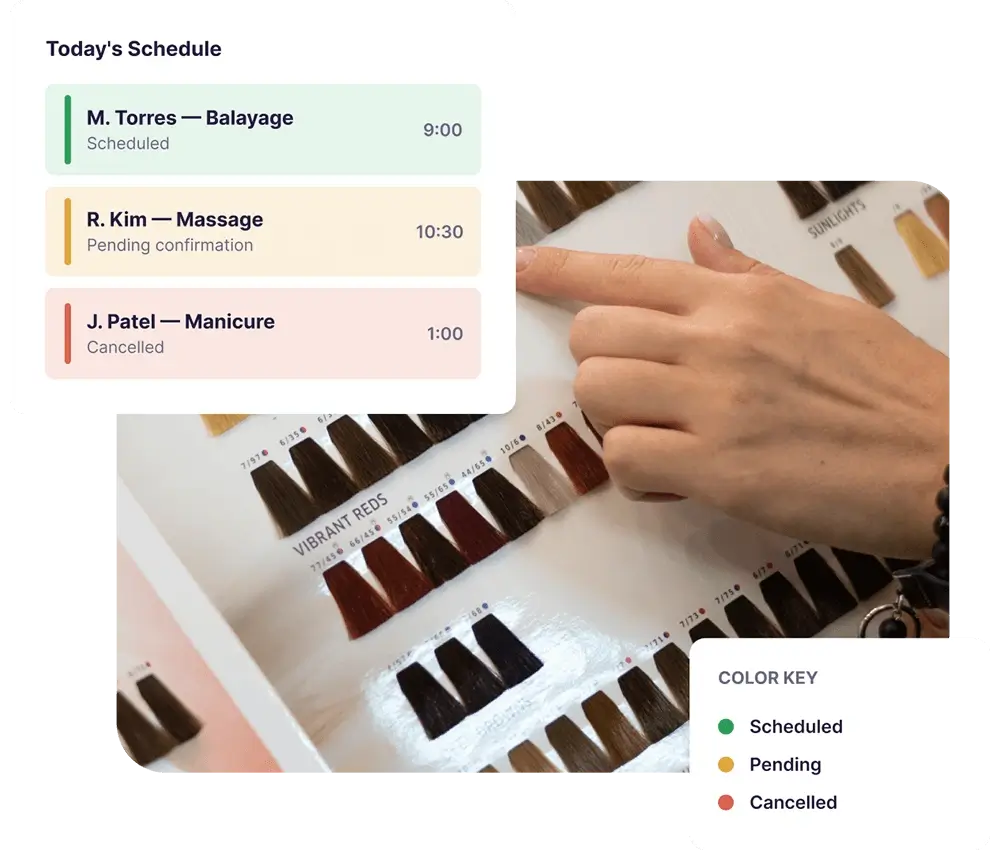
4. Use colour codes to read your day at a glance
When the book is busy, nobody has time to open every appointment to check its status. Colour-coding by status — confirmed, pending or cancelled — or by service type lets your team understand the day in seconds.
Reception can quickly spot which clients still need confirming, and stylists can see what’s coming next without asking.
5. Store client notes inside each booking
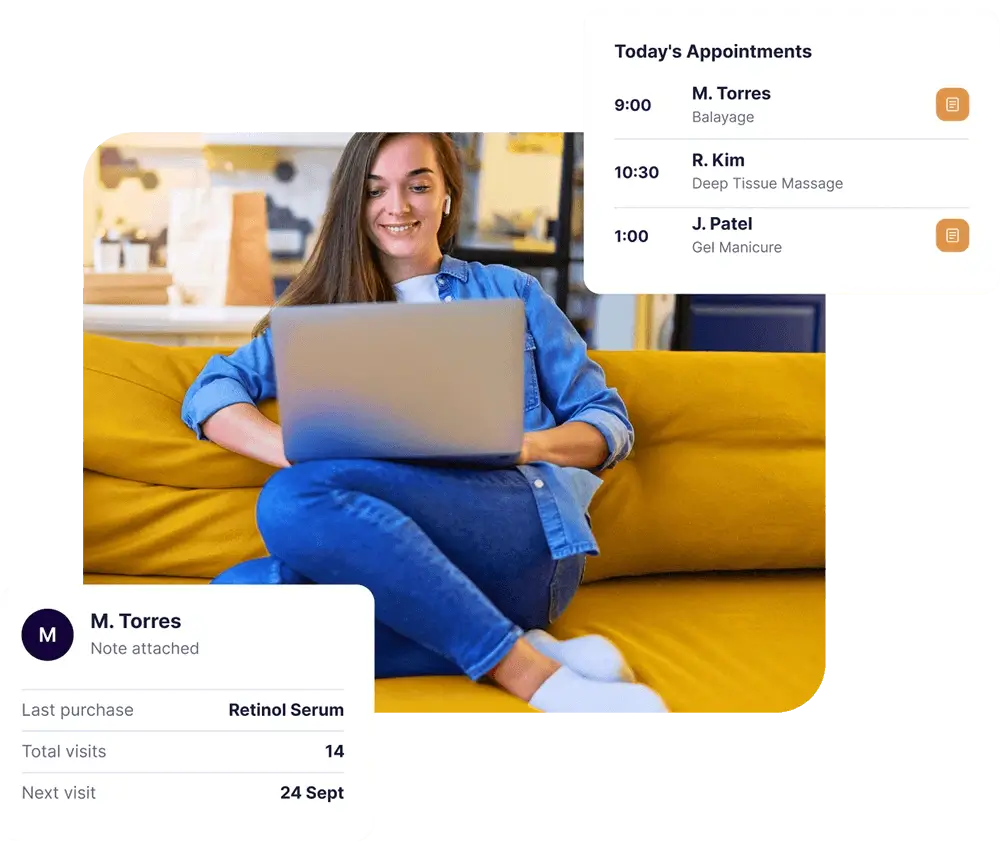
A stress-free appointment is one where nothing is a surprise. Patch-test results, colour formulas, product purchases, preferred stylists and allergy notes should be attached to the client, not written on a sticky note.
With detailed client profiles, your team can see visit history and notes right from the appointment, so every stylist can prepare before the client sits down.
6. Automate reminders and confirmations
Most no-shows aren’t deliberate. Clients simply forget. Calling every client the day before takes hours each week, and it’s the first task to get skipped on a busy day.
Automated reminders do the job for you. A good routine is:
- A confirmation as soon as the appointment is booked.
- A reminder 24–48 hours before, with an easy way to confirm or reschedule.
- A same-day reminder for long or high-value services.
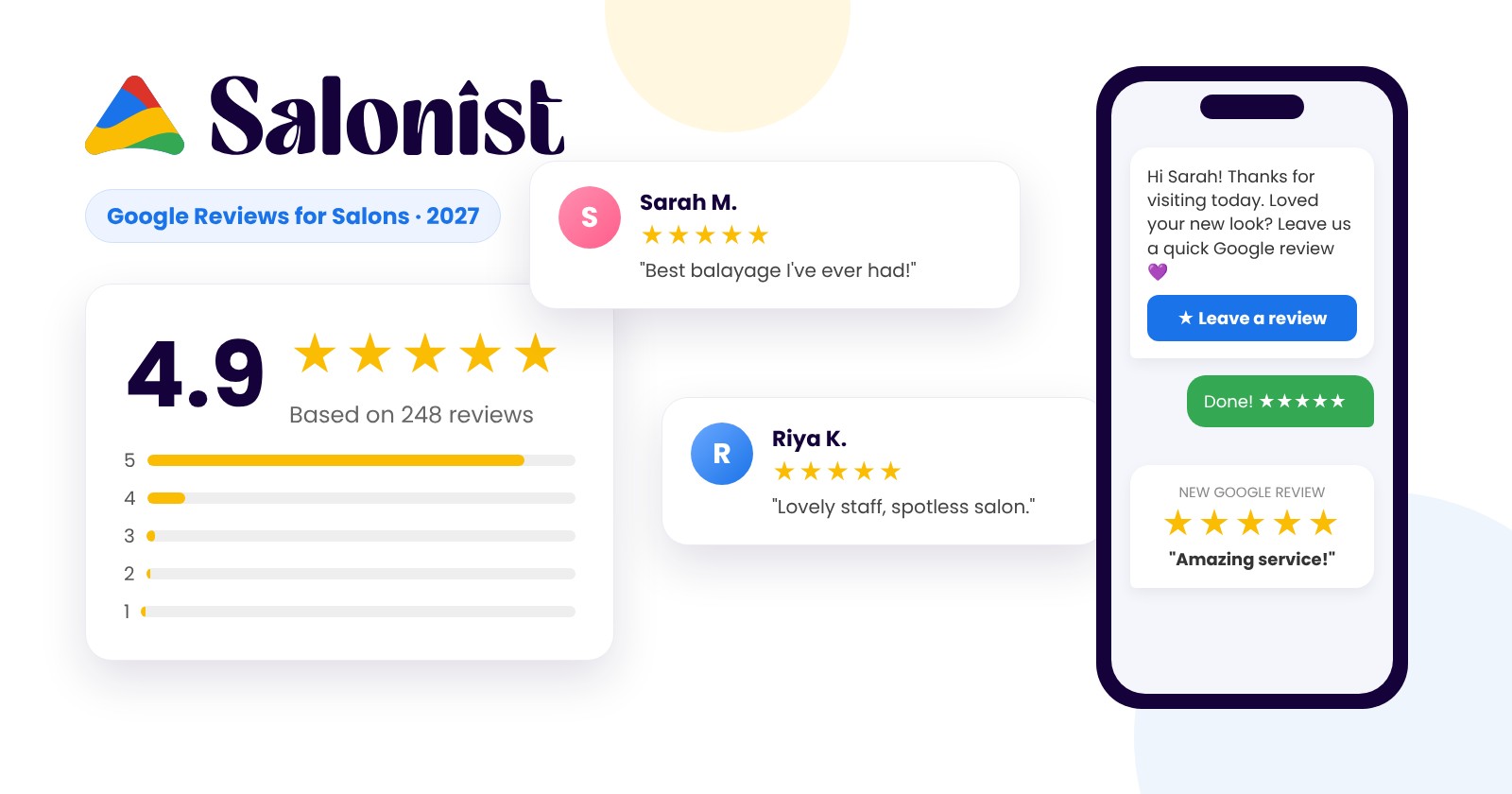
Salonist can send reminders by SMS, email and WhatsApp, so clients get them on the channel they actually check. Use the reminder to restate your cancellation policy in one friendly line.
7. Make rebooking automatic with recurring appointments
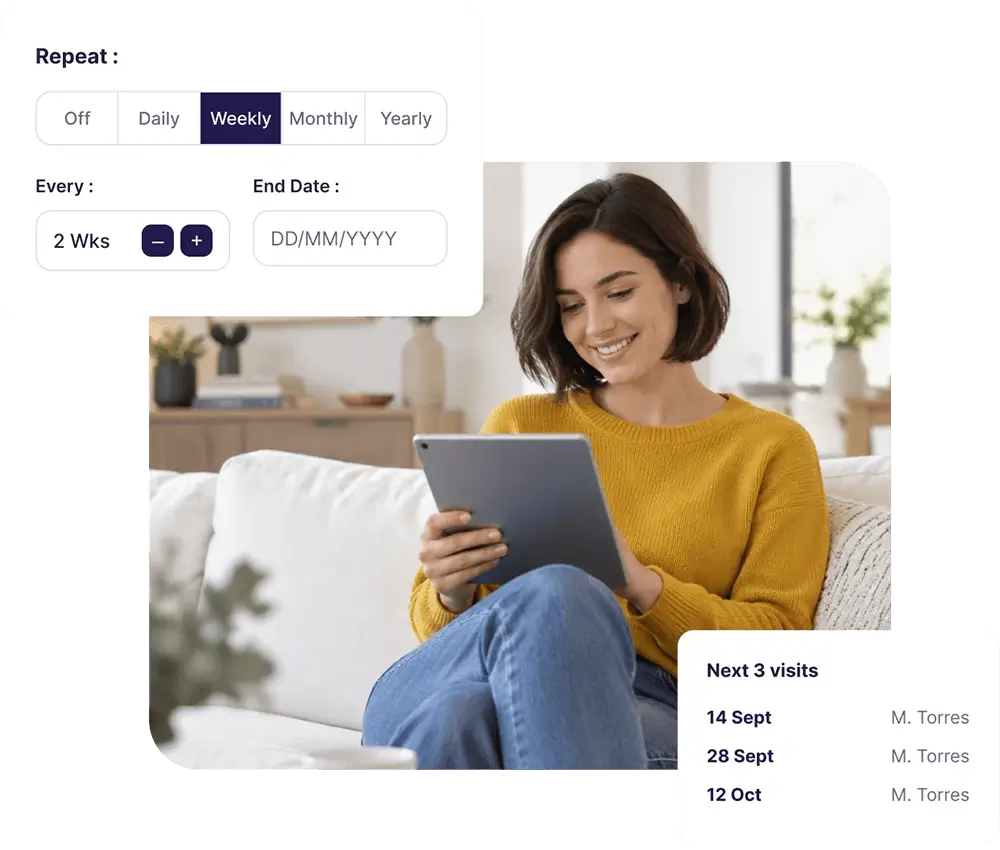
Your regulars — root touch-ups every four weeks, a monthly facial, a fortnightly beard trim — are the backbone of a stable book. Instead of hoping they call back, book their next few visits before they leave.
Recurring bookings let you set the repeat pattern once (for example, every two weeks) and fill future slots automatically. It secures revenue in advance and makes it easier to plan staffing.
8. Let clients book online, 24/7
Many clients think about booking at 10 p.m., not during opening hours. If the only option is to call, some of them won’t. Online booking captures those appointments and takes pressure off your phone line at the same time.
With 24/7 online booking, clients can choose a service, stylist and time that is genuinely free, and the booking lands straight in your central calendar. You can also share a booking link on your website, Google profile, Instagram and Facebook.
9. Have a plan for cancellations and empty slots
Cancellations will always happen. What matters is how quickly you fill the gap. Keep a short waitlist of clients who want an earlier slot, and contact them as soon as a cancellation comes in.
A clear, fair cancellation policy also helps. Explain it at booking, repeat it in reminders and apply it consistently. For high-value services, a small deposit or prepayment at the time of booking discourages last-minute no-shows.
Manual vs automated salon appointment management
If you still run your book on paper or a basic calendar app, here’s how the day-to-day work compares:
| Task | Manual method | With salon booking software |
|---|---|---|
| Taking bookings | Phone calls and DMs during opening hours | Online booking 24/7, plus phone and walk-ins in one calendar |
| Avoiding double bookings | Depends on whoever last checked the diary | Real-time calendar shows only free slots |
| Reminders | Staff call or text clients one by one | Automatic SMS, email or WhatsApp reminders |
| Client information | Notebooks, cards or memory | Notes and history attached to each booking |
| Regular clients | Client has to remember to call | Recurring appointments booked in advance |
| Staff time off | Written somewhere, often missed | Blocked in the calendar, so it can’t be booked |
Sync your salon calendar with the rest of your day
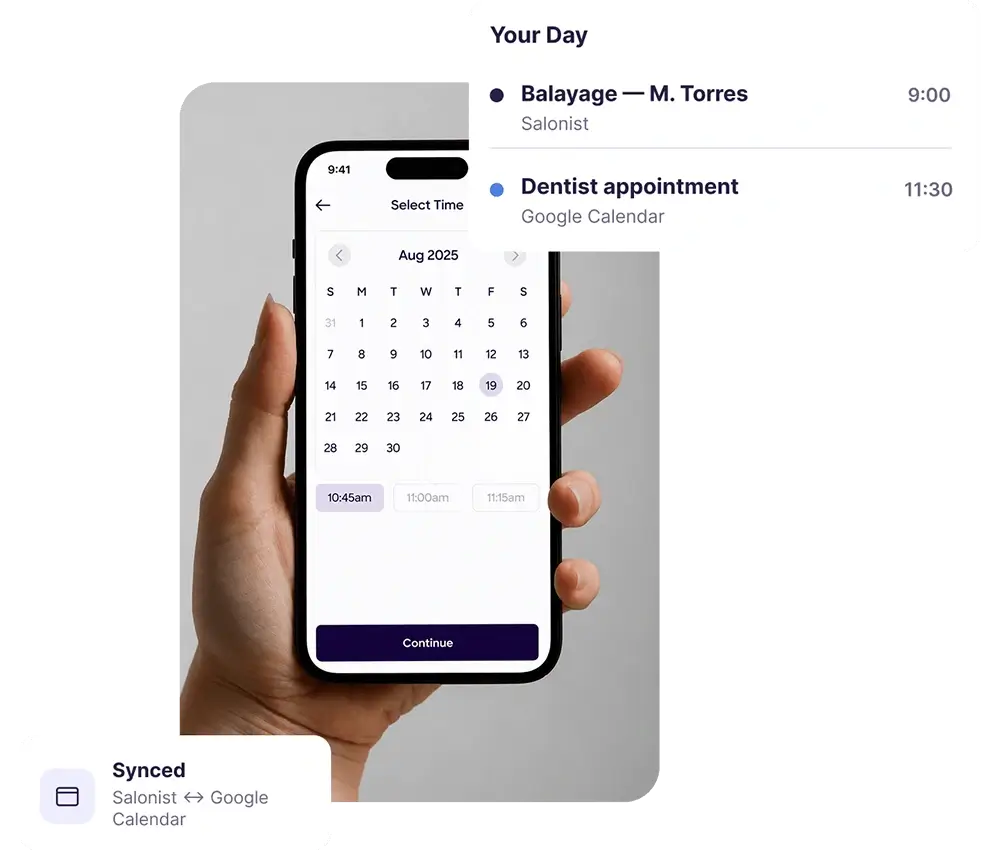
Stylists and owners also have life outside the salon. When personal and work calendars don’t talk to each other, appointments end up clashing with a dentist visit or a school pickup.
Syncing your salon calendar with Google Calendar or other calendars gives everyone a single view of their day and reduces the risk of accidental clashes.
A simple daily routine for a calmer appointment book
Good tools work best with good habits. Try this routine for two weeks:
- Before opening (10 minutes): review today’s book, check unconfirmed appointments and note any client alerts.
- Morning huddle (5 minutes): share the day’s plan, long services and any gaps the team should help fill.
- During the day: book every walk-in and phone booking straight into the central calendar — never “add it later”.
- At checkout: offer to rebook the next visit before the client leaves.
- End of day (10 minutes): check tomorrow’s book, contact the waitlist for any gaps and confirm staff availability.
How to choose the right salon appointment software
If you’re ready to move away from manual booking, look for software that covers the full appointment cycle, not just a calendar. Key features to check:
- A real-time calendar with drag-and-drop rescheduling and staff views
- Online booking that connects to your website and social media
- Automated reminders on SMS, email and WhatsApp
- Client profiles with notes and visit history
- Recurring bookings, blocked time and colour-coded statuses
- Calendar sync and a mobile app for staff on the go
- Reports on bookings, cancellations and staff utilisation
Salonist brings all of this together in one platform. Explore Salonist’s salon booking solutions to see how they fit your salon, spa or barbershop.
Frequently asked questions
What is the best way to manage salon appointments?
The most reliable approach is to keep every booking in one real-time calendar, block staff time in advance, automate reminders and let clients book online. Together, these steps cut double bookings, no-shows and phone admin.
How can I reduce no-shows in my salon?
Send automatic reminders 24–48 hours before each appointment, make rescheduling easy, share a clear cancellation policy and consider deposits for longer or high-value services.
Is salon appointment software worth it for a small salon?
Yes. Even a one- or two-chair salon loses time to phone bookings and reminder calls. Software that handles online booking and reminders automatically frees up hours each week and helps protect revenue from missed appointments.
How do I stop double bookings at my salon?
Use a single digital calendar that updates in real time for everyone, set accurate service durations, and block breaks and days off so clients can only book genuinely free slots.
Take the stress out of your appointment book
From online booking and automated reminders to recurring appointments and client notes, Salonist helps you manage every appointment in one place. Start your free trial of Salonist today.