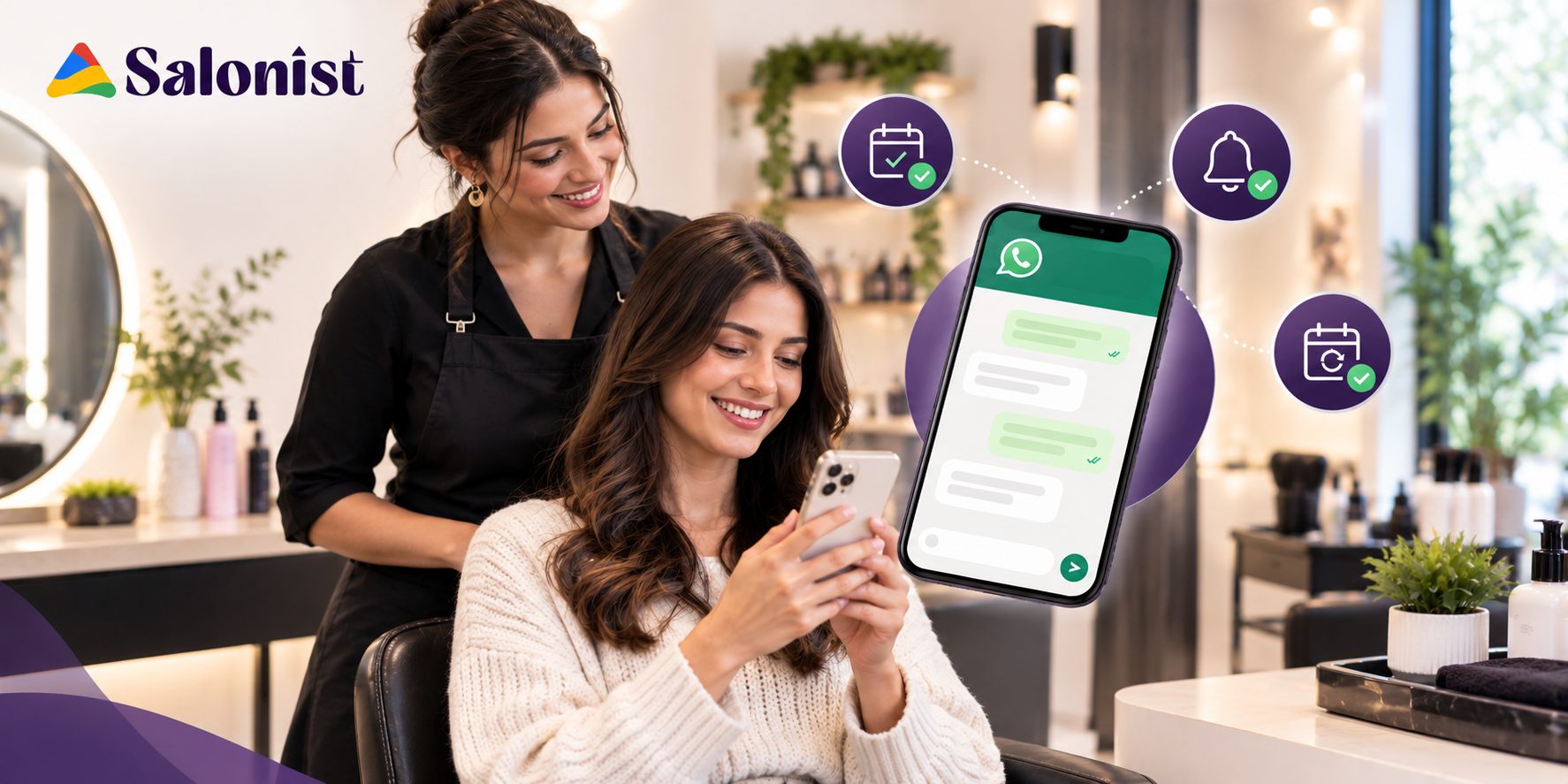
The stylist cannot answer the phone with foils in the client's hair. Thus, the call is put on hold, and either the space remains vacant or the issue is resolved several hours later. This process takes place all week long, resulting in a true leak in the business. The problem is not only about unattended phone calls. It's also about confirmations that were not sent and reminders that came too late.
Calls and emails were built for a slower rhythm. A call needs two people free at the same moment. An email gets buried under receipts and offers. That's why more owners now use WhatsApp for salons. Clients already open the app daily, and a two-line message can be read in seconds and answered with one word. Used well, it covers the whole booking journey, from the first confirmation to the nudge that brings a client back.
What Is WhatsApp for Salons?
Simply put, it's using WhatsApp as your main line to clients, both before and after they're in the chair. One thread replaces the mix of calls, texts, and emails.
Salons tend to use it for:
- Appointment confirmations
- Booking reminders
- Rescheduling
- Cancellation updates
- Post-visit follow-ups
- Rebooking messages
- Promotions and offers
Why is it more effective than the previous options? It is because a WhatsApp message appears right alongside other messages that the client receives from their friends and family members. It creates an impression that a human being is communicating with the client and not a business system. The client replies at his or her convenience.
Why Salons Should Use WhatsApp for Client Communication
There are four good reasons to make the switch. None of them are complicated.
Meet Clients Where They Already Communicate
No downloads or remembering of passwords are required. Your clients are already on WhatsApp, probably many times a day.
That matters more than it sounds. If a confirmation is easy to understand, people actually read it. If they are confusing, they won't.
Reduce Appointment No-Shows
Most no-shows aren't rudeness. People forget. A message at the right time fixes a surprising number of them.
You don't need to bombard anyone, either. One reminder after booking and one the day before does the job for most clients. If each message is short and useful, it reads as good service.
Want to go deeper on this? Salonist has a good piece on whether AI can predict and prevent salon no-shows.
Make Rescheduling Easier
Picking up the phone to cancel is awkward, so plenty of people just don't. A quick reply is much easier.
It helps you too. If someone cancels a day ahead, you have time to offer that slot to another client. If they simply don't turn up, you get nothing back.
Keep Clients Engaged After Their Visit
A lot of salons go quiet the moment the card is tapped. That's a wasted opening. A follow-up message can:
- Thank the client for coming in
- Ask how the service went
- Share aftercare tips for colour, nails, or skin
- Suggest when to book again
How to Use WhatsApp to Confirm Salon Appointments
A confirmation has one job: to make the client sure the booking is real. These are the habits that make yours work.
Send an Instant Booking Confirmation
Send it straight away. The longer you wait, the more the client wonders whether the booking went through.
Put these in:
- Date and time
- The service booked
- The stylist or therapist, if it matters
- Where to find you
- A simple way to change or cancel
Use Clear and Helpful Confirmation Messages
Make it clear enough to understand at a glance. Leave out the policy paragraph nobody reads.
If there's one thing the client must know, say it in one sentence. A patch test before a colour service is a good example. Everything else can wait.
Confirm Changes to Existing Appointments
Whenever something shifts, send a new message. That goes for a new time, a different service, another stylist, or a change of address.
Spell out the new details in full. Don't write "as we discussed." The latest message should be the one a client can trust without scrolling.
How WhatsApp Reminders Can Reduce Missed Salon Appointments
Reminders work when they arrive at a sensible time and are easy to answer. Miss either one and they're just noise.
Send a Reminder at the Right Time
Timing matters more than wording. A simple pattern covers most salons:
- Right after booking. The confirmation doubles as the first reminder.
- The day before. This is the one that works the hardest. There's still time to adjust.
- Same day, if needed. A quick "see you at 3" suits long or high-value services.
Give Clients a Simple Way to Respond
Ask them something that can be answered with just one word. Let them:
- Confirm they're coming
- Ask for a different time
- Cancel
If a reply takes effort, they won't send one. People ignore messages that feel like homework.
Avoid Sending Too Many Messages
There's a line between helpful and annoying, and it's closer than most owners think. Two or three messages per appointment is plenty.
If you can, vary it by service. A quick trim doesn't need much. A long colour session might need a second note about how to prepare.
How Salons Can Use WhatsApp to Rebook Clients
This is where the channel really earns its keep. Confirmations protect today's revenue. Rebooking creates next month's.
Follow Up After the Appointment
Send a short note within a day. Thank them, and ask how it went.
Then make the next step easy. Clients are most open to booking again while they still love how they look, so ask then.
Send Service-Based Rebooking Reminders
Every service has its own rhythm, so a blanket "we miss you" message misses the mark. Think about how often each one usually comes round:
- Haircuts: roughly every four to six weeks
- Hair colour: when roots begin to show
- Facials: often about once a month
- Nails: every two to three weeks
- Spa treatments and other regular services: whatever suits the treatment
Treat those as rough guides. You know your own clients better than any chart does.
Personalize Rebooking Messages
Personal messages get replies. Generic ones get scrolled past. It only takes three small things:
- The client's first name
- What they had done last time
- A suggested timeframe for the next visit
A line like "It's been about five weeks since your color. Want me to hold a slot next week?" sounds like a real person wrote it. Because one did.
Using WhatsApp Throughout the Salon Customer Journey
Every message becomes more effective when it is tied to the preceding message. Here's the whole path.
Booking → Confirmation → Reminder → Visit → Follow-Up → Rebooking
The confirmation removes doubt. The reminder protects the slot. The follow-up shows you care about how it turned out. The rebooking message closes the loop and starts it again.
When these steps are connected, the client feels looked after from start to finish. And your salon stops treating appointments as one-off events. You start building relationships. That's what keeps the calendar full, since a regular client is worth far more than a single visit.
How Salonist Helps Salons Manage WhatsApp Communication
Messages work best when they're tied to your calendar and your client records. Salon management platforms like Salonist put those pieces in one place.
Manage Appointments and Client Communication in One Place
Salonist links scheduling with client details, so booking information stays tidy. It also integrates with several WhatsApp messaging tools. Your calendar and your conversations don't have to live in different places.
Automate Appointment Confirmations and Reminders
The manual follow-up is the very first task that you will neglect during a busy day. Through automation, you do not need your team member to notify your customer since your customer will be notified automatically.
Make Rebooking Part of the Client Journey
Client history helps you follow up based on what each person actually had done. That makes it easier to encourage repeat visits at sensible gaps.
Give Salon Teams More Time to Focus on Clients
Chasing confirmations is dull, repetitive work. If software does it, your team spends less time on admin and more time with the person in the chair.
Best Practices for Using WhatsApp for Salons
A few habits keep this channel useful for you and welcome for clients.
Keep Messages Short and Personal
Write as you'd speak at the front desk. Two or three lines are plenty.
Always Include Appointment Details
Don't make clients scroll back to find the day. Repeat the date, time, and service each time.
Make Rescheduling Simple
Tell people exactly how to change a booking. One line sums it up: "Reply RESCHEDULE and we will schedule another time."
Respect Client's Communication Preferences
Always ask permission before messaging. Stop once you've been told to. For some clients, a phone call will be better and that's okay too. Their trust is worth more than an additional message.
Automation without Losing the Human Element
Automate your communications when it comes to routine things like confirming appointments and reminding about them. Always have a human available for responding.
Track Responses and Rebooking Activity
Observe what messages receive responses and which ones result in bookings. It only takes little tweaks to make all the difference after some time.
WhatsApp Templates for Salons
Feel free to use these as a basis and tweak them so that they sound like something that comes from your salon.
Appointment Confirmation Template
"Dear [Name], your appointment at [Salon Name] for [Service] is scheduled for [Date] at [Time]. Need to change anything? Just reply here."
Appointment Reminder Template
"Hi [Name], just a reminder for your [service] tomorrow at [time]. If you can make it, just reply YES, otherwise let us know an alternative time would suit better."
Rescheduling Template
"Hi [Name], no problem at all. We have [option 1] or [option 2] free. Which works better for you?"
Post-Appointment Follow-Up Template
"Hi [Name], thanks for coming in today! We hope you love your [service]. If you have any aftercare questions, just ask."
Rebooking Template
"Hi [Name], it's been about [number] weeks since your [service]. Want us to save a spot for [suggested day]?"
Common Mistakes Salons Should Avoid When Using WhatsApp
Most problems come from a handful of habits, and all of them are fixable.
- Vague messages. "See you soon" tells a client nothing. Give the date, time, and service.
- Reminding too late. A note an hour before doesn't help anyone rearrange their day.
- Making rescheduling hard. If changing a booking takes effort, clients skip it and stay home.
- Too many promotions. Send offers constantly, and clients learn to ignore you.
- One message for everyone. A colour client and a barber regular need different things.
- Going quiet after the visit. Silence is a missed chance to rebook.
Turn WhatsApp Conversations Into Repeat Salon Visits
WhatsApp does more than remind people. It keeps you in touch with clients who already picked your salon.
Results improve when your messages connect to scheduling and client history. A message that knows which service someone had, and when, feels useful, not pushy. Relevant and timely nudges provide the consumer with a reason to return without any force.
It is basically an ongoing process. Each communication, starting from the booking stage through to the next meeting, must be made easy for the consumer.
Conclusion
WhatsApp gives salons a direct line to clients. It handles confirmations, keeps reminders timely, makes rescheduling painless, and brings people back after a visit. But the channel isn't the real advantage. The advantage comes from tying messages to your appointments and client records, so each one arrives at the right time and says something relevant.
That's the case for pairing communication with appointment management. Salon software like Salonist can bring scheduling, client details, and messaging into one place. Your team spends less time chasing replies and more time with clients.
Ready to stop chasing confirmations and start filling your calendar with repeat bookings? Try Salonist free and see how a more connected approach to appointments feels in your own salon.