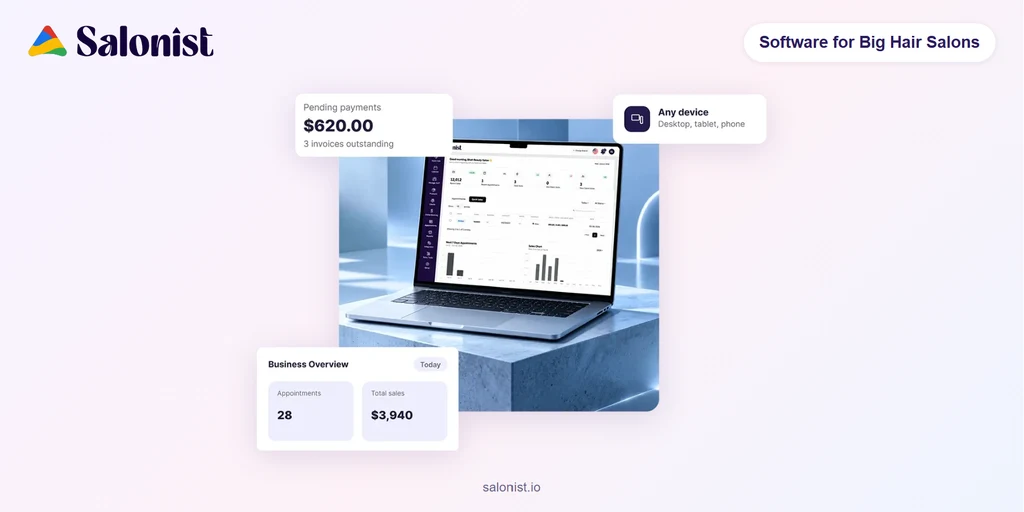
Once a salon passes 25 stylists, the tools that worked for a 5-chair shop start to break. The calendar gets crowded, the front desk queues up at checkout, commission sheets take a whole weekend, and nobody is quite sure which stylist is free for a walk-in at 4 PM on a Saturday. Choosing the best software for big hair salons is less about adding features and more about keeping a busy floor moving without mistakes.
This guide covers what a large salon actually needs from its software, compares the leading platforms for 2027, and explains how to pick the right one for your team size, budget and growth plans.
Why Large Salons Outgrow Basic Booking Tools
Small-salon apps are built around a handful of chairs and one owner who does everything. With 25+ stylists, the pressure points change:
- Calendar overload: hundreds of appointments a day, overlapping colour processing times and stylists with different service menus.
- Front-desk bottlenecks: two or three receptionists checking clients in and out at the same time during peak hours.
- Complex pay: tiered commissions, product commissions, booth renters and salaried juniors on the same payroll.
- Per-staff pricing: many platforms charge per stylist, so your software bill climbs every time you hire.
- Multiple locations: big salons often run a second or third site, which means shared clients, packages and stock.
If any of these sound familiar, it's time to move to a full hair salon software built for volume.
Must-Have Features in Software for a 25+ Stylist Salon
Before you look at brands, use this checklist. The best software for big hair salons should handle all of the following without add-ons or workarounds.
1. A multi-stylist calendar that stays readable
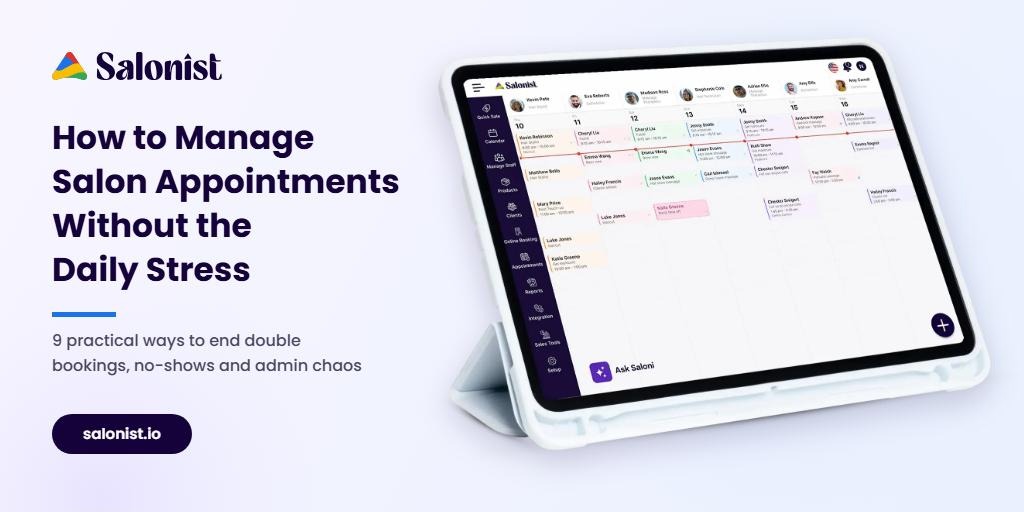
You need a salon appointment calendar that shows every stylist side by side, supports drag-and-drop rescheduling, colour-codes services, and handles processing time so a stylist can start a second client while colour develops. Slot blockers and recurring bookings save hours every week.
2. Staff scheduling and role-based access
With 25+ people, shifts, days off and breaks need to live in the same system as the calendar. Role-based permissions matter too: receptionists, managers and stylists should each see only what they need.
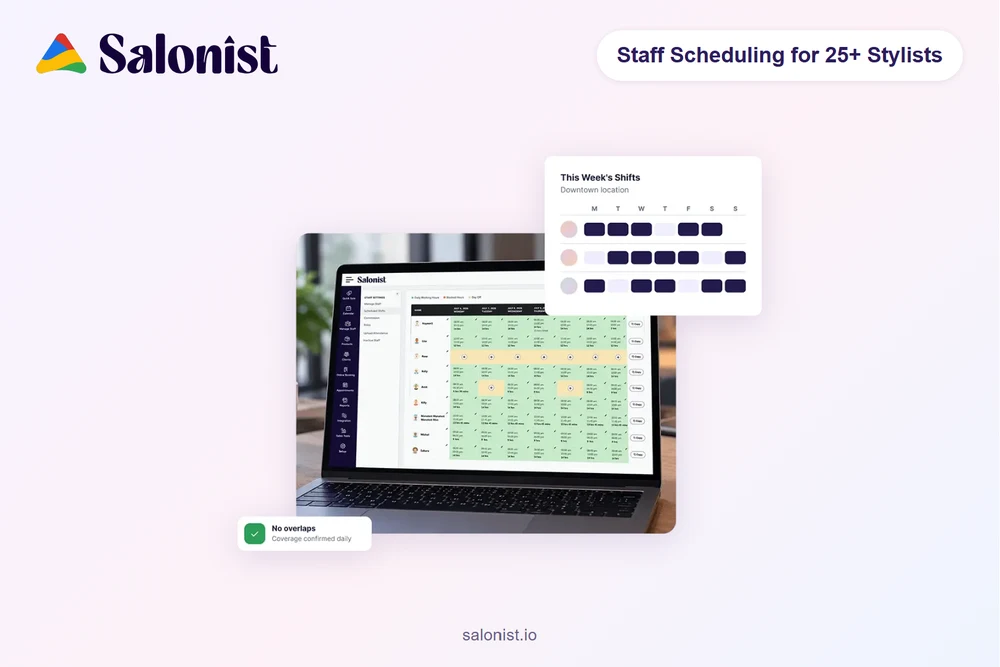
Salonist's salon staff management module lets you build weekly shifts by location, assign roles and spot coverage gaps before they turn into double bookings.
3. Automatic commission and payroll tracking
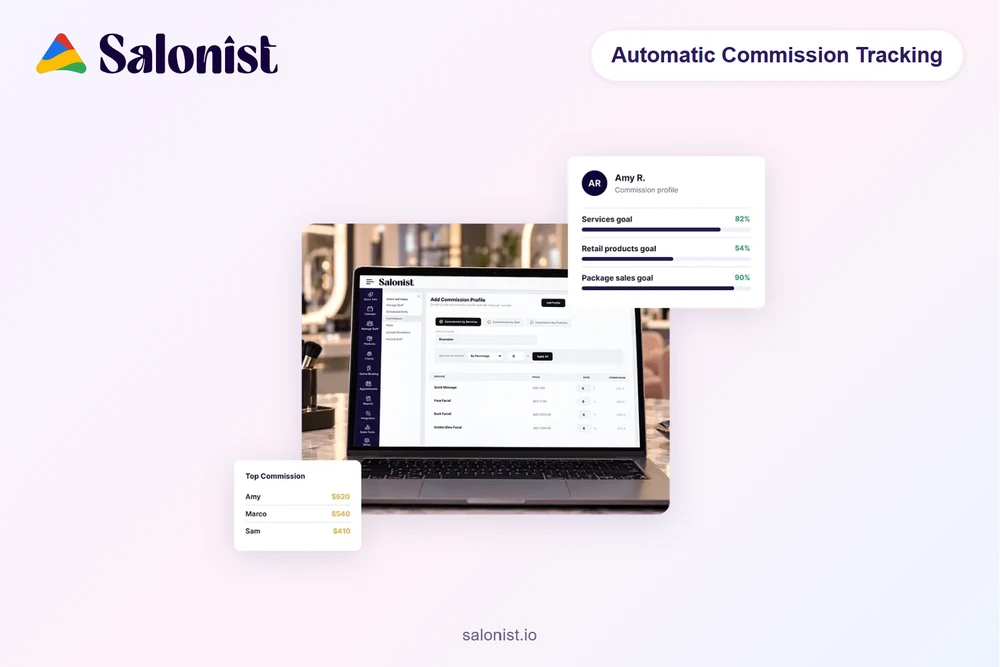
Manual commission spreadsheets are where large salons lose the most time and trust. Look for software that calculates service, retail and package commissions automatically, supports different structures per stylist, and produces payroll-ready totals.
4. Fast POS and checkout
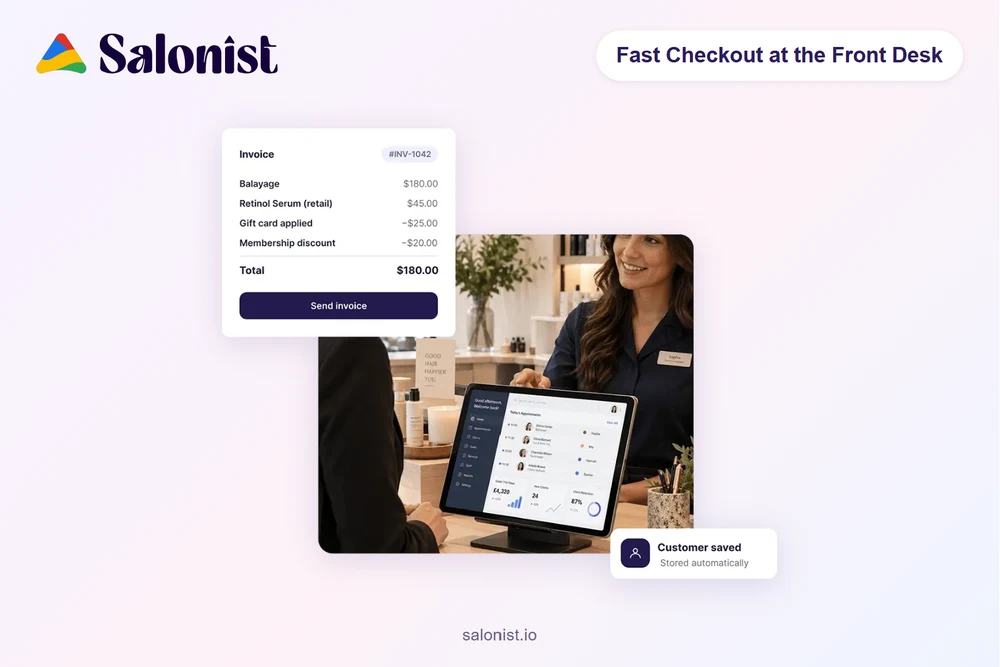
Peak hours at a big salon are won or lost at the front desk. A good salon POS system should combine services, retail products, gift cards and membership discounts on one invoice, split payments, and save client details automatically. Integrated payments through Salonist Pay cut down on manual card-terminal errors.
5. 24/7 online booking
Clients expect to book a specific stylist from their phone at midnight. Online booking for salons and a branded salon booking app take pressure off the phone line and fill gaps in the schedule automatically.
6. Reports by stylist, service and location
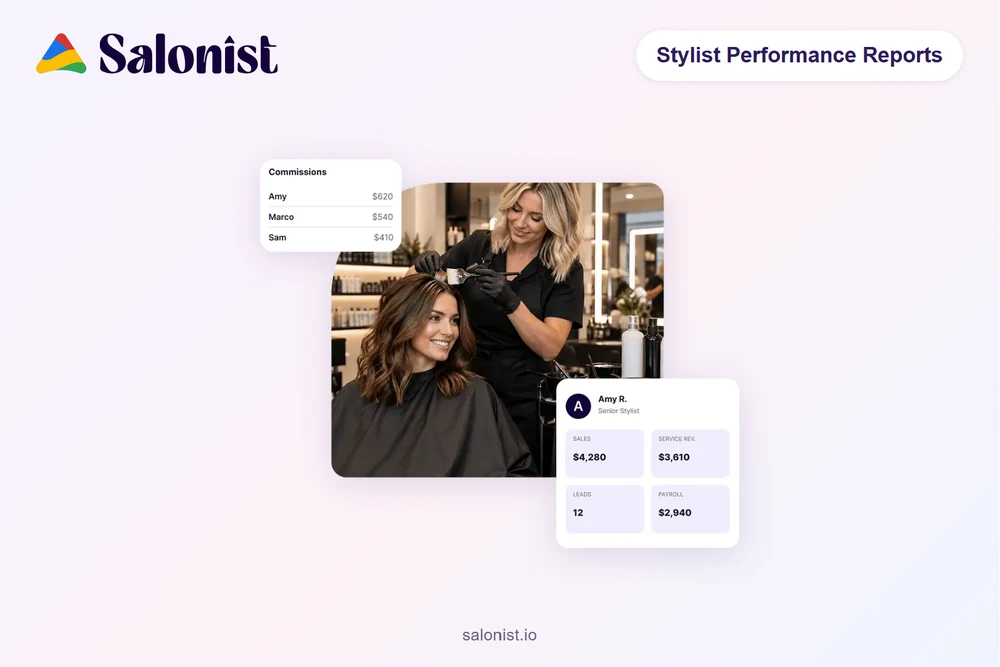
You can't manage 25+ stylists on gut feel. You need salon reports and analytics that show revenue, rebooking rate, retail sales and utilisation per stylist, so you can coach the team and plan hiring.
7. Client retention tools
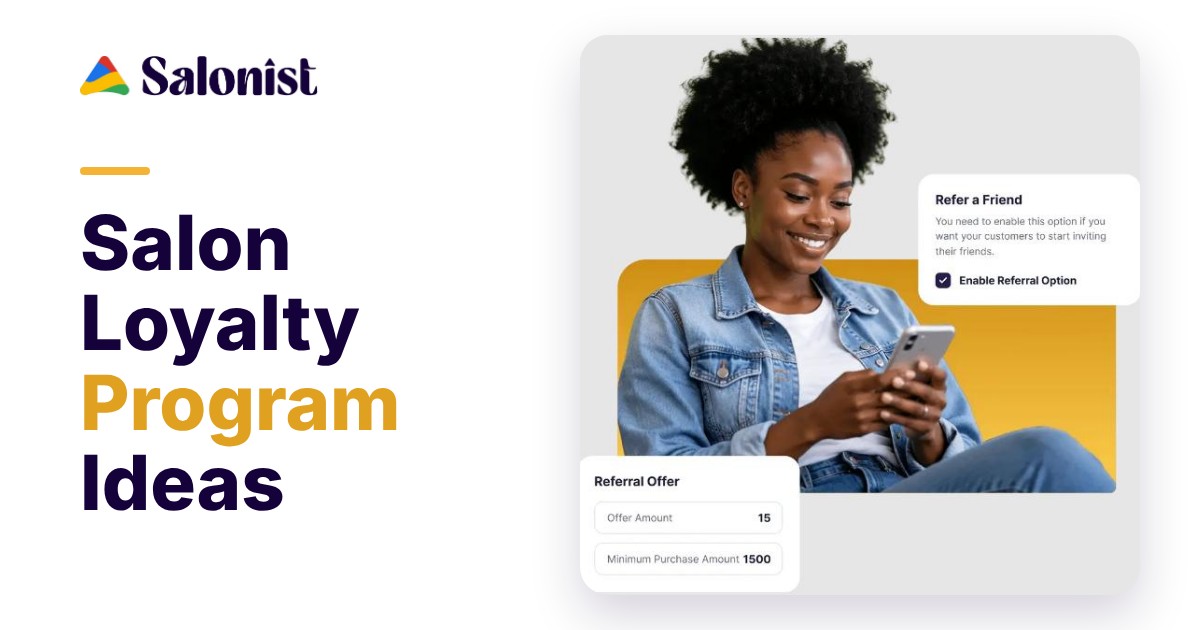
Big salons have big client lists. Client management with service history and colour formulas, memberships, loyalty points, gift cards and automated SMS and email marketing keep those clients coming back.
8. Inventory control
Colour tubes, developers and retail stock disappear quickly on a busy floor. Salon inventory management with low-stock alerts and product usage tracking protects your margins.
9. Multi-location management
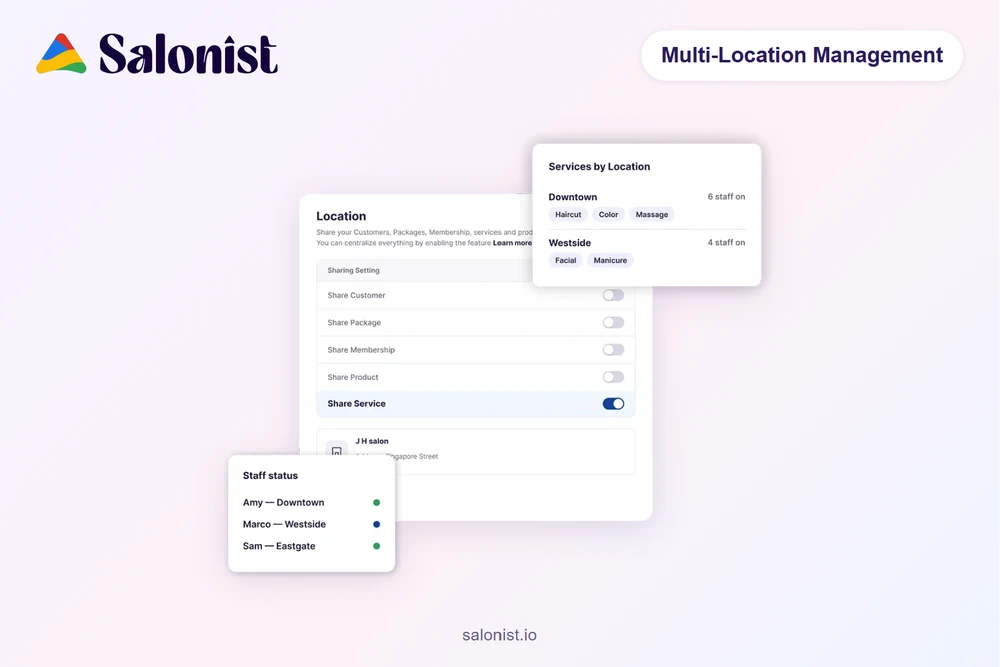
If you run (or plan to run) more than one site, choose software that shares clients, packages and services across locations while keeping each site's reports separate.
What salon software is best for salons with 25 or more staff?
Here are the platforms large salons shortlist most often, and where each one fits.
1. Salonist: Best overall for large, high-volume salons
Salonist is an all-in-one salon management platform used by 15,000+ businesses in 60+ countries. For large hair salons, its biggest advantage is simple: unlimited staff with no per-stylist limits, so adding your 26th or 40th stylist doesn't raise your bill. See the current plans on the Salonist pricing page.
- Multi-stylist calendar with drag-and-drop, colour-coded services, slot blockers and recurring bookings
- Shift scheduling, staff roles, automatic commissions and payroll reports
- POS with integrated payments, gift cards, memberships and a digital e-wallet
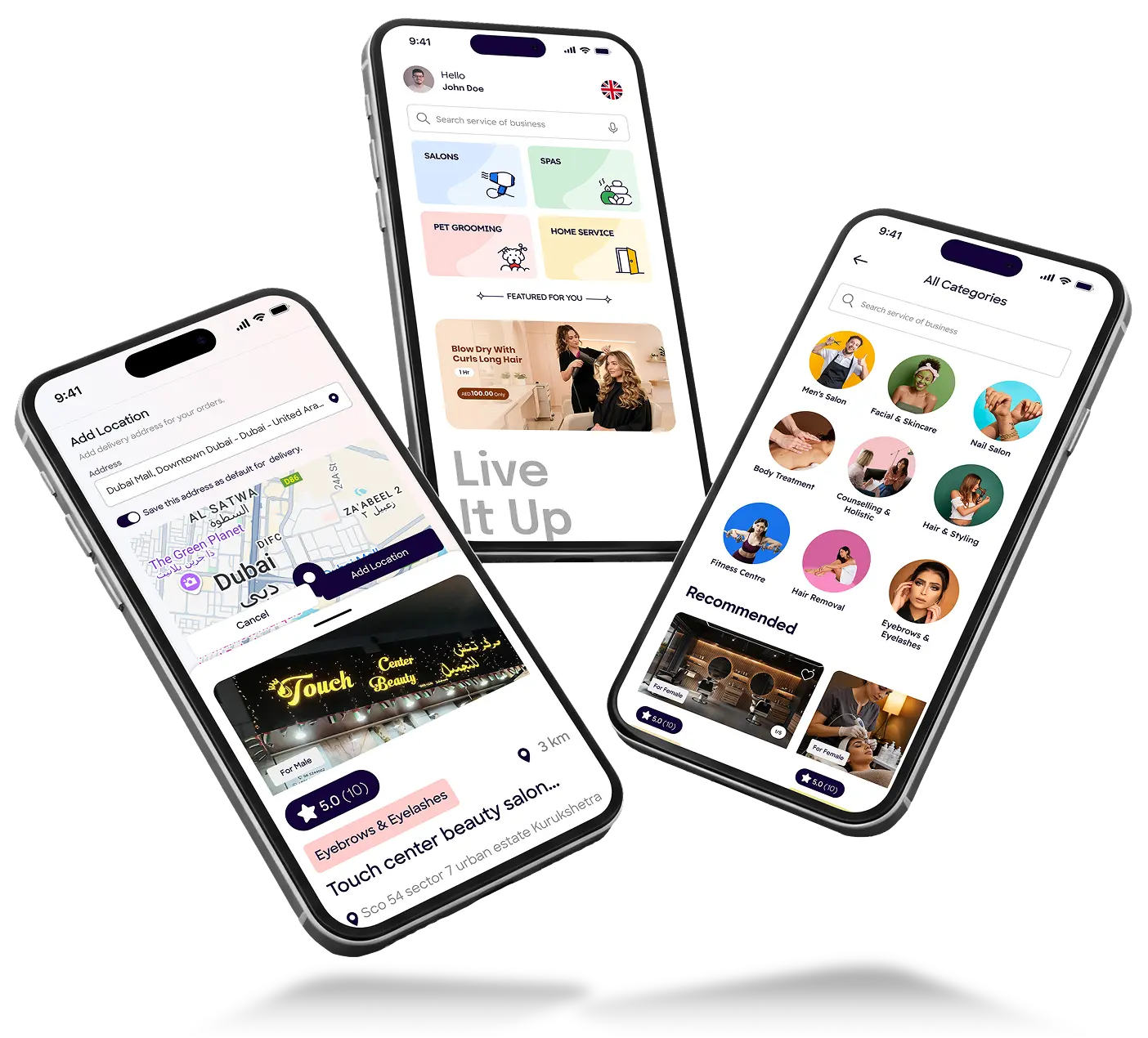
- Online booking, a branded client app and salon automation for reminders and follow-ups
- Multi-location management with shared clients, packages and services
- Built-in AI assistant (Saloni AI), digital consultation forms and an online store
Best for: independent salons and growing groups with 25+ stylists who want enterprise features without enterprise pricing.
2. Zenoti: Best for large chains and franchises
Zenoti is an enterprise platform aimed at salon, spa and med spa chains. It offers deep reporting, centralised control and franchise tools. It suits brands with many locations and a dedicated operations team, but setup and contracts are usually heavier than mid-market tools.
Best for: chains with many locations and in-house IT or operations support.
3. Meevo: Best for complex payroll and commission rules
Meevo (by Millennium Systems) is a long-standing choice for larger salons that need detailed commission tiers, payroll options and inventory controls. It's powerful, though teams often need training time to get comfortable with it.
Best for: salons with complicated pay structures and an experienced manager to run the system.
4. Phorest: Best for marketing-led salons
Phorest is popular with hair salons in the UK, Ireland and the US and is known for client retention and marketing features. It works well for mid-size to large salons focused on rebooking and promotions.
Best for: salons that prioritise marketing campaigns and client retention.
5. Boulevard: Best for premium client experience
Boulevard targets high-end salons and spas, mainly in the US, with a polished booking flow and front-desk experience. It's a fit for luxury salons that put presentation first.
Best for: premium US salons with a strong focus on the in-salon experience.
6. Fresha: Best for marketplace visibility
Fresha is known for its consumer marketplace and a pricing model built around payment processing and add-ons. It's easy to start with, but large salons should check how fees and features scale at high volume.
Best for: salons that want marketplace exposure and a low upfront commitment.
Quick Comparison Table
| Software | Best for | Staff limits | Multi-location | Commission tracking |
|---|---|---|---|---|
| Salonist | Large, high-volume salons | Unlimited staff | Yes | Yes, automatic |
| Zenoti | Chains and franchises | Plan-based | Yes | Yes |
| Meevo | Complex payroll | Plan-based | Yes | Yes, advanced |
| Phorest | Marketing-led salons | Plan-based | Yes | Yes |
| Boulevard | Premium US salons | Plan-based | Yes | Yes |
| Fresha | Marketplace exposure | Varies with add-ons | Yes | Yes |
Check each vendor's site for current plans, as pricing and limits change. For a side-by-side view, see how Salonist compares.
How to Choose the Right Software for Your Salon
- Count your real team size: include part-timers, juniors, assistants and booth renters. If pricing is per stylist, cost it at your size a year from now, not today.
- Map your busiest hour: walk through a Saturday afternoon. How many check-ins, checkouts and walk-ins happen at once? Test the software against that, not a quiet Tuesday.
- Test commissions with real data: enter two or three of your actual pay structures during the trial and compare the result with last month's payroll.
- Check data migration: ask how client history, colour formulas, packages and gift card balances move across.
- Ask about onboarding and support: a 25+ person team needs training sessions and fast support during the first few weeks.
- Plan for growth: the best software for big hair salons should handle a second location without a platform switch.
Why Large Hair Salons Choose Salonist
Salonist was built to keep busy floors running smoothly. Unlimited staff pricing removes the penalty for growing your team, while the calendar, POS, commissions, reports and marketing all live in one place, so managers spend less time in spreadsheets and more time on the floor. Read the salon management guide for more tips on running a large team, or see why salon owners choose Salonist.
Frequently Asked Questions
What is the best software for a hair salon with 25+ stylists?
When comparing the best software for big hair salons, look for unlimited or fair staff pricing, a multi-stylist calendar, automatic commissions, fast POS and multi-location support. Salonist covers all of these with no per-stylist limits, which makes it a strong fit for large teams.
Is per-stylist pricing a problem for big salons?
It can be. At 25+ stylists, per-user fees add up quickly and grow with every hire. Unlimited-staff plans keep costs predictable as you scale.
Can salon software calculate stylist commissions automatically?
Yes. Modern salon platforms calculate service, retail and package commissions from each sale and produce payroll reports, which removes manual spreadsheet work.
How long does it take to switch salon software?
It depends on your data and team size. Most salons plan for a few weeks to migrate client data, set up services and staff, and train the team before going live.
Does Salonist work for salons with more than one location?
Yes. Salonist's multi-location feature lets you share clients, packages, memberships and services across branches while tracking each location separately.
Final Thoughts
A salon with 25+ stylists runs on timing, accuracy and a calm front desk. The best software for big hair salons removes per-stylist cost penalties, keeps the calendar clear, pays your team correctly and grows with you into new locations. Shortlist two or three platforms, test them against your busiest day, and pick the one your team can run without friction.
Ready to see it on your own floor? Start your free Salonist trial and set up your full team with no staff limits.