You opened Instagram to post something for the salon. Ten minutes later you are still staring at the screen, scrolling through other people's feeds, and nothing has gone up. Sound familiar?
You are not alone. Most salon owners and stylists know Instagram brings in clients. The hard part is knowing what to post, week after week, without repeating yourself. That is why we put together this list of salon Instagram post ideas. There are 40 of them, grouped so you can pick a few each week and never run dry.
Each idea is simple. You do not need a photographer, a big budget, or a marketing team. You need your phone, good light, and about 15 minutes.
Why Instagram Still Matters for Salons
Beauty is visual. People want to see your work before they sit in your chair. Instagram is often the first place a new client checks after hearing your name from a friend or finding you on Google.
A good feed does three things for you:
- Builds trust. Real photos of real clients show you are skilled and consistent.
- Keeps you in mind. Regular posts remind past clients it is time to book again.
- Fills empty slots. A well-timed offer post can turn a quiet Tuesday into a busy one.
The goal is not to go viral. The goal is to get bookings. Keep that in mind as you go through the list below.
40 Salon Instagram Post Ideas
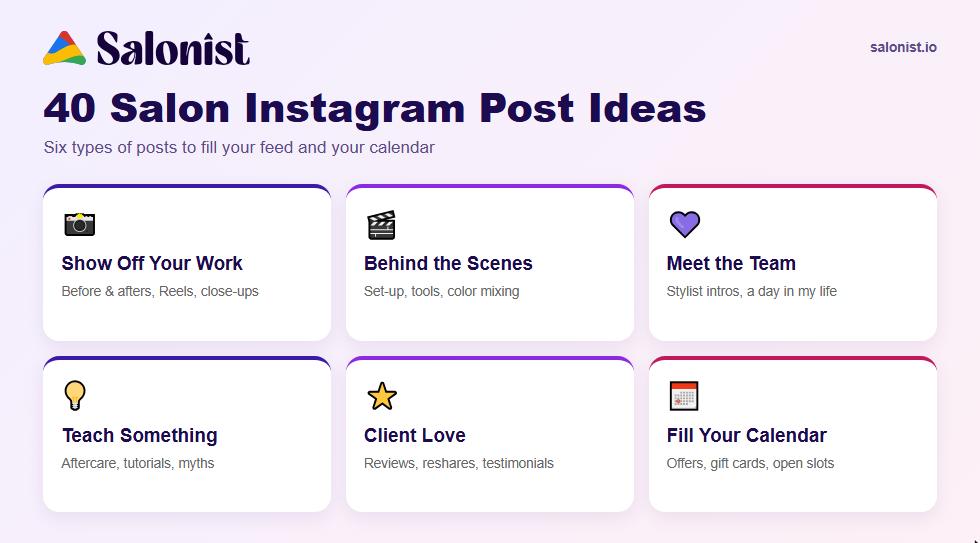
We have split these salon Instagram post ideas into six groups. Try to mix posts from different groups each week so your feed feels fresh.
Show Off Your Work
This is your strongest content. Clients follow you to see results.
- Before and after. The classic for a reason. Use the same angle and light in both photos so the change is clear.
- Transformation Reel. A 10-second clip that starts with the "before" and snaps to the "after." Add a trending sound.
- Close-up detail shots. Zoom in on clean blending, a sharp fade, or a perfect nail line. Details show skill.
- The back of the head. Many clients only see this in your mirror. Show them the full picture.
- Color swatch carousel. Post five shades of the same color family, like copper or ash blonde, in one carousel.
- "Same client, three looks." Show how one cut can be styled straight, curled, and tied up.
- Seasonal trend looks. Winter brunette, summer glow, festive nails. Tie your work to what people are already searching for.
Go Behind the Scenes
People love seeing what happens when the doors open. These posts make your salon feel friendly and real.
- Morning set-up. Coffee, music on, stations ready. A quick clip of the salon waking up.
- Your tools. Lay out your favorite scissors, brushes, or polishes and explain why you love them.
- Mixing color. A short video of a custom color being mixed is oddly satisfying to watch.
- Cleaning and hygiene. Show how you sanitize tools and stations. It builds trust, especially for nail and spa services.
- New product delivery. Unbox new stock and share what you are excited to try.
- End-of-day sweep. A pile of hair on the floor tells a story about a busy, good day.
- Training day. Post photos when your team learns a new technique. It shows you keep improving.
Introduce Your Team
Clients book people, not businesses. Help them get to know who will be doing their hair, nails, or massage.
- Meet the stylist. A photo plus three fun facts. Favorite service, go-to snack, dream client.
- "A day in my life" Reel. Let one team member film their day from start to finish.
- Work anniversaries. Celebrate how long someone has been with you. It shows a happy, stable team.
- Stylist picks. Each team member shares their favorite product or service on the menu.
- Team photo. Simple, warm, and great for your pinned posts.
- Hiring post. Looking for staff? Instagram is a great place to find people who already love your work.
Teach Something Useful
Tips and how-tos get saved and shared. That helps more people find your account.
- Aftercare tips. How to keep color from fading, or how to make a blowout last three days.
- Quick styling tutorial. A 30-second Reel on an easy braid or a beach wave with a flat iron.
- Myth vs fact. "Does cutting hair make it grow faster?" Clear up common beauty myths.
- Product how-to. Show the right amount of serum or the right way to apply a hair mask.
- "What to ask for." Teach clients how to describe the look they want. It saves time in the chair.
- Face shape guide. Which cuts or brow shapes suit round, oval, or square faces.
- Seasonal care. Winter dryness, summer frizz, chlorine damage. Give simple fixes.
Let Your Clients Talk
What other people say about you counts more than anything you say about yourself.
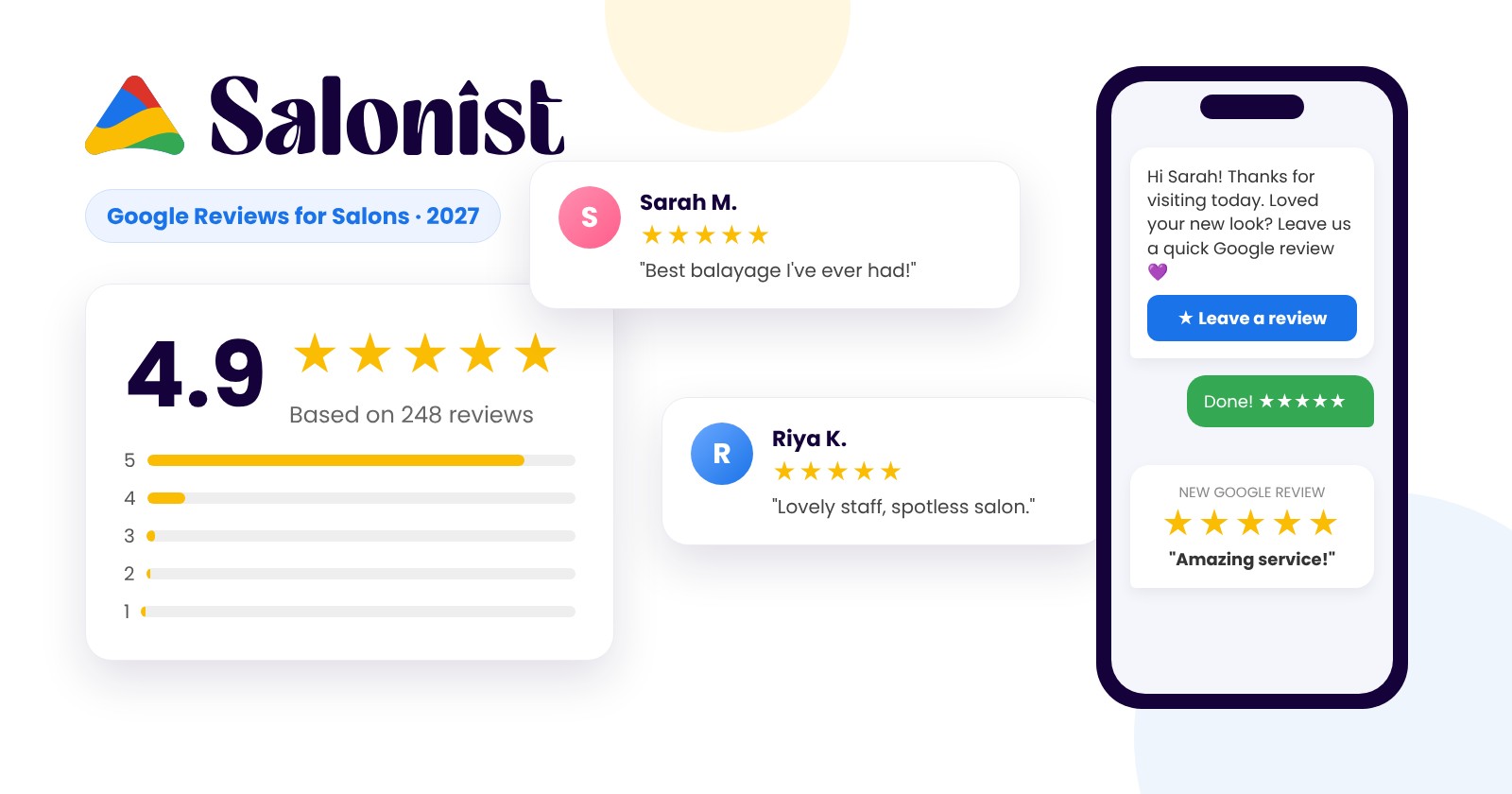
- Review graphics. Turn a five-star review into a clean branded image. If you already show your Google reviews, pick the best ones to share.
- Client selfie reshare. When a client tags you, reshare it to your story and thank them.
- Video testimonial. Ask a happy regular to say one sentence about their visit on camera.
- Client of the month. Celebrate a loyal client with their permission. People love being recognized.
- Bridal and event clients. Wedding hair and makeup posts perform very well and reach the guests too.
- "Tag a friend" post. Ask followers to tag someone who needs a fresh cut. Easy reach, no cost.
Fill Your Calendar
These are the posts that turn followers into bookings. Use them often, but not every day.
- Last-minute openings. "Two slots free this Thursday afternoon." Post it as a story with a booking link.
- Happy hour offers. Discount quiet time slots to fill them. You can set these up with Smart Pricing in Salonist.
- Gift card reminders. Post before birthdays, Mother's Day, and the holidays. Need ideas? Read our list of salon gift card ideas.
- Membership or package spotlight. Explain what members get each month. A clear membership program brings in steady income.
- Loyalty rewards. Remind clients they earn points with every visit through your rewards program.
- Holiday and sale posts. Plan ahead for big dates. Here are some Black Friday salon deals you can adapt.
- New service launch. Adding lash lifts or scalp treatments? Do a teaser post, a reveal post, and an offer post.
How to Turn These Ideas Into a Weekly Plan
Forty ideas is a lot. You do not need to use them all at once. Here is a simple weekly rhythm that works for most salons:
- Monday: A tip or tutorial to start the week.
- Wednesday: A before and after, or a transformation Reel.
- Friday: A team or behind-the-scenes post.
- Saturday or Sunday: A client review or a booking offer.
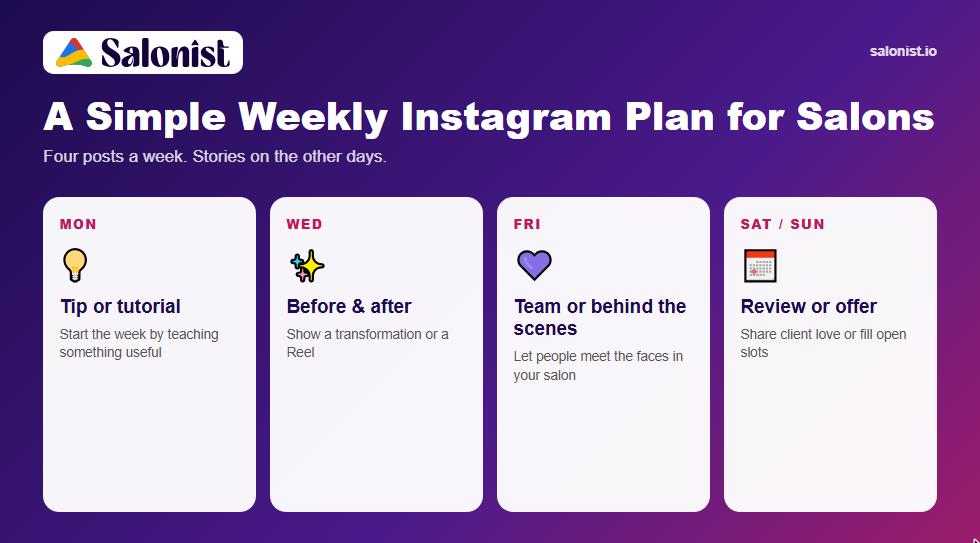
That is four posts a week, and you can repeat the cycle with fresh ideas each time. Add stories on the other days. Stories do not need to be perfect. A quick clip of the salon is enough.
Write your plan for the month in one sitting. Pick the salon Instagram post ideas you like most, put them on a calendar, and take the photos as clients come in. Batching saves you from the "what do I post today?" panic.
Simple Tips to Make Every Post Work Harder
Great ideas need a little care to work. Keep these basics in mind:
- Use natural light. Stand near a window. It beats any filter.
- Always ask permission. Get a client's okay before posting their face. Most say yes when you ask kindly.
- Write a clear caption. Say what service it was, who did it, and how to book.
- Add a call to action. "Tap the link in bio to book" works better than hoping people figure it out.
- Use local hashtags. #YourCitySalon or #YourAreaNails help nearby clients find you.
- Reply to comments. A quick reply builds relationships and helps your posts reach more people.
- Check what works. Look at your insights once a month. Do more of what gets saves and DMs.
Instagram is one part of your online presence. Your website, Google profile, and reviews all work together. Our guide on building a strong digital presence covers the bigger picture.
Make Booking Easy After Someone Likes Your Post
Here is the part many salons miss. A great post gets someone excited. Then they have to call, wait, or send a DM that sits unanswered for hours. By then, the excitement is gone.
Put a booking link in your bio and on your posts so people can book while they are still interested. With Salonist, clients can pick a service, choose their stylist, and book a slot any time of day, even straight from Instagram.
Salonist also helps with the rest of your marketing. You can send email and SMS campaigns to past clients, sell gift cards online, and track which offers bring people back. Whether you run a hair salon or a nail studio, it all lives in one place, so your Instagram effort turns into real appointments.
Frequently Asked Questions
How often should a salon post on Instagram?
Three to five feed posts a week is a good target for most salons. Consistency matters more than volume. It is better to post three times every week than ten times one week and nothing the next.
What type of salon post gets the most engagement?
Before and after posts and short transformation Reels usually get the most likes, shares, and saves. Tips and tutorials come close because people save them to use later.
Should I post client photos without asking?
No. Always ask first, even if the client is a regular. A simple "Can I share this on our page?" is enough. Some clients will happily tag you themselves, which gives you even more reach.
How do I find new salon Instagram post ideas when I run out?
Look at the questions clients ask in the chair. Each one can become a post. You can also check what is trending in beauty this season, look back at your best-performing posts and do a fresh version, or ask your followers what they want to see in a story poll.
Do I need to pay for Instagram ads?
Not to start. A steady flow of good posts, stories, and replies can bring in new clients for free. Once you know which posts work best, you can boost those to reach more people in your area.
Final Thoughts
You do not need to be a content creator to have a great salon Instagram. You need a plan, a phone, and a few good habits. Save this list of salon Instagram post ideas, pick three or four for this week, and start posting.
Be yourself. Show your real work, your real team, and your real clients. That is what people connect with, and that is what makes them book.
Ready to turn likes into bookings? Try Salonist and make it easy for your Instagram followers to become loyal clients.