Cash isn't slow when a client hands it over. It's slow afterwards. It must be counted, recorded, matched against the entry, and carried to the bank. If the sum is not quite right, even a few dinars off, then the chase begins.
Most of your clients in Kuwait already have a KNET card in their wallet. KNET is the country's debit card network, and taking it can cut a good chunk of that afterwards work. With the correct setup, you can manage checkouts faster, have no mistakes in counting, and have a proper payment register according to your journal.
This guide walks through a practical KNET payment salon Kuwait setup, from choosing a provider to your first live payment. We'll also cover the mistakes that waste time, and why payments work best when they're connected to your bookings.
What Is KNET and How Does It Work in Kuwait?
A little background first. The setup makes more sense once you know how KNET works.
What Is KNET?
KNET is Kuwait's national debit card network, set up by local banks. Think of it as the pipe between a client's bank account and your business. The client pays, the network checks the card and PIN, and the money heads to your account.
Online, this happens on a secure payment page. In the salon, it happens on a card terminal. You never talk to the client's bank. Your payment provider or acquiring bank handles that side.
Why Do Kuwaiti Customers Prefer KNET?
It comes down to habit. People have paid with KNET for years, so the screen looks familiar and nobody has to think twice. That matters when you're asking a first-time client to trust you with their money.
There's more to it. It works with local bank accounts. Plenty of people carry very little cash these days. And paying takes seconds. Known, local, quick. Hard to argue with that.
Why Should Your Salon Accept KNET Payments?
Cash will stick around, and that's fine. Here's what you gain by adding KNET next to it.
Give Customers More Payment Choice
Clients like options. Some want to pay by card, some have notes in their bag, and some would rather settle before they even arrive. If you only take one method, you lose the others. A familiar option like KNET also reassures new clients, who are still deciding whether to trust your salon.
Reduce Cash Handling at Your Salon
Less cash means less to count, less to bank, and less to go missing. Every KNET payment leaves a record, so your staff types less, and closing takes less time.
You won't drop cash completely. Not many salons do. But every payment that moves to KNET is one you don't count at night.
Make the Customer Experience Smoother
People remember how a visit ends. A quick tap-and-go leaves a good last impression. A fumbled total or a hunt for change leaves a worse one. Faster checkout also keeps the desk clear for whoever's next.
Support Online and Advance Payments
You can't collect cash from someone who hasn't turned up yet. You can collect a KNET payment through a gateway. So you can ask for a deposit, or full payment, when the client books.
Will that end no-shows? Honestly, no. But people who've already paid show up more often than people who've only promised to.
How to Accept KNET Payments at Your Salon in Kuwait
Five steps, in sequential order. Fail to do any one of these steps, and you'll almost always end up regretting it in the future.
Step 1: Select a KNET-Compatible Payment Provider
This sets the stage for all the other steps, which is why you should give it some serious consideration. In Kuwait, KNET connectivity is typically available through a bank or via a payment gateway that allows for it. Here's what you need to consider in making your decision:
- Payment security and client information protection
- Reliability and customer support response time
- In-store payments, online payments, or both
- How well they connect to your salon booking system
Most salons forget the last one. It's the one that saves the most hassle later.
Step 2: Set Up Your Merchant Account
Expect to hand over some paperwork. That's usually a trade licence, the owner's ID, and bank details, but each provider has its own list, so ask first. After you apply, they verify your business and switch on the account. This is normally the slow bit. Start before you need it.
Step 3: Connect KNET With Your Salon Payment Process
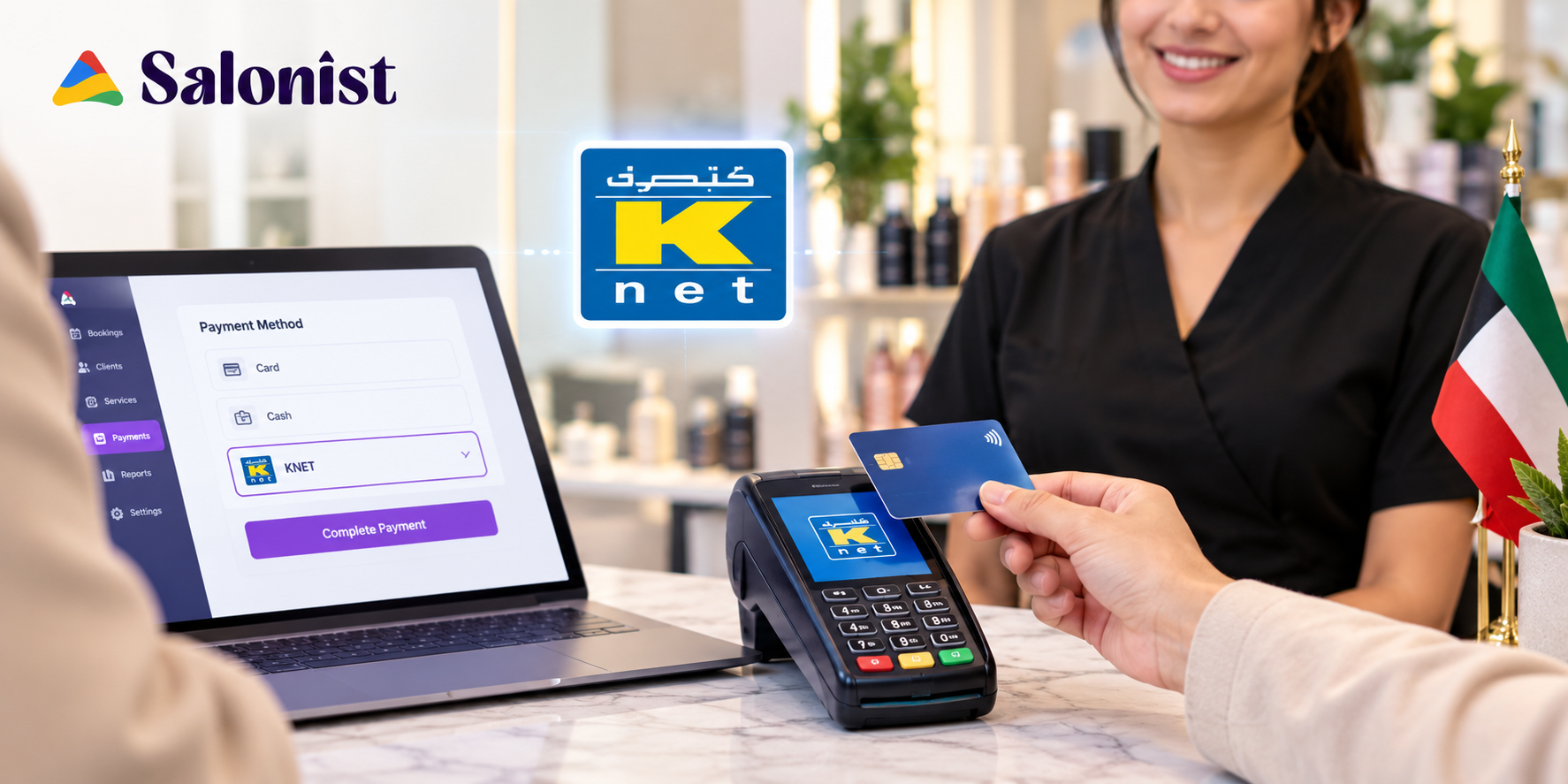
Decide where clients will actually pay. At the desk, you'll want a card terminal. For online bookings or payment links, you'll want a gateway. Plenty of salons end up with both.
The goal is actually quite straightforward. Any transaction that occurs should find its way to one place and be associated with the client and an appointment.
Step 4: Test the Payment System
Run a few small transactions before you open it up. Does the money show in your merchant account? Does the client get a receipt? Does the booking record look right? Fix anything odd now. A failed payment is a lot more awkward with a client standing there.
Step 5: Begin Accepting KNET Payments
First, instruct the person behind the front desk on how to accept a payment, how to react if there is a failure, and how to issue a refund. Then tell your clients. A sign at reception, a note on your booking page, and a social post are enough. Anywhere people pay, KNET should be an option.
What Do You Need to Accept KNET Payments at a Salon?
The list is short. Get these sorted before you apply.
A Registered Salon Business
Business registration and having a licence are key requirements. Booth renters or freelancers need to know whether they are supposed to apply on their own or whether the salon owners should do it.
A KNET-Supported Payment Setup
Your requirements will depend upon the method of accepting payments. Walk-in payments and desk payments require a card terminal. Online booking and payment links require a gateway. Do both? Then you'll need both.
A Secure Internet Connection
Digital payments need a steady connection. If yours drops, so do your payments, and the queue grows. A mobile hotspot as a backup costs very little.
Salon Management and Booking Software
People often leave this off the list. But when payments sit beside appointments and client records, nobody has to match them by hand. Without that link, somebody always does.
How KNET Payments Can Improve Salon Appointment Management
Taking payment is half the job. Linking it to your schedule is where the real time savings are.
Collect Payments During Online Booking
Let clients pay as they book. The slot is confirmed and paid in one go, which means fewer messages asking whether a booking went through.
Take Deposits to Reduce No-Shows
The deposit creates a motivation for people to attend. It should be linked to the booking so that the appointment is confirmed after the deposit is paid. And if no-shows are your bigger headache, Salonist has a useful post on whether AI can predict and prevent salon no-shows.
Keep Payment and Booking Records Together
Payment and booking are on one document, so there is minimal reconciliation. The staff can easily see what appointments they have made and they will have the peace of mind that the appointments are paid for without having to pass from their notepads to a slip of paper to their calendar.
Make Checkout Easier
The ideal flow is short: appointment, service, payment. When the service ends, the bill is already waiting. One payment and the visit is closed.
How Salonist Helps Salons Manage KNET Payments and Bookings
Software can't fix a weak process, but it can stop a good one from falling apart. Here's where it fits.
Manage Appointments and Payments From One Platform
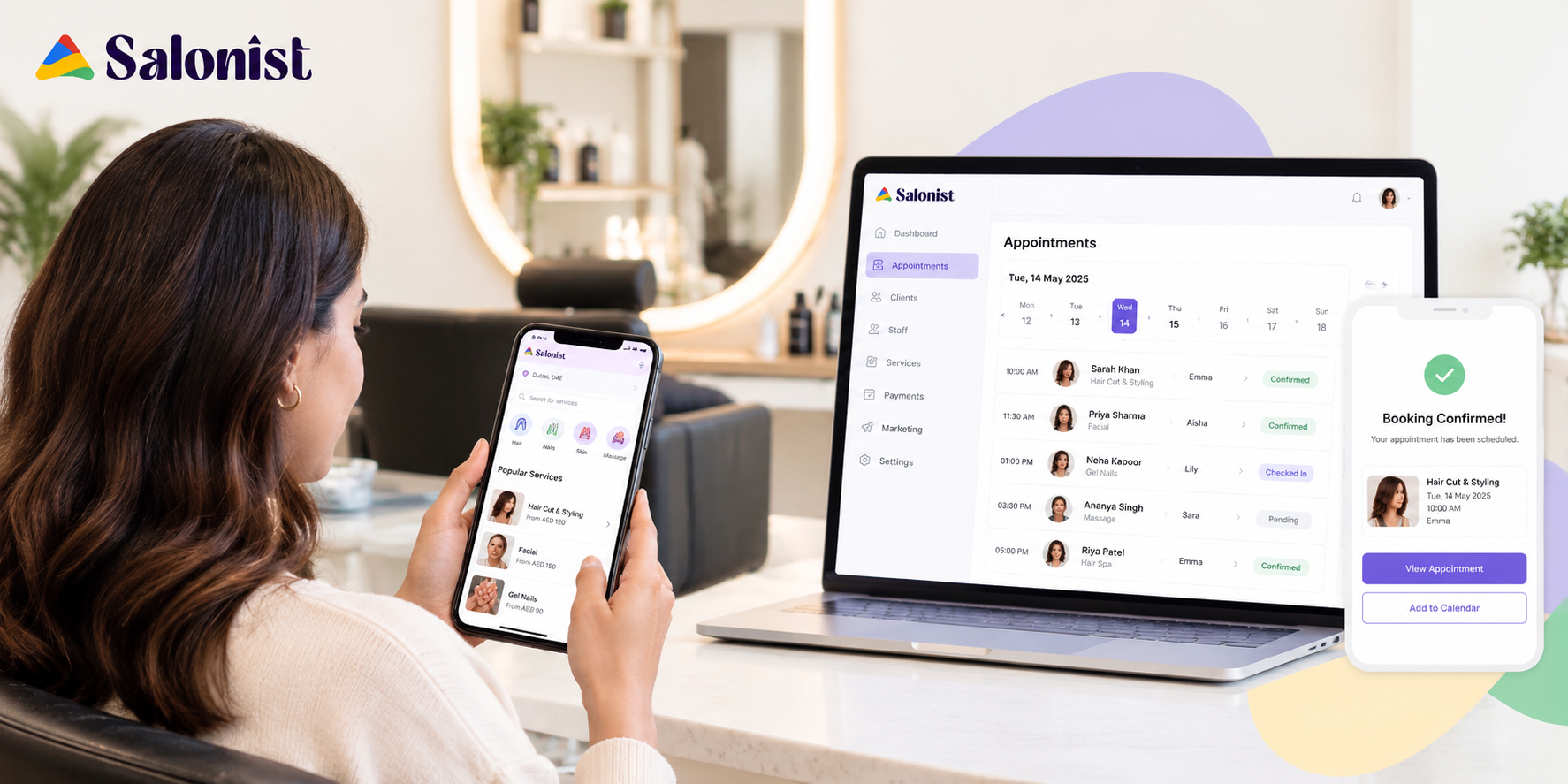
Salon management platforms such as Salonist can help businesses bring these processes into one place: appointments, client details, services, and point of sale. Salonist's site also lists Gulf payment integrations, including Tap, Network Payments and UPayments, with KNET shown among them. Before you commit, ask the team which setup suits your salon.
Simplify Online Booking for Kuwait Customers
Clients choose a service and a time through online booking, then move on to the payment options you offer. Salonist also works in Arabic, with right-to-left display across the calendar, POS, and receipts. For many teams and clients in Kuwait, that's a real plus.
Make Manual Payments More Efficient
Because payments are associated with appointments, there is less work to do when reconciling them. Fewer scribbled notes. Fewer "who paid for this one?" questions.
Give Customers a More Convenient Salon Experience
Clients don't care which software you use. They care that booking is easy, payment is quick, and the visit ends without a fuss. Good tools stay out of the way and let that happen. For more ideas, browse the Salonist blog for practical guides on retention, no-shows and running a profitable floor.
KNET vs Cash Payments for Salons in Kuwait
Both have a place. The table compares them on the points that affect your daily work most.
| Factor | KNET Payments | Cash Payments |
|---|---|---|
| Customer convenience | High | Moderate |
| Payment tracking | Easier digitally | More manual |
| Cash handling | Minimal | Required |
| Online booking | Possible | Difficult |
| Advance payments | Easier | Less convenient |
| Record keeping | Digital | Often manual |
Common Mistakes Salons Should Avoid When Accepting KNET
Most KNET problems come from planning, not technology. These five come up again and again.
Choosing a Payment Provider Without Checking Integration
If the provider has no link to your reservation program, you will need to input information twice. Do not sign up until you have looked for integration.
Keeping Customers Waiting After the Appointment Ends
Customers wait at the counter when the systems are slow, employees are not trained and calculations are not correctly understood. Practise your process so that you will be able to make payment in approximately 1 minute.
Not Providing Clear Payment Confirmation
Clients want proof they've paid. Send or print a receipt every time.
Depending on Paper Payment Records
There is room for mistakes here. Make sure you have digital documentation that corresponds with every booking.
Neglecting Online and Prepaid Booking Options
If you only receive payments at the counter, you lose deposits and pre-payments. This is one of the main benefits of going digital.
How to Choose the Right KNET Payment Setup for Your Salon
There is no universal setup. Solve these five questions to discover yours.
Consider Your Salon's Size and Number of Transactions
Tools for a single-chair salon are different from those for a multi-branch salon. As you pay more, the more you'll value speed and limpid reports.
Verify Payment and Booking Integration
Inquire how each payment is being deposited into your appointment records. If it needs to be re-typed, continue searching.
Take a Closer Look at Transaction Fees and Other Costs
There are differences in the fees charged per provider. Inquire about per-transaction fees, setup fees, monthly charges, and payout time.
Put Security and Reliability First
Choose a provider that has a good reputation and support that is available when a problem arises.
Ensure That It Is Easy for Staff to Use
If your team is unsure of the system, it takes longer to check out. Test it first so it can be tried by those who will use it on a daily basis.
Final Thoughts: Make KNET Part of a Better Salon Experience
KNET is perfect for salons since it works on the existing platform of the salon's staff. It reduces handling of cash, allows online and advance payments, and gives you cleaner record-keeping. The real advantage is realized when payment becomes an integrated part of the entire process – from appointment, down payment, service, and checkout.
If you'd like to modernise how your salon books and gets paid, a management platform is a sensible next step. Tired of matching payments to bookings by hand? Start a free trial of Salonist and see how appointments, clients and payments fit together.