Ask any salon owner what the phone costs them, and you’ll get a sigh before an answer. It rings while a stylist is mid-foil. It rings while the front desk is taking payment. Nobody picks up, and the caller moves on to the next salon on Google.
Then there’s everything else. Booking request stuck in Instagram messages. A WhatsApp chat no one remembers to check. Two customers scheduled for the same time on the same day. Cancellation message received just minutes before the booking.
None of this means your team is careless. It means appointments are being managed manually, and hand-run systems crack under pressure. Online booking for salons would be the standard solution. The clients will select the appointment themselves, but you will still retain full control of your schedule. In the following blog, we explain the process, how to implement it, and what common mistakes owners make.
What Is Online Booking for Salons?
In simple terms, online appointment booking allows clients to book appointments by themselves. No phone calls, no back-and-forth messages. They just go through your booking page, which is usually available via your website or social media account, and select an option.
The useful part is what happens next. The booking drops straight into your calendar with the client’s name, the service, and the stylist attached. Your team knows who’s coming in and why, without scrolling through chats to piece it together.
How Does Online Booking for Salons Work?
It looks simple from the client’s side. Behind the scenes, five things happen in order, and each one saves you work.
Step 1: Customers Browse Salon Services
It all begins with browsing. The clients need to see what you offer, the cost, and the time involved. A booking page that shows all three answers questions before they turn into calls.
Step 2: Clients Choose a Service and Preferred Staff Member
Then they choose the service and, if you allow it, the person. Some clients won’t see anyone but their regular stylist. Others just want the first open slot. A decent system only offers staff who actually do that service, so no one books a balayage with someone who only does cuts.
Step 3: Customers Select an Available Time Slot
Now the calendar does its job. It shows open times and nothing else. Once a slot is taken, it’s gone for everyone, which is how double bookings get prevented. Service length counts too, so a two-hour treatment can’t be squeezed into an hour.
Step 4: Booking Confirmation and Reminders Are Sent
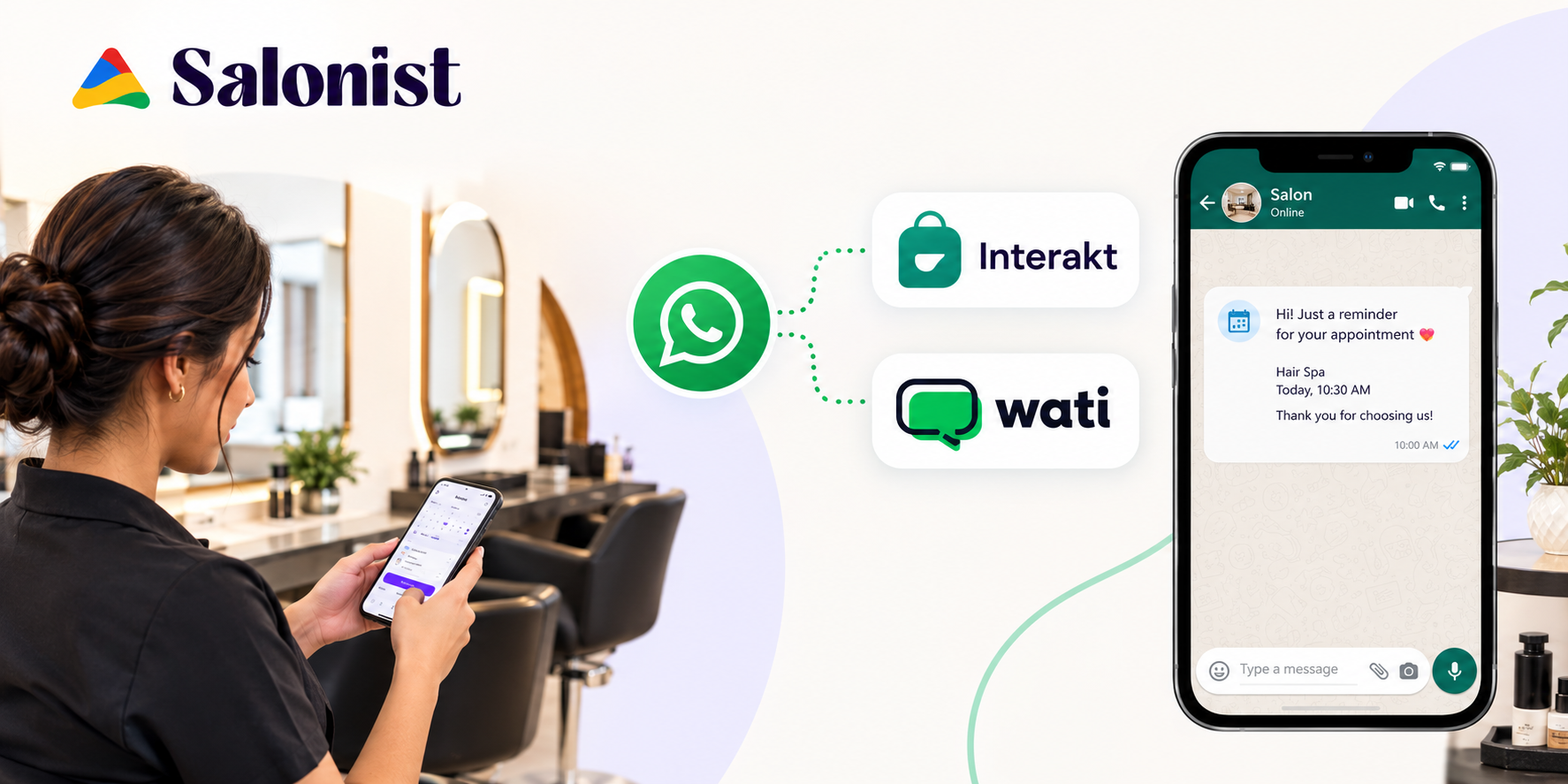
The client gets a confirmation straight away. Reminders follow later by email, SMS, or WhatsApp, depending on the system you use. They’re a small thing with a real payoff. A client who gets a nudge and a way to reschedule will often use it, and you get the slot back. If WhatsApp is what your clients use the most, then this post about booking and reminding your clients on WhatsApp is for you.
Step 5: Salon Staff Manage Appointments from One Place
Finally, your team works from one calendar. Online bookings and desk bookings are right next to each other. The employees can move booking times, have all the customer's information ready before the customer arrives, and not have to double-check the calendar on their phone.
Benefits of Online Booking for Salons
Online booking helps in small ways, every single day. These are the five that add up, and what each one means for your team.
Accept Appointments 24/7
People book when it suits them. That’s often late evening or a day off, when your salon is closed. An online page takes the booking anyway. Otherwise, the client will have to wait until the morning, and some will have made appointments elsewhere.
Reducing Missed Appointments and No-Shows
Reminders won’t end no-shows. Let’s be honest about that. What they do is give clients a prompt and an easy way to reschedule, so more changes reach you early. Early notice means you can offer the slot to someone else.
Save Time on Calls and Manual Scheduling
Think about how a phone booking goes. Which service? Which day? Which stylist? Name and number? You ask the same questions all day. Online booking gathers those answers itself, and your team gets that time back for the client in front of them.
Improve the Customer Booking Experience
Clients like choosing for themselves. They compare times, change their mind, and finish in a minute or two. No hold music, no waiting for a reply tomorrow. For many people, easy booking is part of how good the salon feels.
Keep Salon Schedules Organized
A shared calendar shows staff hours, breaks, and service lengths together. New bookings fill it in as they arrive, which lowers the chance of double bookings. Managers can look at tomorrow and know what it holds.
How to Set Up Online Booking for Your Salon
Setup mostly comes down to getting your information in order. Work through these eight steps, and you’ll have a page ready to share.
Step 1: Choose the Right Online Booking System
Start with ease of use. If your front desk can’t pick it up quickly, it won’t last. Following this, you need to consider three factors:
- Facilities: Staff calendar, alerts, and mobile-friendly reservation page
- Growth: can it handle more staff or a second location?
- Price: what do you actually get for the monthly fee?
Step 2: Add Your Salon Services and Prices
List the services you offer by their names, descriptions, charges, and the time they take to perform the service. Duration is the one people fudge. If a colour takes two hours, put two hours. Otherwise, the whole day runs late. Group services into categories so clients can find theirs.
Step 3: Set Staff Availability and Working Hours
Enter the timings, break times, and holidays for each individual separately. Link each individual to the services that they provide. This information should always be up-to-date. Schedule leave as soon as it is approved, and not after the client has already scheduled it. For more on this, read our guide to salon staff scheduling.
Step 4: Customize Your Online Booking Page
Add your logo, colours, address, and phone number. Sort services into categories. Then open the page on your own phone. A lot of your clients will, so check that it loads fast and reads easily.
Step 5: Enable Booking Confirmations and Reminders
Turn on confirmations for every booking. Reminder timing is your call. A common pattern is one a day or two ahead and another closer to the visit. Longer treatments may need more notice. Add a reschedule link so the reminder doubles as a way out.
Step 6: Establish Cancellation, Rescheduling, and Deposits Policy
Write down your policy in simple terms. What is your cancellation policy regarding time? What will happen in case of a missed appointment? What is your deadline for rescheduling? Should your system allow deposits or prepayments? Then, consider introducing them for long or expensive appointments.
Step 7: Test Your Booking System Before Launching
Book a few appointments yourself, on a phone and a laptop. Try different services and staff members. Check that the slots make sense, the confirmation arrives, and the reminder fires. Then hand it to someone on your team. They’ll find the things you’ve stopped noticing.
Step 8: Promote Your Online Booking Link
A booking page nobody sees does nothing. Put the link on your website, Google Business Profile, Instagram and Facebook, and in your email signature. When someone messages asking if you’re free Friday, reply with the link. Clients pick up the habit quickly.
Online Management Best Practices for Salon Appointments
The launch itself is an easy process. The listed actions will make sure that you always keep things accurate and that your customers stay satisfied as you start getting more and more bookings.
Keep Prices and Durations Accurate and Updated
Every three months and upon every menu update, check prices and duration of services. Inaccurate duration leads to delays that customers can notice.
Make Mobile Booking Simple
Simplicity is the key – large buttons, small text. Always check how your page works on a mobile device upon updating it.
Prevent staff double booking.
Think of other shared spaces, such as treatment rooms or a separate shampoo sink. Check staff schedules weekly to prevent anyone from appearing to be "on" on their day off.
Use Customer Details to Personalize Future Visits
A note about a colour formula or a preferred stylist takes seconds to add. It makes the next visit smoother, and clients feel remembered. Customer management tools keep those notes next to every booking.
Track Bookings, Cancellations, and Peak Hours
Look at the numbers once a month. Which days fill first? Where are the dead hours? Which services get cancelled most? The answers shape your rota, your offers and your opening hours.
Common Online Booking Mistakes Salon Owners Should Avoid
Most booking headaches come from a few avoidable errors. Check your own setup against these five.
Offering Too Many Steps During Booking
Each additional field becomes a cause for giving up. Ask for name, contact details, and the service. Everything else can wait until the visit.
Forgetting to Update Staff Availability
Leave and schedule changes have to go into the system. If they don’t, clients book someone who isn’t there, and you spend your morning apologising. Tie it to leave approvals so it can’t be forgotten.
Using Unclear Cancellation Policies
Vague wording starts arguments. Spell out the notice period, any fees, and how to reschedule. Put it in front of the client before they confirm.
Ignoring Booking Requests and Customer Notifications
If you approve bookings by hand, speed matters. A client left waiting doesn’t know whether they have an appointment. Give one person the job of checking notifications every day.
Choosing a System That Cannot Support Business Growth
A software that works well for two salon chairs may fail to work for ten. Check employee limitations, additional locations, and integration capabilities before joining. Switching later means moving data, retraining your team, and updating every link you’ve shared.
How Salonist Makes Online Booking Easier for Salon Businesses
Salon management software solutions may help in consolidating all these functions. Here’s how Salonist handles the parts we’ve covered.
Manage Salon Appointments from a Centralized Platform
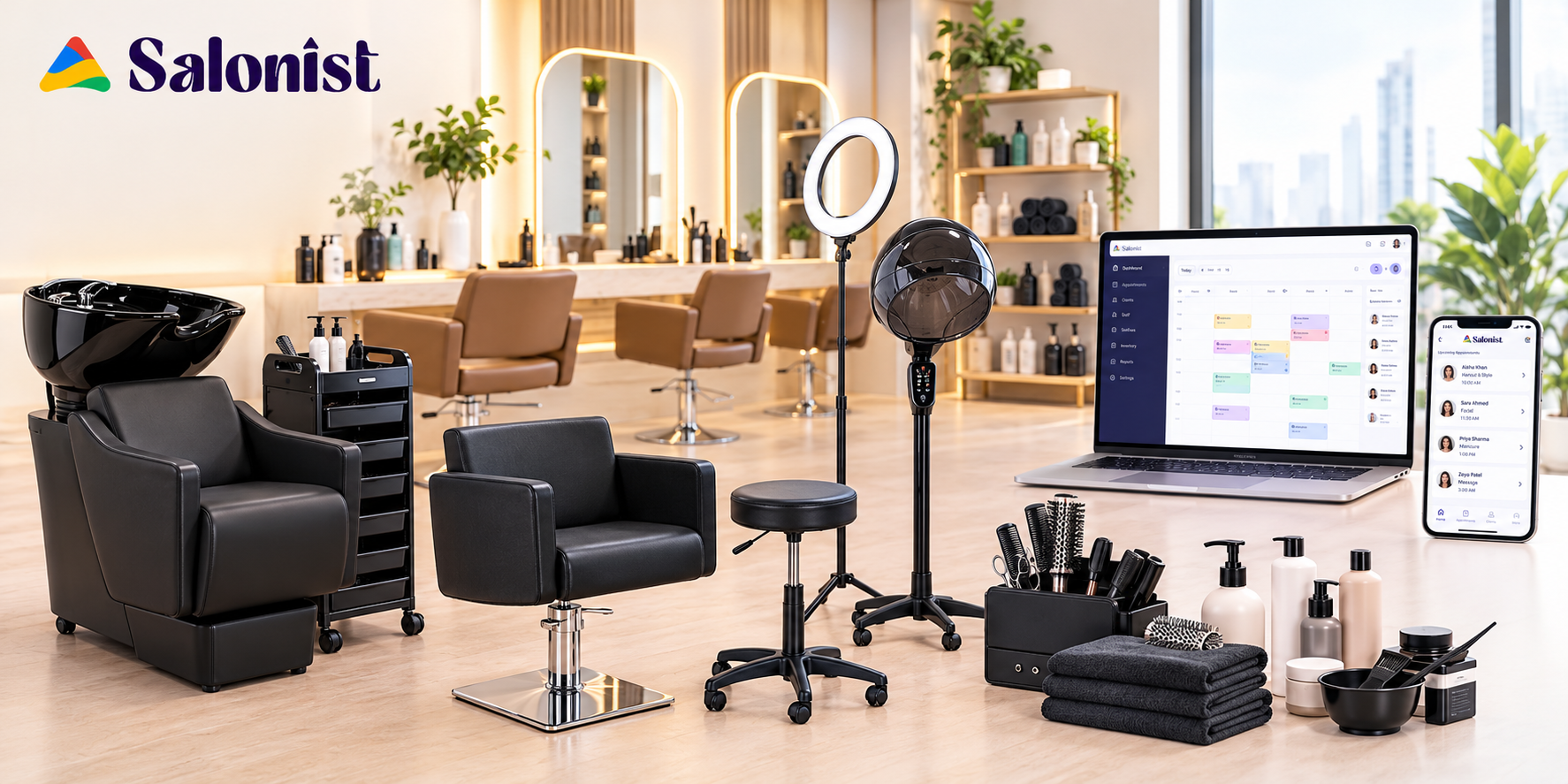
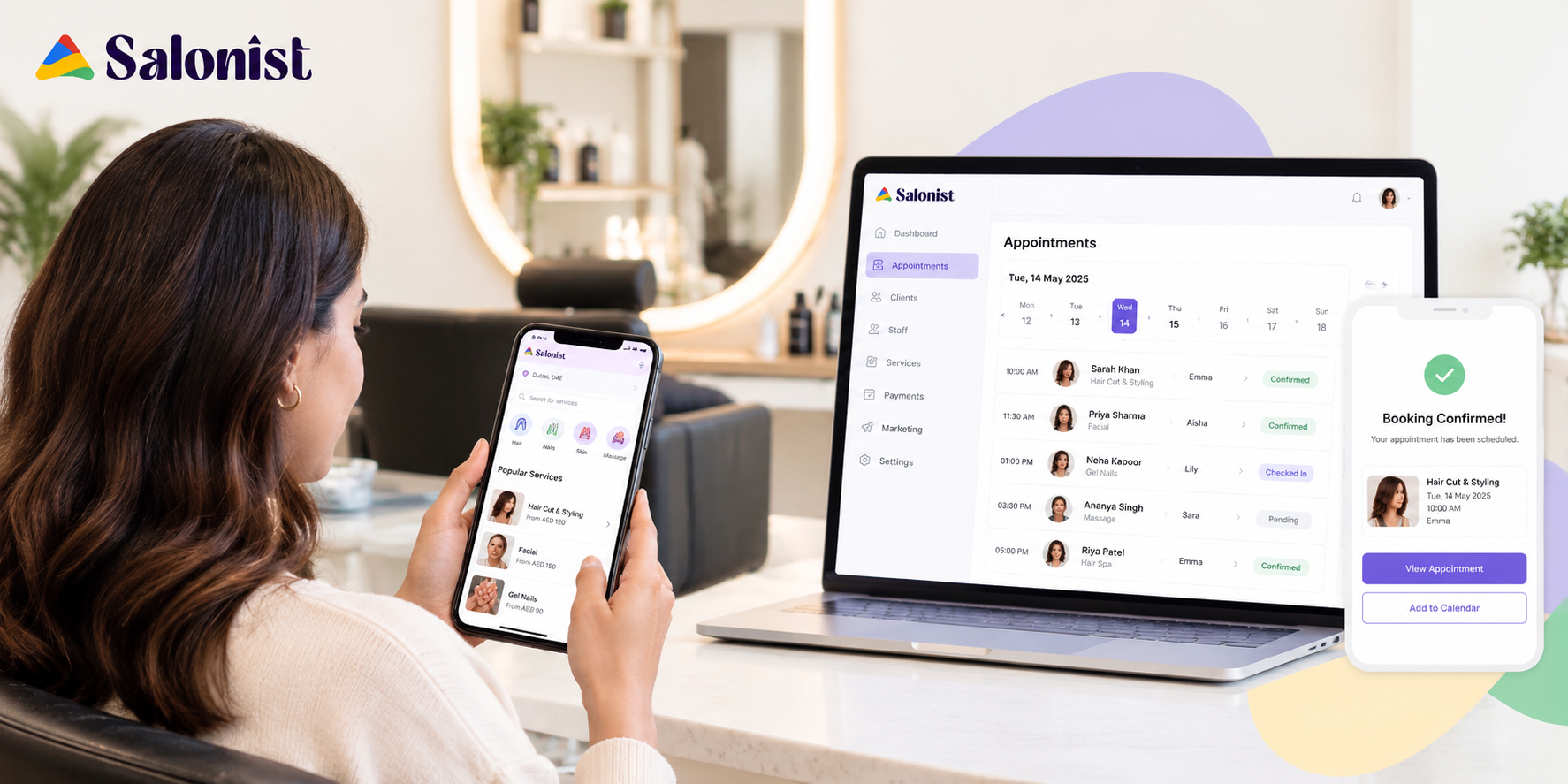
Salonist puts online bookings and the ones your team enters into the same calendar. Staff get one place to check for the day’s schedule, instead of piecing it together from several.
Let Customers Book Appointments Online
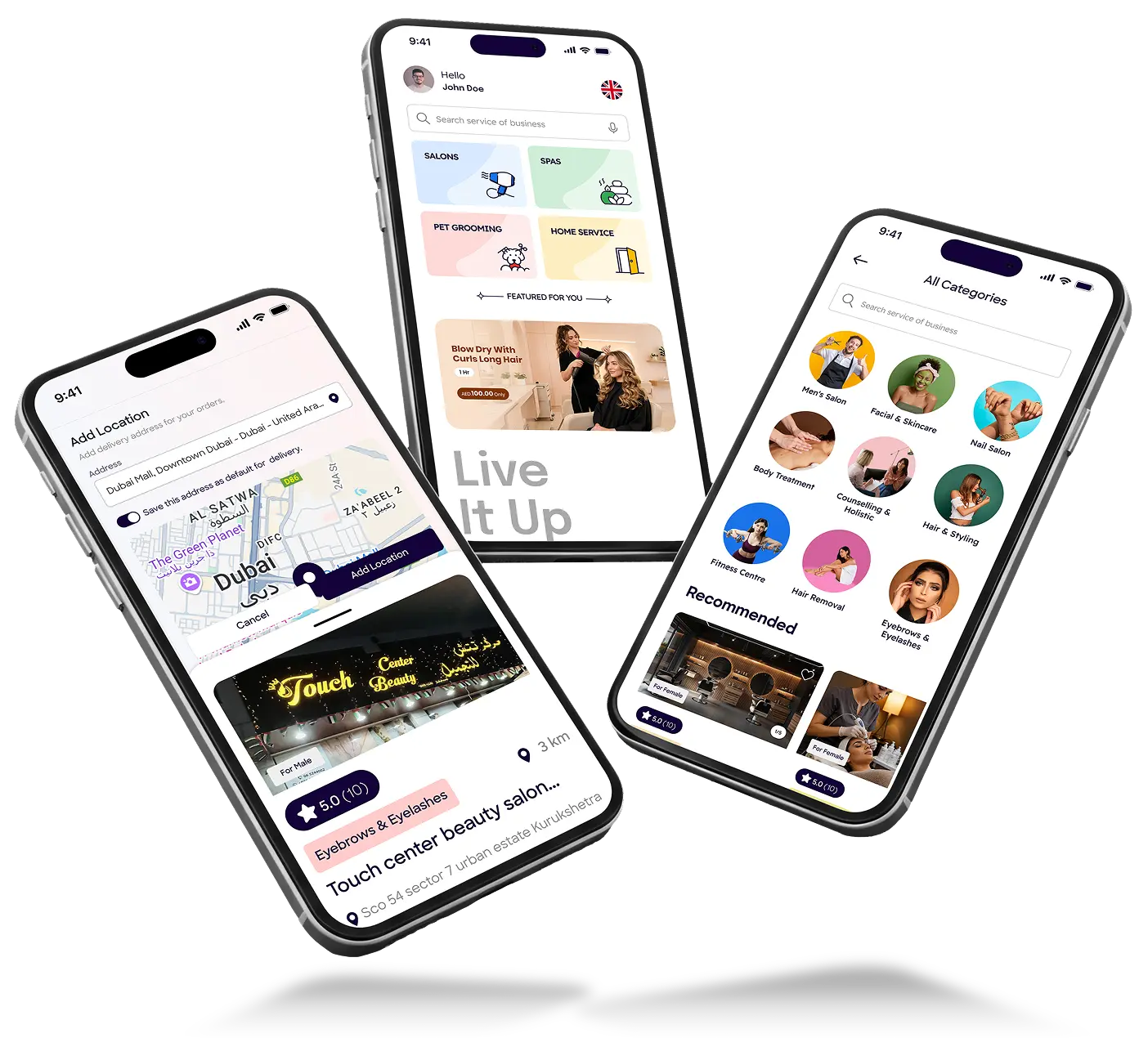
Your clients can book an appointment 24/7 via your website, Instagram, Facebook, or Google Book Now button. Website widgets work with Wix, WordPress, and Shopify through Salonist integrations, and there’s a mobile app for clients too.
Make scheduling easier for you and your salon.
Coordinate employee availability, lead times and decide to accept, rebook or cancel appointments. The cancellation policy should be clearly written out on your page. You can also restrict specific clients from booking. Reminder links let clients cancel or reschedule, so you handle fewer of those changes by hand.
Build a Smoother Customer Experience with Salonist
The booking page carries your logo, colours, and policies. Automatic reminders go out to cut no-shows. Your staff spends more of the day with the person in the chair; clients sort out their plans.
How Much Does Online Booking for Salons Cost?
Prices differ a lot between tools. Here’s what drives the number, and how to decide whether it’s worth paying.
Factors That Affect Online Booking Software Pricing
Look at how the tool is packaged:
- Plans, and which features each one includes
- Staff accounts, since some tools charge per user
- Limits on booking volume
- Payment processing fees
- Add-ons like marketing or memberships
Check current plans directly. Pricing changes.
Is Online Booking Worth the Investment for a Salon?
Use numbers you can count. How many hours go on calls and messages each week? How many no-shows and late cancellations do you see in a month? How many people try to book outside opening hours? Put a value on that time and those empty slots, then compare it with the subscription. If it comes out ahead, the tool is earning its keep. A free trial helps here, because you can test it on real bookings.
Conclusion: Make Salon Appointment Booking Simpler
Appointments sit at the centre of a salon. Handling them by phone and chat eats time the work doesn’t deserve to lose. Online booking hands clients a little control and gives you a calendar you can trust.
Don’t try to perfect it on day one. Get the services right, enter real staff hours, and keep the booking flow short. You’ll learn the rest from live bookings. A platform like Salonist can hold those pieces together.
Frustrated with missed calls and endless chats dominating your day? Try the Salonist trial for free and learn the dynamics of your own services, staff, and customers on the booking page.