Walk-in clients are free. No advertising expenses, no discount code, no follow-up call. Someone just walked by, saw something they liked, and walked in. Nonetheless, many salons see salon walk-ins as a burden rather than income.
The reason why is quite clear. If you say yes to everyone, then your scheduled clients will have to wait for your time. But if you say no to everyone, you will lose potential loyal customers. Neither option is a good choice for your salon. A good approach is the creation of clear rules, accurate time management, and organization of work in your salon. It all is discussed in this blog, and how salon management software like Salonist can be helpful.
Why Managing Salon Walk-Ins Is Difficult
Walk-ins seem simple enough until all of the chairs are occupied. Here are four reasons why walk-ins become difficult much faster than salon owners anticipate.
Unpredictable Visitors Can Interfere with Appointments
One unplanned service doesn’t stay one unplanned service. It pushes the next booking back, which pushes the next one, and by mid-afternoon the whole day is running late.
Wait Times May Be Stressful for Both Walk-Ins and Booked Clients
Walk-ins want to be seen quickly. Booked clients want to start on time. When waits drag, both leave unhappy, and the booked client has more right to be annoyed. They did the planning.
Staff Availability and Service Duration Are Hard to Predict
A stylist who looks free might be waiting on a color to process. A “quick trim” can turn into a full restyle once the client sits down. You can’t predict this perfectly.
Negative Impact of Bad Queuing on Revenue
Without a proper queuing system, people will wait without having a clue of where to stand. Some people will walk away. Staff members often forget whose turn it is, causing small disputes. Each walkaway is money that isn’t even recorded.
7 Useful Tips for Managing Walk-In Clients at Your Salon without Disruption
Below you will see seven useful tips which will help you manage walk-in clients without any disruption to your reserved clients.
1. Define the Rules for Accepting Walk-In Clients
Decide ahead of time what you’ll take, and put it in writing. Then every team member gives the same answer at the desk. Cover at least these:
- Which services walk-ins can book
- The longest service you’ll start on the spot
- The hours you accept walk-ins
2. Check Staff Availability Before Accepting New Clients
Look at the calendar before you say yes. Who’s free? For how long? Is a booked client due soon? It takes ten seconds and saves you from promising something you can’t deliver.
3. Use Waiting Lists to Organize Walk-In Demand
A simple list does a lot. Write down the name, the service, and the arrival time. It keeps things fair, and the front desk can answer “how long will it be?” with real information.
4. Focus on Scheduled Appointments During Busy Hours
The person has taken time out for this appointment. When the floor is full, they come first. Offer the walk-in a later slot or a shorter service.
5. Offer Walk-In Clients Realistic Waiting Times
Quote a time you can beat. If you finish early, you look good. If you run over after promising fifteen minutes, you don’t.
6. Assign Specific Time Slots for Walk-In Services
Choose a few windows, usually the quieter hours, and label them as walk-in time. Your team gets open time they can count on. Clients also learn when dropping in works best.
7. Keep Clients Updated About Delays and Availability
Say something early. A quick word at the desk or a short message is better than silence. And booked clients should hear about a delay before they arrive, not while they’re standing there.
How to Manage the Balance Between Walk-ins and Scheduled Appointments
Rules only work when they are applied to your calendar. The four practices below match walk-in requirements with what you actually have.
Detecting Gaps Between Scheduled Appointments
Look for cancellations, early endings, and small gaps. Those are your natural walk-in windows. A quick morning overview of the daily schedule helps locate them.
Match Walk-In Services With Available Staff and Time Slots
A gap is only useful if the right person is in it. Match the service to someone with the skill and the time. The nearest stylist isn’t always the right one.
Separate Quick Services From Time-Consuming Treatments
Short services fit short gaps. Long ones need planning.
- Walk-in friendly: cuts, blowouts, eyebrow shaping, and manicures
- Best reserved in advance: coloring, keratin treatments, bridal appointments, and lengthy services
Develop a Fair System for Handling Both Walk-ins and Bookings
Fair doesn’t mean everyone gets the same treatment. Booked clients keep their slots. Walk-ins go in the order they arrive. And decide on a grace period for late bookings, so your staff isn’t making it up at the desk.
How Technology Helps Salons Manage Walk-In Clients Efficiently
Paper lists and good memory work until the day gets busy. This is where software starts to earn its place.
Use Appointment Scheduling Software to Track Staff Availability
A shared digital appointment calendar shows who’s free right now and who’s booked next. Your front desk stops walking over to ask around. They just know.
Manage Walk-In Queues Without Crowding the Reception Area
Digital queue tools let people step out and come back when called. The reception area stays calmer, and clients with bookings aren’t squeezed past a crowd.
Send SMS or WhatsApp Notifications About Waiting Times
A text message beats a shrug at the desk. Letting clients know about the waiting period or telling them when it is their turn will keep them informed. Your receptionist won’t be answering the same question five times. Salonist connects with Interakt and Wati, so WhatsApp reminders can go out straight from your account.
Track Client Flow and Identify Peak Walk-In Hours
Your booking and visit records show when drop-ins tend to arrive. Use that to plan staffing and walk-in windows. It’s more reliable than a hunch.
How Salonist Helps Manage Salon Walk-Ins Without Affecting Appointments
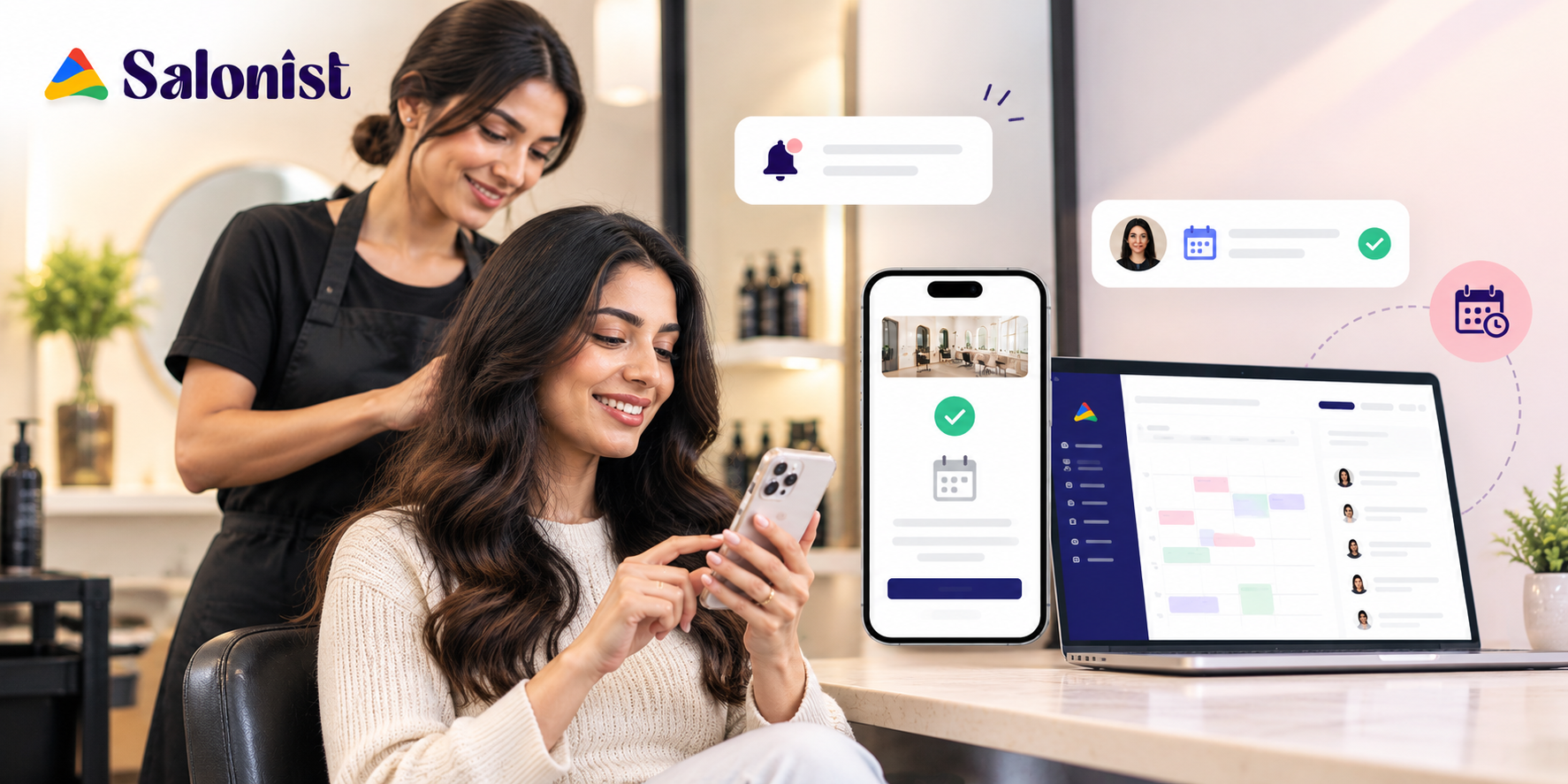
Salonist pulls scheduling, staff calendars, and client messages together. Here’s how that maps to the daily walk-in problem.
Manage Walk-In Clients Alongside Scheduled Bookings
Your team has one dashboard on which you can see, create, and manage bookings. A walk-in can go on the same calendar as everyone else, instead of on a scrap of paper at the desk.
Check Staff Availability Before Assigning Services
Each team member’s calendar updates in real time. Before assigning a walk-in, your front desk can see who’s actually free. Slot blockers also protect breaks and days off.
Organize Your Appointments and Cut Down Conflicts
Plans change. When you need to move appointments around, you can update the calendar and let everyone know quickly. Appointments can be marked as booked, pending, or cancelled, so the status of the day is always clear.
Make It Easy for Your Clients to Book and Communicate with You
Your clients can book their appointments online and get instant notifications. Reminders are sent to your clients automatically before their appointments. The more your clients book online, the easier it becomes to see your available time slots. New to online booking? Here are tips on how online booking works and how to set it up.
Common Errors When Handling Salon Walk-Ins
There are a few mistakes that are repeated again and again. Watch for these four before they cost you a regular.
Accepting Every Walk-In Without Checking Availability
Saying yes on reflex feels friendly. But the cost lands on people who planned ahead. Check the calendar first, then answer.
Making Promises About Waiting Times You Cannot Keep
A truthful long wait is more forgivable than a false promise. Give a range. If things change, update it.
Overloading Available Staff During Peak Hours
Piling three clients on one stylist rushes the work and wears out your team. Spread walk-ins across the floor. And when the day is full, say so.
Ignoring the Experience of Clients With Prior Appointments
Booked clients are your steady income. If they sit waiting while a walk-in gets served, they’ll notice, and they’ll remember. Protect their start time.
How to Turn Salon Walk-Ins Into Repeat Customers
A walk-in only pays off if they come back. These four practices help turn a customer from a single visit into a repeat booking.
Provide a Seamless Experience from Arrival to Departure
Decisions are made quickly. Welcome your customers, confirm the services, and keep checkout swift. A seamless experience is the main reason people give for coming back.
Get Walk-In Customers to Schedule Their Next Appointment
Ask before they leave, and offer two specific dates rather than an open question. Salonist’s guide on how to improve your salon rebooking rate goes further on this.
Collect Feedback to Improve Salon Operations
Ask one short question after the visit: what could have been smoother? The answers show where your process leaks, especially around waiting.
Use Client Preferences to Offer More Personalized Services
Observe the service, the stylist, and the things they liked. Next time, suggest something that fits. In Salonist, client notes bring up past purchases and appointments in one place.
Conclusion: Make Room for Walk-Ins Without Compromising Appointments
Walk-ins and booked clients aren’t rivals. Both pay for your time. The salons that handle them well tend to share the same habits: clear policies, staff who know who takes what, wait times they can keep, and a schedule everyone can see.
Welcome the person at the door, but don’t make the person with the booking pay for it. Software will help you maintain that line, and a system such as Salonist will give your team one view of the day.
Fed up with cramming walk-ins into a schedule that isn’t designed for them? Assess how you’re managing your day today, and learn how Salonist keeps bookings and walk-ins on a single calendar.
Frequently Asked Questions
Should a salon accept walk-in clients?
Yes, as long as you have rules. Walk-ins cost nothing to acquire and can become regulars, but they should never push back clients who booked in advance. Decide which services you take on the spot, the longest service you will start without a booking, and the hours you accept walk-ins.
How do I handle walk-ins without delaying booked clients?
Check staff availability before you say yes, protect the start time of booked clients, and offer walk-ins a later slot or a shorter service when the floor is full. Setting aside quieter hours as walk-in windows also keeps the rest of the day on schedule.
How long should I tell a walk-in client to wait?
Quote a time you can beat. If you finish early, the client is pleased. If you run over after promising fifteen minutes, they are not. Give a range, and update the client early if anything changes.
Which salon services are best for walk-ins?
Short services fit short gaps: cuts, blowouts, eyebrow shaping and manicures. Longer services such as coloring, keratin treatments and bridal appointments are better reserved in advance.
Can salon software manage walk-ins and appointments together?
Yes. With Salonist, a walk-in goes on the same calendar as booked clients. Staff calendars update in real time, so your front desk can see who is free before assigning a service, and automated reminders go out by SMS, email or WhatsApp.
How do I turn walk-in clients into repeat customers?
Give them a smooth experience from arrival to checkout, then ask them to book their next appointment before they leave. Offering two specific dates works better than an open question. A short feedback question after the visit and notes on their preferences also help you personalize the next visit. See our guide on how to improve your salon rebooking rate for more.
Is Salonist suitable for hair salons, spas and barbershops?
Yes. Salonist offers scheduling tools for hair salons, spas and barbershops, from single-chair businesses to multi-location teams.