Every salon runs on systems, even if nobody calls them that. For some, the system is a paper diary at reception, a notebook of colour formulas and a spreadsheet for stock. For others, it is software that handles bookings, reminders, payments and reports in the background.
Both approaches can work. The real question is which one fits your salon today, and what it costs you to stay where you are. This guide compares manual and automated salon management side by side, so you can decide what to keep, what to automate and where to start.
What is manual salon management?
Manual salon management means running the business with paper, phone calls and general tools rather than a dedicated system. Typical examples include:
- A paper appointment book or a shared calendar app
- Reminder calls or texts sent one by one
- Client notes on record cards or in a stylist's memory
- Stock counted on shelves and tracked in a spreadsheet
- Commissions and sales totalled by hand at the end of the month
Manual systems are familiar, cheap to start and flexible. Their weakness is that they depend on people remembering to do things, and that becomes harder as the salon gets busier.
What is automated salon management?
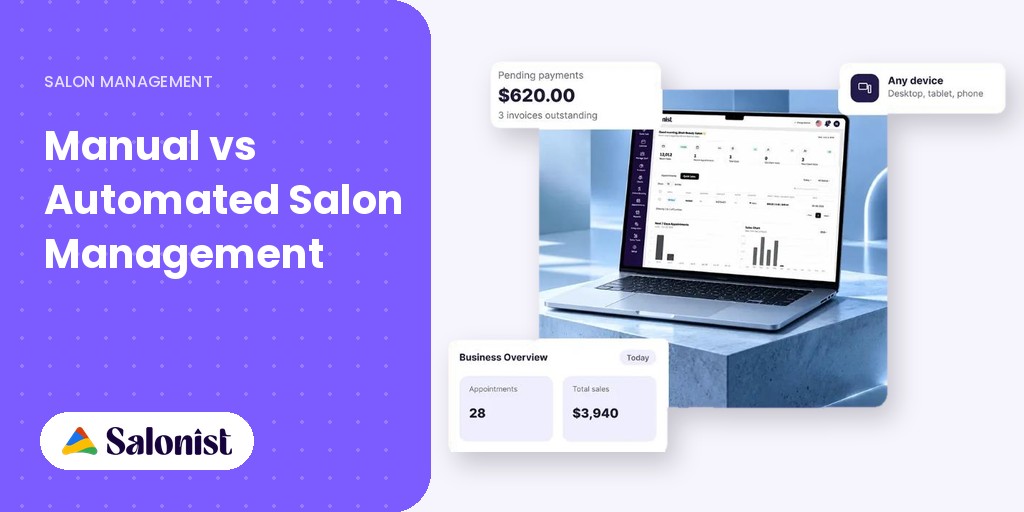
Automated salon management uses software to handle routine work so your team doesn't have to. Bookings, reminders, client records, checkout, stock and reporting are connected in one system, and many tasks happen on their own, such as sending a reminder the day before an appointment or flagging a product that is running low.
Automation doesn't replace the personal side of a salon. It takes over the repetitive admin so your team has more time for clients.
Manual vs automated: a side-by-side comparison
| Area | Manual | Automated |
|---|---|---|
| Time spent on admin | High, and grows with every new client and staff member | Lower, as routine tasks run in the background |
| Accuracy | Depends on handwriting, memory and double-checking | Consistent, with fewer re-entry errors |
| Availability for clients | Bookings only when someone answers the phone | Online booking around the clock |
| Upfront cost | Very low | Monthly subscription |
| Hidden cost | Staff time, missed bookings, stock-outs | Setup and training time at the start |
| Information | Spread across books, cards and spreadsheets | One place, visible to the right people |
| Decision-making | Based on gut feeling and rough totals | Based on reports and real numbers |
| Growth | Gets harder with more staff or branches | Scales with the business |
When manual management still works
Automation isn't always necessary on day one. A manual approach can be enough if:
- You work alone or with one other person and see a small number of clients a day.
- Most of your clients are long-time regulars who book their next visit in person.
- You sell little or no retail stock.
- You are happy to spend some evenings on admin.
Even then, it is worth watching for the signs that your manual system is starting to cost you more than it saves.
Signs it's time to automate
Most salons don't switch because of one big problem. They switch when small frustrations start to pile up. Look out for these signs:
- Double bookings or missed bookings happen more than once in a while.
- No-shows are eating into revenue because nobody has time to send reminders.
- The phone interrupts services and the front desk all day.
- Stock runs out mid-service, or money is tied up in products that don't sell.
- Commission disputes come up at the end of the month.
- You can't answer basic questions such as your best-selling service or your busiest day.
- You are planning to grow, whether that means more staff, longer hours or a second location.
If three or more of these sound familiar, your manual system is probably holding the business back.
What to automate first
You don't need to change everything at once. Start with the areas that save the most time and protect the most revenue.
1. Appointments and online booking
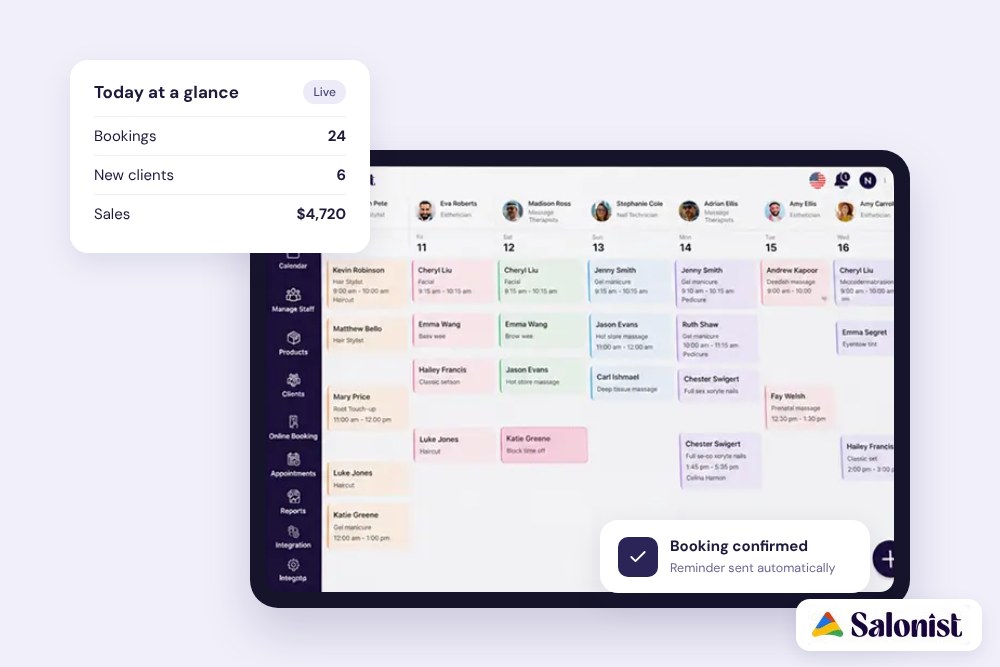
The appointment book is the heart of the salon. A live calendar that every channel updates prevents double bookings, and online booking takes pressure off the phone. Our guide to managing salon appointments covers this step in detail.
2. Reminders and confirmations
Automated reminders by SMS, email or WhatsApp are one of the quickest wins. They cut no-shows without anyone picking up the phone.
3. Checkout and payments
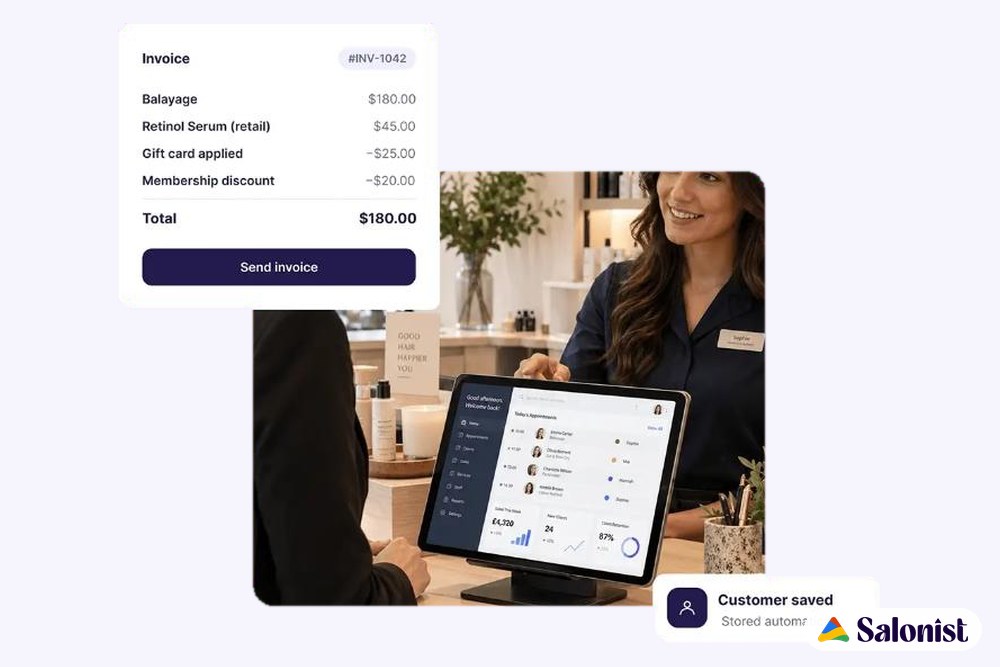
A point of sale connected to your appointments turns a finished service straight into a bill, including retail products, packages and gift cards. Checkout gets faster and end-of-day totals add up.
4. Stock control
With inventory tracking, products are deducted as they are used or sold, and you can see what is running low before it runs out.
5. Staff, commissions and reports
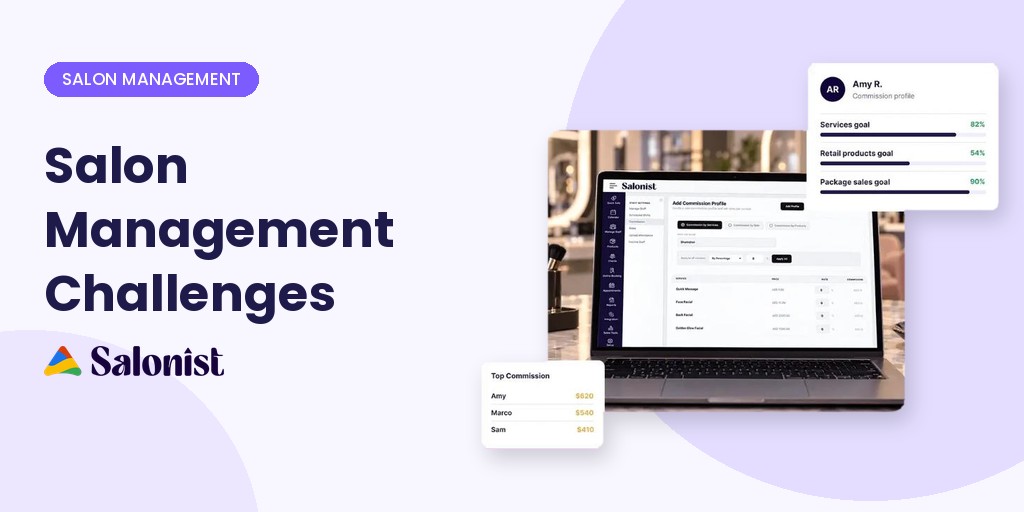
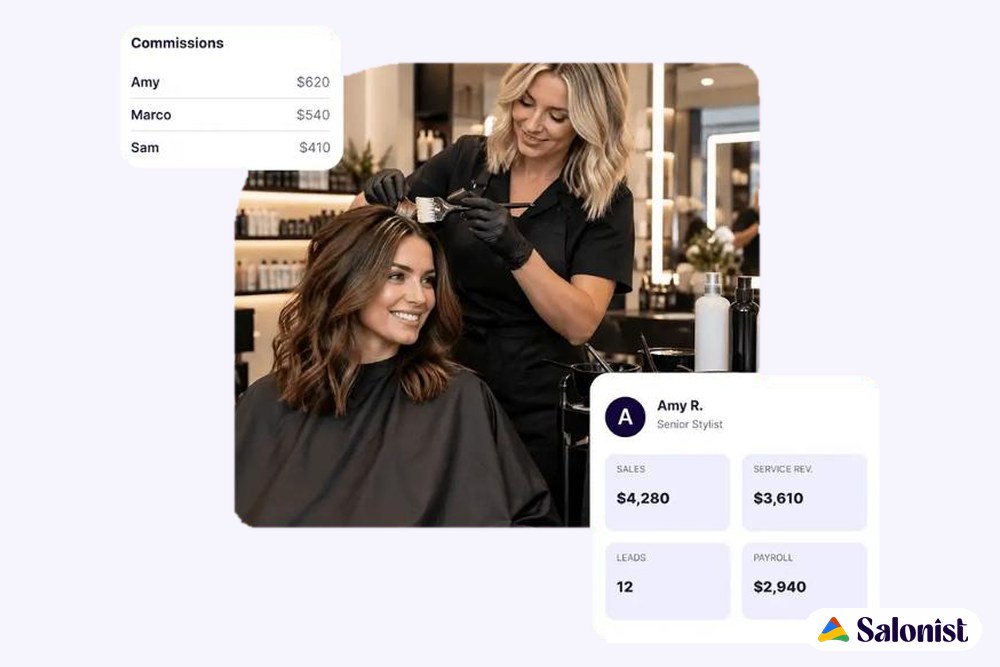
Once sales are recorded in one system, commissions can be calculated from real numbers, and salon reports and analytics show revenue, staff performance and client retention without a spreadsheet in sight.
Common worries about automation
"It will make the salon feel less personal."
In practice, it usually does the opposite. When reminders, billing and stock run themselves, your team has more time to talk to clients, and shared client notes help every stylist remember preferences.
"My team won't use it."
Involve them early, start with one feature such as the calendar, and show how it makes their day easier. Most teams come round quickly once the phone stops ringing as often.
"It's too expensive."
Compare the subscription with what manual work already costs you: hours of admin each week, missed appointments and products that run out or go unsold. For many salons, recovering a few lost bookings a month covers the cost.
How to move from manual to automated
- List your biggest time drains. Ask the team where hours go each week.
- Choose one system that connects everything. Separate tools for bookings, payments and stock recreate the same scattered information you are trying to fix.
- Import your client list and services. Start with accurate service durations and prices.
- Switch on one feature at a time. Calendar and reminders first, then checkout, then stock and reports.
- Review after a month. Check whether no-shows, admin time and checkout queues have improved.
So, which is better?
Manual management is fine for a very small salon that values simplicity over speed. For most salons with a team, regular retail sales or plans to grow, automated salon management is the better choice: it saves time, reduces errors, protects revenue and gives you the numbers you need to make good decisions.
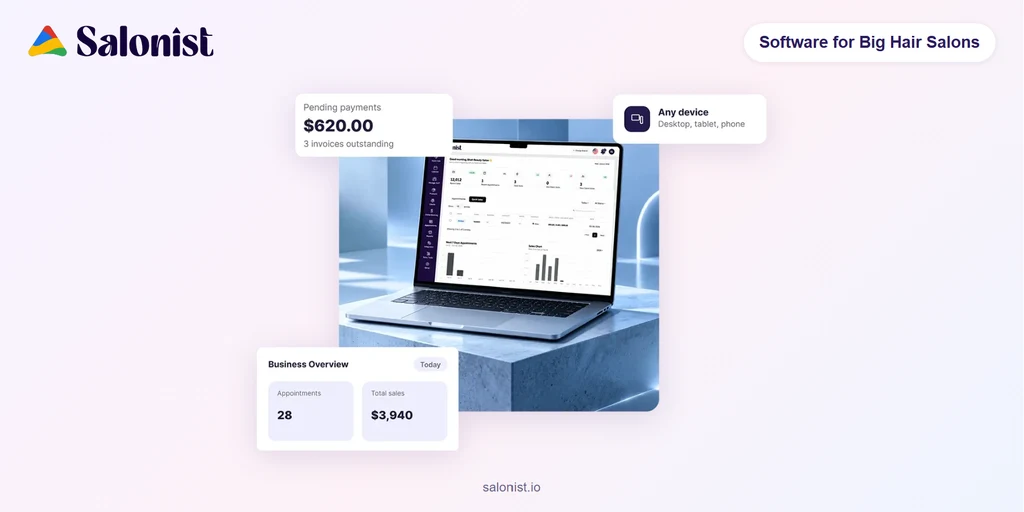
Salonist brings appointments, online booking, automated reminders, client profiles, point of sale, inventory, staff management and reports together in one platform. See how Salonist's salon management software can take routine admin off your plate.
Frequently asked questions
What is automated salon management?
It is the use of software to handle routine salon tasks such as bookings, reminders, checkout, stock and reporting, so they happen consistently without manual effort.
Is salon management software worth it for a small salon?
Often, yes. Even small salons lose time to phone bookings and reminder calls. Automating those two tasks alone can free up several hours a week and reduce missed appointments.
Can I automate only part of my salon?
Yes. Many salons start with the calendar, online booking and reminders, then add checkout, stock and reports once the team is comfortable.
How long does it take to switch from manual to automated?
It depends on the size of your salon, but most of the work is setting up services, staff and your client list. Introducing one feature at a time keeps the change manageable for your team.
Ready to spend less time on admin? Explore Salonist and start a free trial to see how automation can simplify the way you run your salon.