Ask a salon owner what a new client costs, and you’ll usually get a vague answer. Ads, discounts, a free add-on, hours on Instagram. Ask what it costs to bring an existing client back, and the answer is often “nothing,” which is exactly why nobody does it properly.
That’s the gap a salon CRM fills. It keeps every client’s contact details, visit history and preferences in one place, so you know who has been in, who is drifting away, and who deserves a thank-you. In this article, you’ll learn what data to track, how to use it without sounding robotic, and which numbers show whether it’s working.
What Is a Salon CRM and Why Does It Matter?
Here’s what a CRM is, and why it puts the focus on keeping the clients you already have.
How Does CRM Software for Salons Organize Client Information?
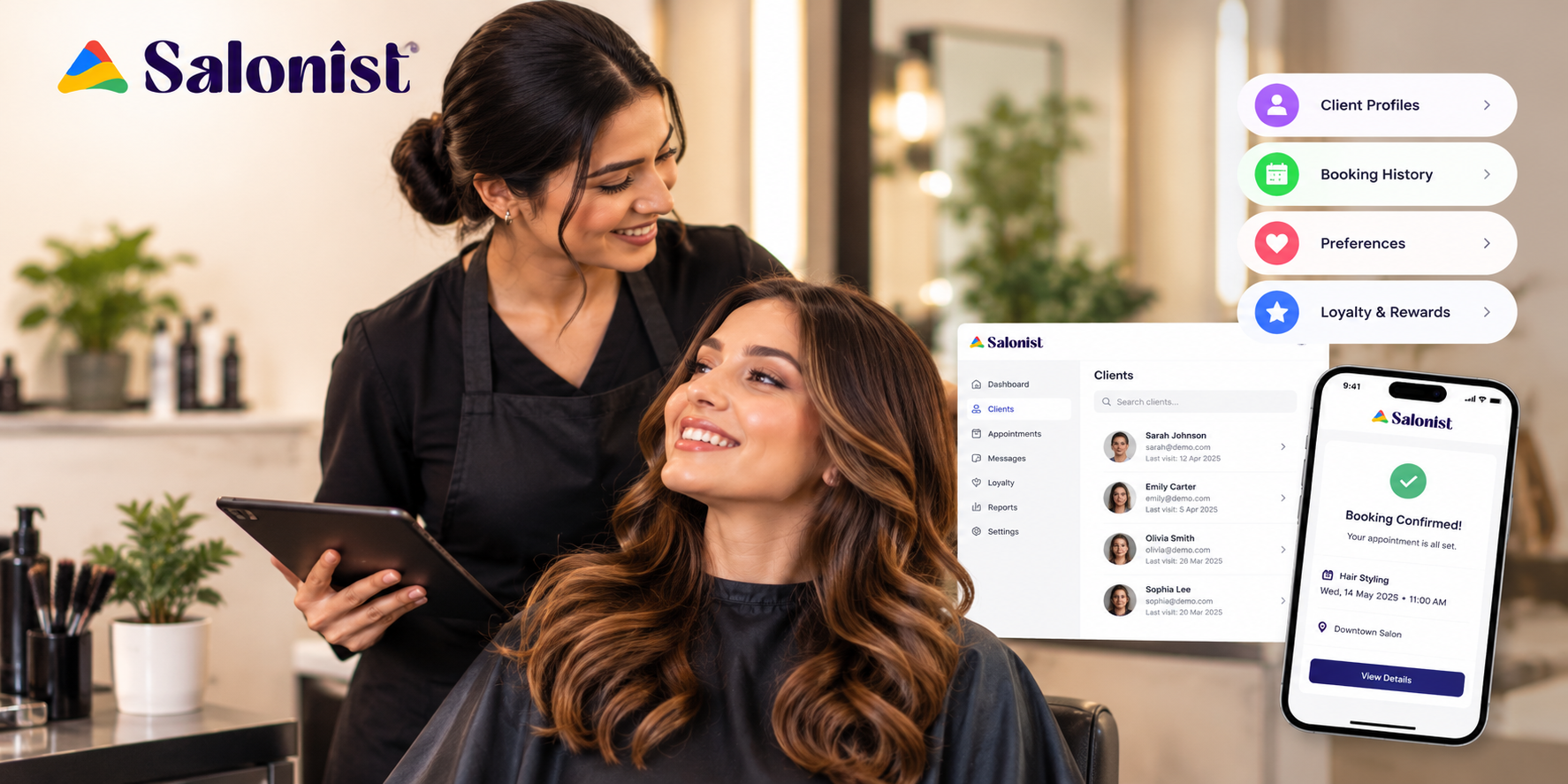
Salon CRM software gives each client a single profile. Phone number, last three services, the color formula, a note that says “hates small talk before 10 am.” Your client list stops being a collection of index cards, phone contacts and your receptionist’s memory. And when your top stylist is away, another stylist can open the profile and carry on without the client having to start from scratch.
The Difference Between Appointment Management and Relationship Management
A calendar tells you who’s coming on Thursday. It says nothing about the client who stopped coming in March.
That’s the real difference. Scheduling handles the week in front of you. Relationship management looks at the months behind and ahead. Most salons are decent at the first and have never really tried the second.
Why Client Retention Matters for Salon Growth
Regulars are cheaper to book. They know your prices, they trust your team, and over time they tend to try things they’d never have bought on a first visit. A high retention rate also gives you something uncommon in this business: a reliable revenue forecast. That makes decisions about rosters, stock and staffing much easier.
What Client Information Should Salons Collect to Boost Rebooking Rates?
You don’t need to store everything. Stick to the details that decide if, when and why a client will come back.
Appointment History and Visit Frequency
Everyone has a rhythm. One client touches up her roots every five weeks like clockwork. Another comes in twice a year before weddings. If you know the pattern, you can reach out at the right time. If you don’t, you find out she’s gone when her slot stays empty.
Client Preferences, Favorite Services, and Product Choices
Write down the shade, the products you used, and anything they turned down. It sounds minor. It isn’t. Clients notice when you remember that they don’t like a blow-dry finish, and they notice just as quickly when you ask for the fourth time.
Stylist Preferences and Service Feedback
Plenty of clients are loyal to a person rather than a salon. If that person leaves, the client may follow. So record who they request, and record what they say afterward, even the lukewarm stuff. “It was fine” is easy to ignore. It’s also what many clients say shortly before they stop booking.
Spending Patterns and Average Client Value
Some clients always add a treatment. Some buy retail every visit. Some only show up when there’s a deal. Knowing this stops you from discounting someone happy to pay full price, and from overlooking someone who would gladly spend more if asked.
Contact Details and Preferred Communication Channel
A message is useless if it lands somewhere the client never checks. Find out whether each client prefers SMS, WhatsApp or email. Good salon client management starts with consent. The contact details come second.
How a Salon CRM Turns Client Data Into Repeat Bookings
Data sitting in a profile earns nothing. These are the moments when it starts to.
Identify Clients Who Have Not Returned
Start with a simple list: clients who’ve gone past their usual rebooking window. They’re your easiest wins, because they already like what you do. Usually nothing went wrong. Life just got busy. A short, friendly message often does the job.
Send Personalized Appointment Reminders at the Right Time
Reminders work best when they’re based on the client, not the calendar. “It’s been about six weeks since your last cut” lands well because it’s true. A blanket promotion on the first of the month lands nowhere.
Recommend Services Based on Previous Visits
If someone colors regularly, a gloss or a bond treatment is a fair suggestion. If they’ve never booked color, it isn’t. Good recommendations follow what the client has already chosen. Bad ones follow whatever you’re trying to sell this month.
Reward Loyal Clients With Relevant Offers
One client may care most about getting first pick of Saturday slots. Another would love a free add-on. A flat 10% off for everyone costs you margin and tells nobody they’re valued. Matching the reward to the person takes more thought, but it works far better. Prepaid credit is another option for regulars; our guide to prepaid salon wallets explains how it also helps cash flow.
Follow Up After Appointments to Build Stronger Relationships
A message a day or two later, asking how the color is sitting, takes half a minute to send. It catches small problems before they become bad reviews, and it keeps you in the client’s mind when they start thinking about their next booking.
How to Use Salon CRM Data to Personalize the Client Experience
Personalization is where records turn into something clients can feel.
Review Client Preferences Before Every Appointment
Check the profile before the client sits down. Referring to their last visit, their holiday, or the product they were trying takes seconds. Clients remember it longer than they remember a discount.
Create Targeted Offers for Different Client Groups
Think about who you’re writing to. Regulars, occasional visitors, lapsed clients and newcomers want different things. A lapsed client may respond to a “we’ve missed you” note. A regular may just want to be recognized. One offer for everyone means a weak offer for most.
Use Feedback and Service History to Improve Client Satisfaction
Look for patterns, not individual comments. If several people complain about long waits, no campaign will fix that. The problem is your schedule. Service history helps here too, because it shows which treatments people enjoy enough to come back for.
Make Every Visit Personal, Not Transactional
People can tell when a message was written for them and when a name was dropped into a template. Use names sparingly. Mention something real. And don’t overload people: ten messages a month, however well written, is not personal.
Salon CRM Marketing Strategies That Encourage Repeat Visits
The benefit of marketing based on client behavior is that every message has a reason to exist.
Re-Engage Inactive Clients With Personalized Messages
Mention the service they used to book, and give them something easy to say yes to. “We have a Saturday slot with your usual stylist” works. “20% off this month” mostly doesn’t, because it gives them no reason to pick a day.
Use SMS and WhatsApp for Appointment Follow-Ups
Messaging apps get read quickly, and clients can answer in a few seconds. They suit reminders, last-minute openings and short aftercare tips. Keep messages brief, and make sure the client has agreed to hear from you this way.
Promote Seasonal Services Based on Client Interests
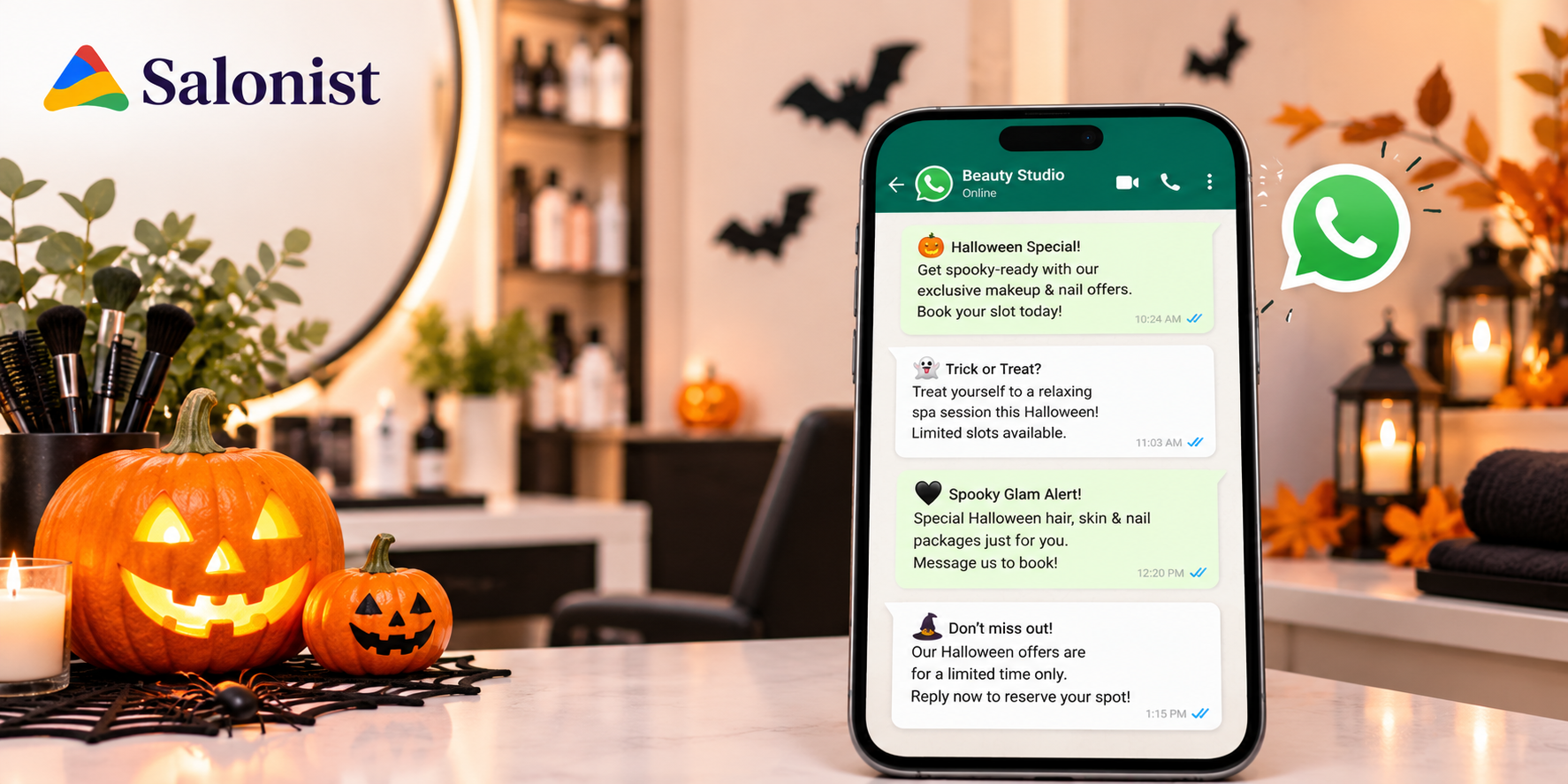
Wedding-season styling is worth sending to clients who’ve booked occasion looks before. Conditioning treatments make sense for anyone with color-treated hair. Sending every seasonal offer to your whole list just means each one gets less attention. For ready-made seasonal messages, see our Halloween WhatsApp templates for salons.
Build Loyalty Campaigns Around Client Behavior
Reward what you want more of: booking the next visit before leaving, referring a friend, trying something new. These rewards are easy to understand and usually cost less than general discounts.
Automate Birthday Messages and Special Occasion Offers
A birthday message is cheap, warm and easy to forget. Set it up once and let it run, so your team can focus on the person in the chair.
How a Salon CRM Can Reduce Missed Appointments and Lost Revenue
Even when demand is high, empty chairs quietly eat into your income. Client data helps protect the calendar.
Use Automated Reminders to Cut Down on No-Shows
Salon software sends reminders automatically and makes it easy for clients to confirm or reschedule. When somebody cancels a day ahead, you have time to fill the slot. If they simply don’t turn up, you don’t. See how automated reminders helped Hair Botox Co cut no-shows and grow bookings.
Identify Booking Gaps and Encourage Early Rebooking
Look at which days and times run quiet and steer returning clients toward them. The easiest moment to do it is at checkout, while the client is still at the desk. Asking “Shall we book your next one?” is old advice, and it still works better than most campaigns. Spin Unisex Salon’s success story shows what a rebooking habit can do for revenue.
Spot Cancellation Clusters and Improve Scheduling
If cancellations cluster around a particular day, service or client, it means something. You may need a deposit policy, or an earlier confirmation message. You can’t fix a problem you haven’t spotted. Our guide to the challenges faced by salon owners covers deposits and other fixes for no-shows.
Turn First-Time Guests Into Regular Clients
Newcomers are the clients most likely to disappear. A timely thank-you, an offer to book the next visit, and a follow-up around when they’d normally return can turn one visit into a habit. Modern salon software makes that second booking quick and easy. Walk-ins deserve the same attention; here’s how to handle salon walk-ins without disrupting appointments.
How Salonist Helps Salons Turn Client Data Into Repeat Appointments
Habits matter more than software, but the right software helps you keep them. Here’s where Salonist comes in.
Manage Client Profiles, Appointment History, and Preferences
Salonist keeps client records next to the appointment calendar. Visit history and notes sit where your team already works, so there’s less double entry and every stylist sees the same information. It works the same way whether you run a hair salon, a spa or a barbershop.
Simplify Appointment Scheduling and Client Follow-Ups
When bookings and client records live together, working out who’s due back gets simpler. Your team can move from checking the day’s schedule to following up without switching between separate tools.
Support Personalized Client Communication
What you know about a client can shape what you send them, whether it’s a follow-up or an invitation to rebook. That way, each message feels personal rather than a generic blast to everyone.
Deliver a Consistent Experience for Returning Clients
Returning clients expect things to be easy. They’ve already shared their details, so booking again should take just a few taps. Trust builds over time through consistent effort from your stylists.
How to Measure the Impact of a Salon CRM on Client Retention
Pick a few numbers and track them for a couple of months. Otherwise you’re working on instinct. For formulas and healthy targets, see our list of salon KPIs to track every week.
Repeat Booking Rate
This is the share of clients who book again after a visit. Check it before you start structured follow-ups and again a few months later. If it’s moving up, you’ll see it here first.
Client Retention Rate
Retention counts how many clients are still active after a set period, such as six or twelve months. Pick a window that suits your usual rebooking cycle and keep it, so your comparisons stay fair.
Average Revenue Per Client
Divide revenue by the number of active clients. A rise might mean people are visiting more often or adding services. Treat it as a question to investigate, because it doesn’t prove what caused it.
Appointment No-Show and Cancellation Rates
Count missed and canceled bookings. If the figure falls after you introduce reminders, they’re likely doing their job. Break it down by service and time of day to spot weak points.
Reactivation Rate for Inactive Clients
Of the lapsed clients you contacted, how many booked again? The answer tells you whether your win-back messages are working, and which version of them works best.
Best Practices for Getting More Value From Salon CRM Data
A CRM is only as useful as the habits around it.
Keep Client Information Accurate and Updated
Add notes after each visit while you still remember the details. Old phone numbers and out-of-date preferences cause missed messages and awkward mistakes. Two minutes at checkout is all it takes.
Segment Clients Instead of Sending the Same Offer to Everyone
Even simple groups such as new, regular and lapsed make your messages more relevant. Sending the same discount to everyone also teaches clients to wait for the next one.
Time Recommendations Using Booking Data
If a client usually comes in every five weeks, suggest the next service around week four. Too early feels like pressure; too late suggests you forgot them. Tools like Saloni AI can recommend the right rebooking window from each client’s visit pattern.
Keep Client Data Private and Secure
Never collect more information than you need, and always explain how you’ll use it. Data protection rules vary by country. Clients are far more willing to share personal details with salons they trust.
Review CRM Results and Refine Campaigns Regularly
Review your CRM results monthly or quarterly. Note which messages brought clients back and which didn’t work at all. Small adjustments usually beat launching a whole new campaign.
Frequently Asked Questions
What is a salon CRM?
A salon CRM (client relationship management) system stores each client’s contact details, visit history, service preferences and feedback in one profile. It helps salons see who is due back, who has stopped visiting and how to personalize follow-ups.
How is a salon CRM different from appointment scheduling software?
Scheduling software manages the bookings in front of you, such as who is coming in this week. A CRM looks at the relationship over months, tracking visit patterns, preferences and lapsed clients so you can bring people back.
What client data should a salon track to increase repeat bookings?
Track appointment history and visit frequency, favorite services and products, preferred stylist, service feedback, spending patterns and each client’s preferred communication channel. These details show when a client is due back and what will bring them in.
How does a salon CRM help win back inactive clients?
A CRM lets you list clients who have gone past their usual rebooking window. You can then send a short, personal message that mentions the service they used to book and offers an easy next step, such as a slot with their usual stylist.
Can a salon CRM reduce no-shows?
Yes. Automated reminders make it easy for clients to confirm or reschedule, which gives you time to refill cancelled slots. Tracking where cancellations cluster also shows when a deposit policy or earlier confirmation message is needed.
Which metrics show whether a salon CRM is working?
Track your repeat booking rate, client retention rate, average revenue per client, no-show and cancellation rates, and the reactivation rate for lapsed clients you contact. Measure them before and a few months after you start structured follow-ups.
Should salons use WhatsApp or SMS for client follow-ups?
Use the channel each client prefers and has agreed to. Messaging apps like WhatsApp and SMS are read quickly, so they suit reminders, last-minute openings and short aftercare tips. Keep messages brief and relevant.
How does Salonist help salons use client data?
Salonist keeps client profiles, visit history and notes next to the appointment calendar, so every stylist sees the same information. This makes it easier to spot who is due back, send personal follow-ups and make rebooking quick for returning clients.
Conclusion: Turn Client Insights Into Lasting Salon Relationships
Client data matters because it tells you what someone wants and roughly when they’ll want it again. Salon CRM software earns its place when that information turns into results: a timely reminder, a relevant suggestion, a follow-up that shows you remembered, and a booking that takes seconds.
You don’t need a complex setup to begin. Record visits and preferences consistently, then use them to reach out when it counts. If you’d like client records, scheduling and follow-ups in one place, have a look at Salonist and see how it fits your retention plan. For more on keeping clients coming back, read our guide on how to improve your salon rebooking rate, or browse more guides on the Salonist blog.